
How Social Media And SEO Work Together To Build Nationwide Brand Reach
Barsha Bhattacharya, 7 days ago

Social media platforms are constantly evolving, and content creators must adapt quickly to remain visible and relevant. Among all the platforms competing for attention, Snapchat continues to hold a unique position.
Unlike many other social networks that prioritize highly polished content, Snapchat still emphasizes authenticity, real-time storytelling, and personal connection.
However, one of the most powerful yet underutilized features on Snapchat is Memories. While many users treat it simply as a place to store snaps and old stories, experienced creators know that Snapchat Memories can function as a content archive, storytelling engine, and audience-growth tool.
In 2026, the creator economy has become more competitive than ever. Short-form video dominates social media, algorithms prioritize engaging storytelling, and audiences expect consistent posting schedules.
For creators who struggle to produce new content every day, Snapchat Memories offers an incredible advantage: the ability to repurpose, enhance, and strategically reuse older content to attract new viewers and keep existing followers engaged.
This comprehensive guide will explore everything you need to know about Snapchat Memories, including:
By the end of this guide, you will understand how to turn Snapchat Memories into a long-term audience growth strategy rather than simply a storage feature.
Snapchat Memories is a feature that allows users to save snaps, videos, and stories directly inside the Snapchat app instead of letting them disappear permanently.
When Snapchat first launched, its core concept revolved around temporary content. Photos and videos would vanish after being viewed.
However, as the platform matured, users demanded a way to store meaningful moments and reuse content. That demand led to the introduction of Memories.
Today, Memories serves several important purposes:
Creators can easily access their Memories by swiping up from the camera screen. Once inside the Memories dashboard, they can browse, edit, organize, or repost older snaps.
Since its introduction, Snapchat Memories has evolved significantly.
Initially, it was simply a storage system. However, Snapchat gradually transformed it into a creative content hub.
Today, Memories includes features such as:
Because of these improvements, creators can now use Memories to build long-term storytelling strategies rather than just storing content.
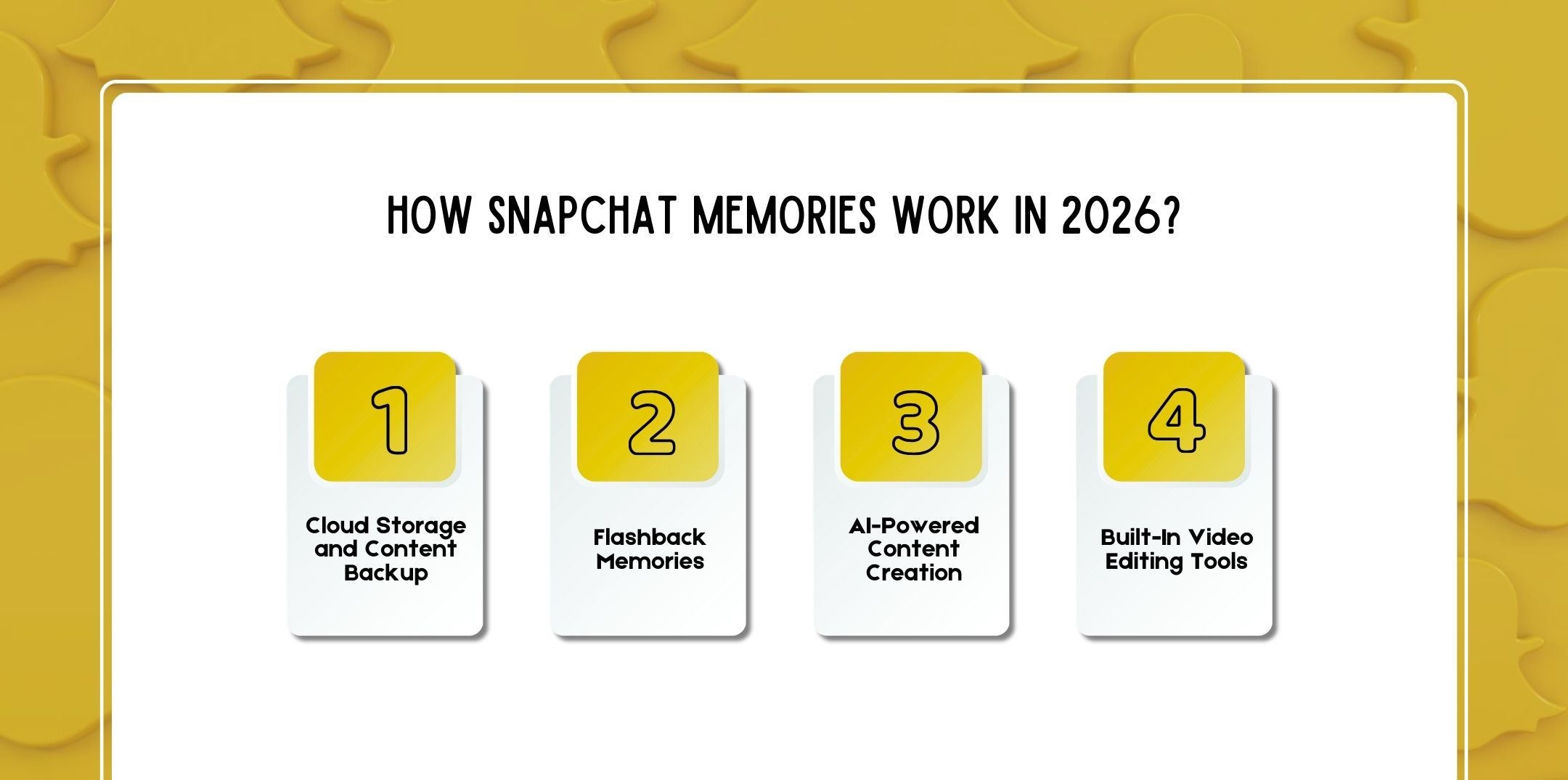
To understand how Memories can help grow your audience, it is important to understand how the system works.
Snapchat Memories stores your snaps securely on Snapchat’s cloud servers. This means you can access your saved content even if you change devices or reinstall the app.
Creators benefit from this feature because it ensures that:
For creators who produce daily content, this effectively turns Snapchat into a personal digital archive.
One of the most engaging features inside Snapchat Memories is Flashback Memories.
Flashback Memories automatically show snaps that were posted on the same date in previous years. When a flashback appears, users can quickly turn it into a new story.
This feature is extremely powerful for creators because nostalgia-based content tends to generate strong engagement.
Viewers enjoy seeing how a creator has evolved over time, whether in terms of lifestyle, appearance, career, or travel experiences.
In recent updates, Snapchat has integrated artificial intelligence tools directly into its Memories system.
These AI tools can:
For example, creators can upload a selfie and generate creative versions such as:
AI tools reduce the time needed to produce creative content and allow creators to transform simple memories into engaging visuals.
Snapchat also added powerful editing tools that allow users to convert multiple memories into a single video story.
These tools include:
As a result, creators can turn old clips into brand-new content with minimal effort.
Many creators assume that growth requires constant new content. However, experienced social media strategists understand that content repurposing is one of the most efficient growth techniques.
Snapchat Memories helps creators grow in several ways.
One of the biggest challenges creators face is maintaining consistent posting schedules.
Memories allows creators to:
Consistency improves visibility within Snapchat’s algorithm.
Memories allows creators to build long-term narratives. Instead of posting isolated snaps, creators can create stories that show progress over time.
Examples include:
Story-driven content tends to retain viewers longer.
Memories help audiences see the human side of creators.
Sharing older moments, early struggles, or funny behind-the-scenes content helps followers feel more connected. Authenticity is one of Snapchat’s biggest strengths compared to other platforms.
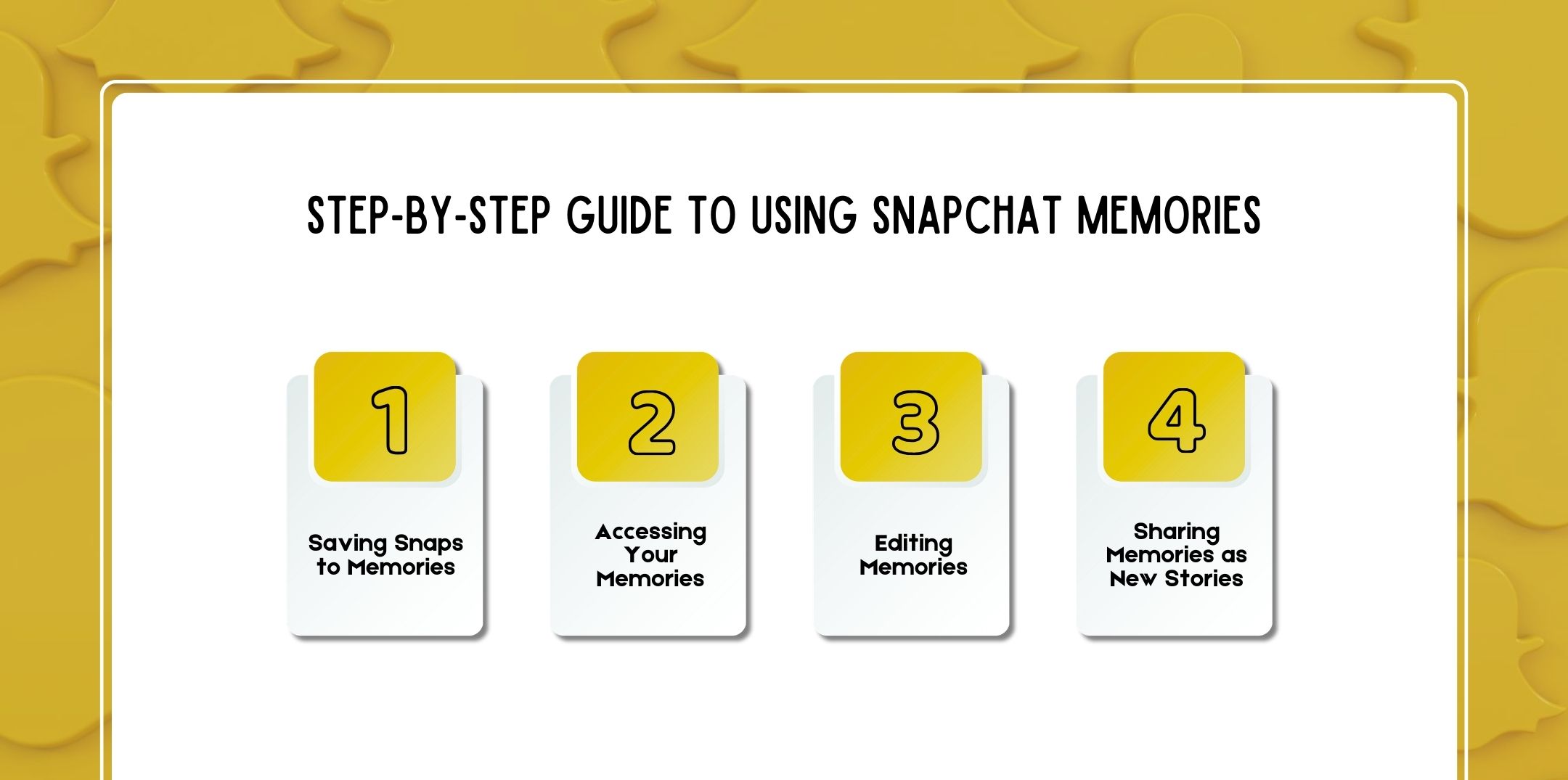
If you are new to the feature, here is a simple walkthrough.
After taking a snap:
Your snap will immediately be stored in your Snapchat archive.
To view saved snaps:
You will see all saved snaps organized in the Memories interface.
Before reposting a memory, you can edit it by adding:
Editing helps older content feel fresh.
To repost a memory:
The memory will appear as a new story for your followers.

Now, let’s explore the most effective strategies creators use in 2026.
Some snaps naturally perform better than others.
Look for snaps that received:
Reposting these snaps with updated captions can generate new engagement.
Transformation stories are extremely popular.
Examples include:
Posting a “before and after” story encourages followers to engage.
Recurring series help build loyal audiences.
Examples:
Regular nostalgia posts keep followers engaged.
Snapchat Stories can function like short documentaries.
Combine several memories to tell stories such as:
Longer story sequences increase watch time.
Behind-the-scenes content performs extremely well.
Examples include:
These moments feel authentic and relatable.
Creators can transform older snaps into:
A single memory can become several new pieces of content.
Educational content builds authority.
Examples include:
This positions you as a knowledgeable creator.
Nostalgia increases engagement.
Share memories such as:
These posts often receive more replies.
Old content can feel new when combined with modern filters or lenses. Snapchat frequently releases trending lenses that creators can apply to memories.
Instead of random posts, organize memories into structured story series.
For example:
Story arcs encourage viewers to return daily.
Memories allow creators to celebrate milestones.
Examples include:
These moments strengthen your brand identity.
Interactive content increases engagement.
You can ask followers:
Audience participation improves story performance.
Top creators use Snapchat Memories strategically. Here are advanced tactics.
Treat Memories like a professional content archive.
Organize snaps by:
This helps creators quickly build new stories.
Memories content can also be reused on platforms such as:
One snap can become a Reel, a Short, and a TikTok.
Document your progress over time.
Show your audience:
This builds trust and authenticity.
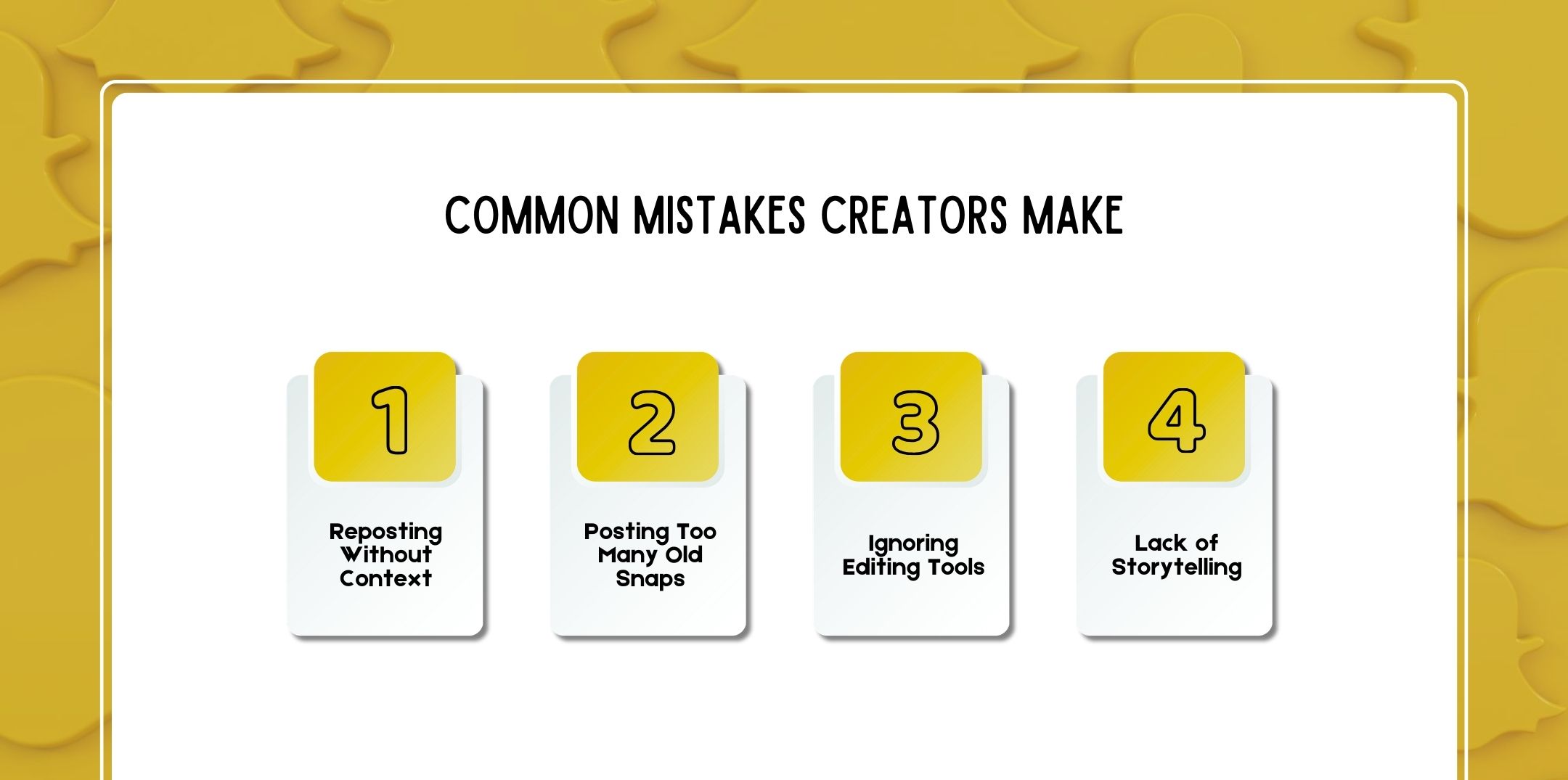
Even though Memories is powerful, some creators misuse it.
Always add captions explaining the memory.
Balance new content with throwbacks.
Enhancing old content improves quality.
Memories should support a narrative rather than random posts.
Looking ahead, Snapchat is investing heavily in creator tools.
Future developments may include:
As the creator economy expands, Snapchat Memories could become one of the most important tools for building long-term creator brands.
Here are a few questions and queries on the topic of Snapchat memories that others have asked that might be helpful for you at the same time.
Swipe up from the camera screen inside Snapchat to open the Memories dashboard.
Yes. Creators can repost high-performing content, create throwback stories, and build long-term storytelling strategies.
Yes. Memories remain private unless you choose to share them publicly.
Yes. Users can export memories to their phone’s camera roll.
No. Memories are stored on Snapchat’s cloud servers.
Yes. Snapchat allows editing with filters, stickers, captions, and music.
Flashback Memories automatically shows snaps from the same date in previous years.
Yes. Nostalgic and emotional content often performs extremely well.
Yes. Snapchat remains popular among younger audiences and offers powerful storytelling tools for creators.
Snapchat Memories has evolved from a simple archive into a powerful content growth tool.
Creators who learn to strategically use Memories can:
Instead of letting your old snaps remain hidden in storage, treat Snapchat Memories as a creative content library that supports your long-term growth strategy.
With the right approach, this feature can help transform your Snapchat account into a powerful audience-building platform in 2026 and beyond.
Read Also:

Nabamita Sinha loves to write about lifestyle and pop-culture. In her free time, she loves to watch movies and TV series and experiment with food. Her favorite niche topics are fashion, lifestyle, travel, and gossip content. Her style of writing is creative and quirky.

Barsha Bhattacharya, 7 days ago

Barsha Bhattacharya, 1 month ago