
The Rise Of AI Receptionists: How Intelligent Customer Service Is Redefining Brand Experience
Ankita Tripathy, 1 week ago

Snapchat Memories often hold irreplaceable moments, personal videos, private snaps, saved stories, voice notes, and images that were never meant for public posting.
Accidentally deleting them can feel final, especially because Snapchat does not offer a visible “Recycle Bin” or “Undo” option.
In 2026, Snapchat has improved stability and cloud syncing, but recovery is still limited and conditional.
Whether you can recover deleted Snapchat Memories depends on how they were deleted, when they were deleted, and where they were stored.
This guide explains every legitimate recovery option available in 2026, what works, what doesn’t, and how to protect your Memories going forward.

To recover Snapchat Memories, you must first understand where they live.
Snapchat Memories can exist in three places:
The Honest Answer
✅ Yes, but only in specific scenarios
❌ No, if permanently purged and overwritten
Your chances depend on:
This is the most important and legitimate recovery method in 2026.
Snapchat allows users to download a copy of their account data, which may include deleted Memories if they haven’t been permanently purged.
You’ll receive a ZIP file containing folders.
Possible recoverable files include:
Files usually appear as:
Important:
| Deletion Time | Recovery Chance |
| Within 24–48 hours | High |
| Within 7 days | Moderate |
| Weeks old | Low |
| Months/years old | Nearly zero |
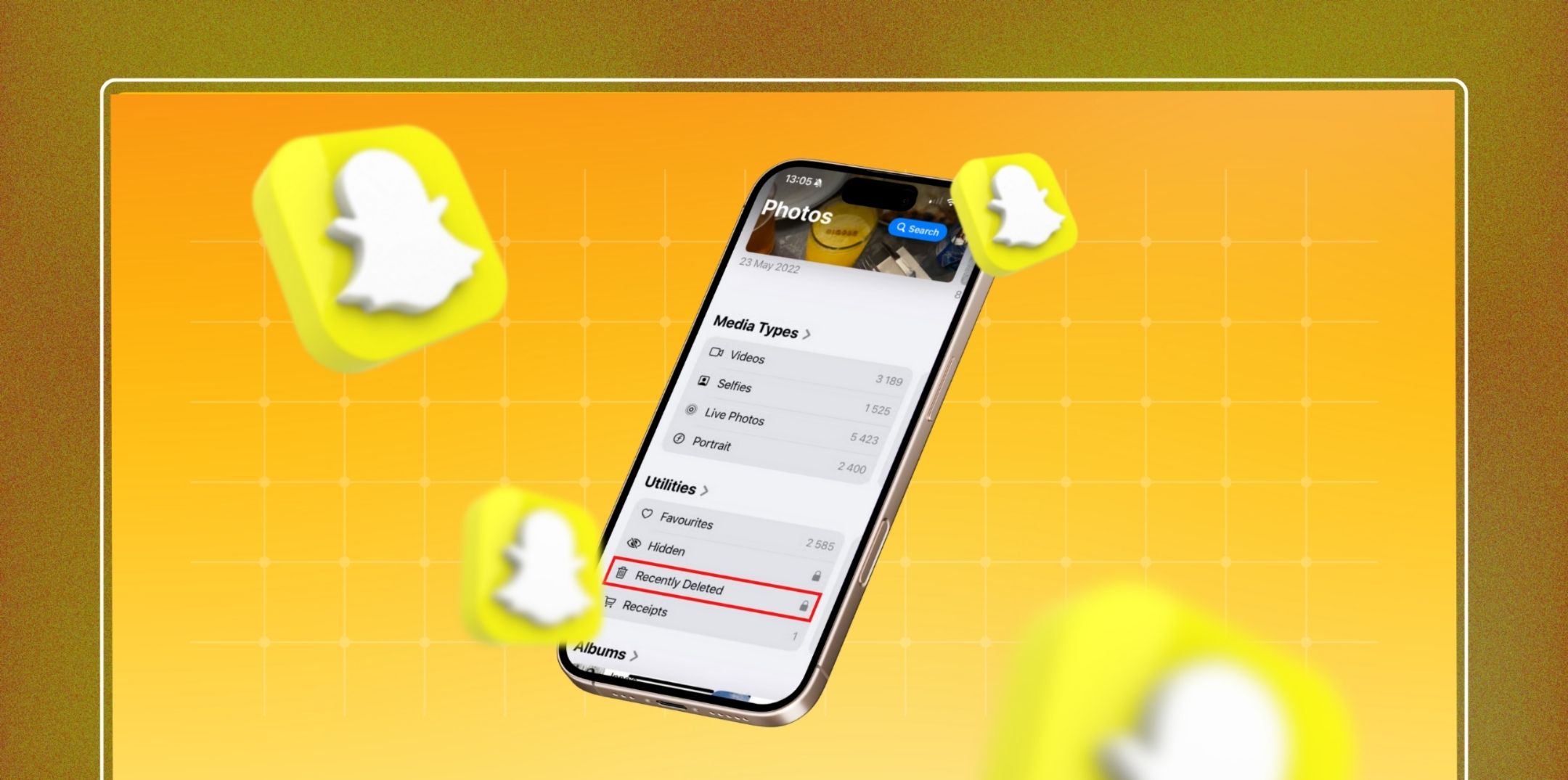
If you ever saved Snapchat Memories to your phone, recovery becomes much easier.
This works only if:
This method works only if a backup exists from before deletion.
Steps:
Major Risks:
Steps:
Same risks apply.
Related: Snapchat Score Boosting: How to Increase Your Snapchat Score
Many people forget they shared or exported their Memories.
Check:
If it was shared once, it still exists somewhere.

Snapchat Support rarely restores deleted Memories, but you can try if:
They will not help if:
Snapchat’s policy clearly states that permanent deletions are irreversible.
❌ Third-party Snapchat recovery apps
❌ Paid “Snapchat Memory restore” services
❌ APK mods
❌ Hacking tools
❌ YouTube “secret tricks”
Why?
In most cases, no.
Logging out or reinstalling:
Always attempt recovery before logging out.
Snapchat does not publicly disclose exact timelines, but in 2026:
Time is the most critical factor.
Another way you can recover your Snapchat memories is through the app directly.
You can request a copy of the memories from the My Data archive. This will help you store the memories on the servers despite you removing them.
Want to know more ways? Comment down below.

Abdul Aziz Mondol is a professional blogger who is having a colossal interest in writing blogs and other jones of calligraphies. In terms of his professional commitments, he loves to share content related to business, finance, technology, and the gaming niche.