How to recover deleted snapchat memories

How To Recover Deleted Snapchat Memories: Proven Tips To Help You Get Your Snaps Back!

published on: 10.05.2024 last updated on: 17.01.2026

Snapchat Memories often hold irreplaceable moments, personal videos, private snaps, saved stories, voice notes, and images that were never meant for public posting.

Accidentally deleting them can feel final, especially because Snapchat does not offer a visible “Recycle Bin” or “Undo” option.

In 2026, Snapchat has improved stability and cloud syncing, but recovery is still limited and conditional

Whether you can recover deleted Snapchat Memories depends on how they were deleted, when they were deleted, and where they were stored.

This guide explains every legitimate recovery option available in 2026, what works, what doesn’t, and how to protect your Memories going forward.

Understanding Snapchat Memories Storage (Critical Before Recovery)

Understanding Snapchat Memories Storage (Critical Before Recovery)

To recover Snapchat Memories, you must first understand where they live.

Where Are Snapchat Memories Stored?

Snapchat Memories can exist in three places:

  1. Snapchat Cloud Servers
    1. Primary storage location
    1. Linked to your account
    1. Encrypted and protected
    1. Not permanently accessible after deletion
  2. Local Device Cache
    1. Temporary storage
    1. Cleared after logout, reinstall, or cache wipe
  3. Your Phone Storage (Optional)
    1. If you enabled “Save to Camera Roll” Appears in Photos/Gallery apps
    1. Easiest recovery option
  4. Once you delete a Memory from Snapchat
  5. It disappears from the app immediately
  6. It may still exist temporarily on servers
  7. It may or may not exist on your device

Can Deleted Snapchat Memories Be Recovered in 2026?

The Honest Answer

Yes, but only in specific scenarios 

No, if permanently purged and overwritten

Your chances depend on:

  • Time since deletion
  • Whether backups exist
  • Whether the memory was synced
  • Whether you logged out or reinstalled the app

Method 1: Recover Deleted Snapchat Memories Using Snapchat “My Data” (Best & Official Method)

This is the most important and legitimate recovery method in 2026.

Snapchat allows users to download a copy of their account data, which may include deleted Memories if they haven’t been permanently purged.

Step-by-Step: How to Request Snapchat Data (2026)

  1. Open Snapchat
  2. Tap your profile icon
  3. Go to Settings
  4. Scroll to Privacy Controls
  5. Select My Data
  6. Log in via Snapchat’s web portal
  7. Select All Data
  8. Submit the request
  9. Wait for the download email (24–72 hours)

You’ll receive a ZIP file containing folders.

What You May Recover from Snapchat Data

Possible recoverable files include:

  • Photos and videos from Memories
  • Saved Stories
  • Chat media
  • Metadata (timestamps, filenames)

Files usually appear as:

  • .jpg
  • .mp4
  • .mov

Important:

  • Files will not reappear inside Snapchat automatically
  • You must manually save them back to your phone

Success Rate (Realistic)

Deletion TimeRecovery Chance
Within 24–48 hoursHigh
Within 7 daysModerate
Weeks oldLow
Months/years oldNearly zero

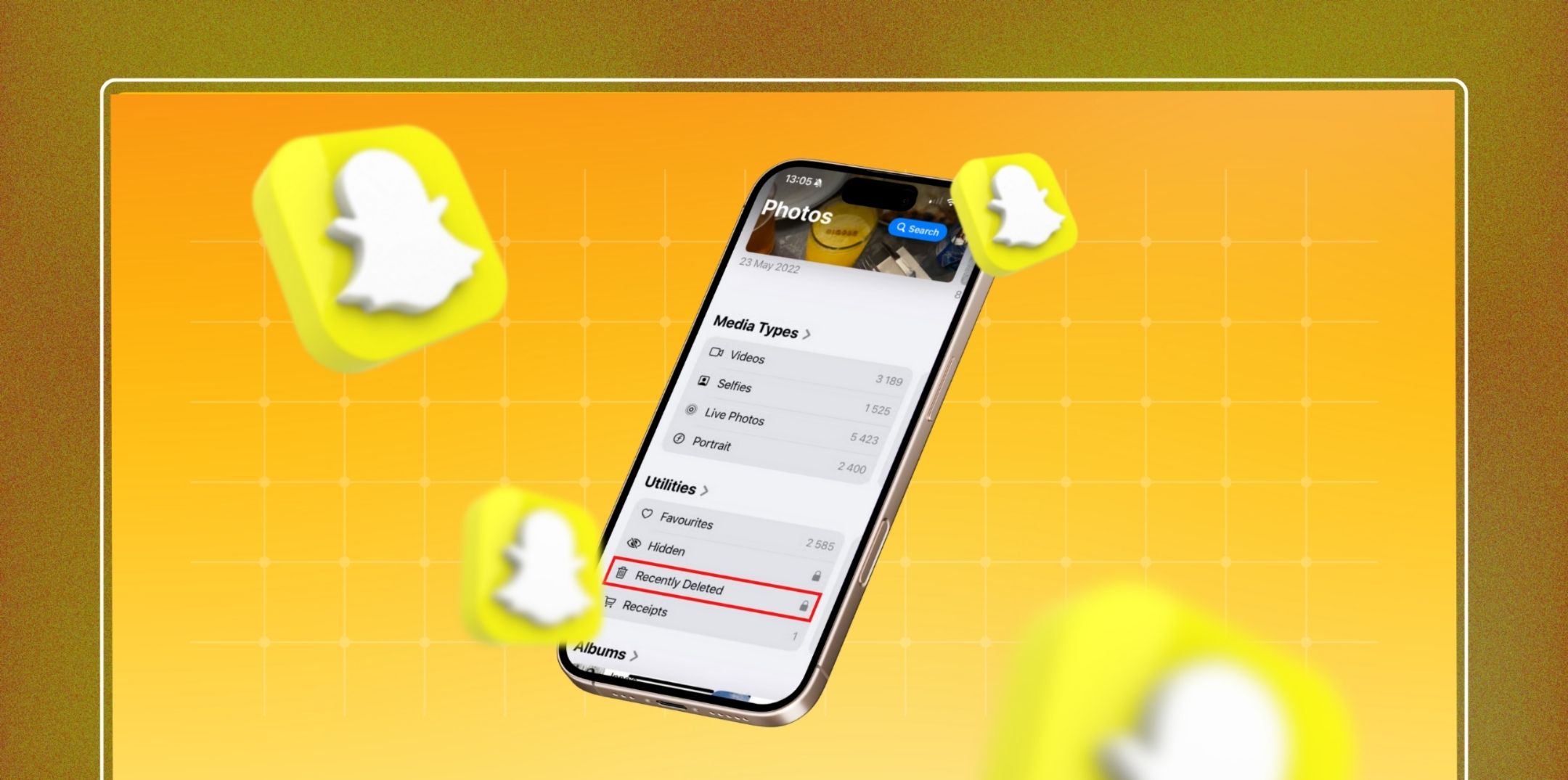
Method 2: Check Your Phone’s “Recently Deleted” Folder

Method 2: Check Your Phone’s “Recently Deleted” Folder

If you ever saved Snapchat Memories to your phone, recovery becomes much easier.

On iPhone (iOS 17+ / 2026)

  1. Open Photos
  2. Go to Albums
  3. Tap Recently Deleted
  4. Authenticate (Face ID/Touch ID)
  5. Restore files (within 30–40 days)

On Android (2026 Devices)

  1. Open Gallery
  2. Look for Trash / Recycle Bin
  3. Restore if within 30 days

This works only if:

  • The Memory was saved locally
  • The trash period hasn’t expired

Method 3: Restore Snapchat Memories from Cloud Phone Backups (Risky)

This method works only if a backup exists from before deletion.

iPhone: iCloud Backup Restore

Steps:

  • Factory reset iPhone
  • Restore from an older iCloud backup
  • Reinstall Snapchat
  • Log in and check Memories

Major Risks:

  • Deletes current data
  • Backup may not include Snapchat Memories
  • High effort, low success rate

Android: Google Drive Backup Restore

Steps:

  • Factory reset device
  • Restore older Google backup
  • Install Snapchat
  • Log in

Same risks apply.

Related: Snapchat Score Boosting: How to Increase Your Snapchat Score

Method 4: Look for Snapchat Memories in Other Apps & Locations

Many people forget they shared or exported their Memories.

Check:

  • WhatsApp / Telegram chats
  • Instagram story archives
  • Email attachments
  • Google Photos / iCloud Photos
  • Screen recordings
  • Old device backups
  • SD cards (Android)

If it was shared once, it still exists somewhere.

Method 5: Contact Snapchat Support (Very Limited Use)

Method 5: Contact Snapchat Support (Very Limited Use)

Snapchat Support rarely restores deleted Memories, but you can try if:

  • The deletion was caused by a glitch
  • Memories disappeared after an update
  • Sync errors occurred

They will not help if:

  • You manually deleted the Memories
  • Significant time has passed

Snapchat’s policy clearly states that permanent deletions are irreversible.

What Does NOT Work (Avoid These Completely in 2026)?

❌ Third-party Snapchat recovery apps 

❌ Paid “Snapchat Memory restore” services 

❌ APK mods 

❌ Hacking tools 

❌ YouTube “secret tricks”

Why?

  • Snapchat encrypts data.
  • External tools cannot access memories.
  • Many steal login credentials.
  • Risk of permanent account ban.

Can You Recover Snapchat Memories After Logging Out or Reinstalling?

In most cases, no.

Logging out or reinstalling:

  • Clears local cache
  • Breaks unsynced data
  • Reduces recovery chances drastically

Always attempt recovery before logging out.

How Long Does Snapchat Keep Deleted Memories?

Snapchat does not publicly disclose exact timelines, but in 2026:

  • Recently deleted data may exist temporarily
  • Server cleanup happens automatically
  • Once purged, recovery is impossible even for Snapchat staff

Time is the most critical factor.

To Sum Up!

Another way you can recover your Snapchat memories is through the app directly. 

You can request a copy of the memories from the My Data archive. This will help you store the memories on the servers despite you removing them.

Want to know more ways? Comment down below.

author image

Abdul Aziz Mondol is a professional blogger who is having a colossal interest in writing blogs and other jones of calligraphies. In terms of his professional commitments, he loves to share content related to business, finance, technology, and the gaming niche.


Leave a Reply

Your email address will not be published. Required fields are marked *

Related