How To Add Multiple Photos To An Instagram Story (And Why Your Brand Should Bother)
sibashree bhattacharya, 2 hours ago
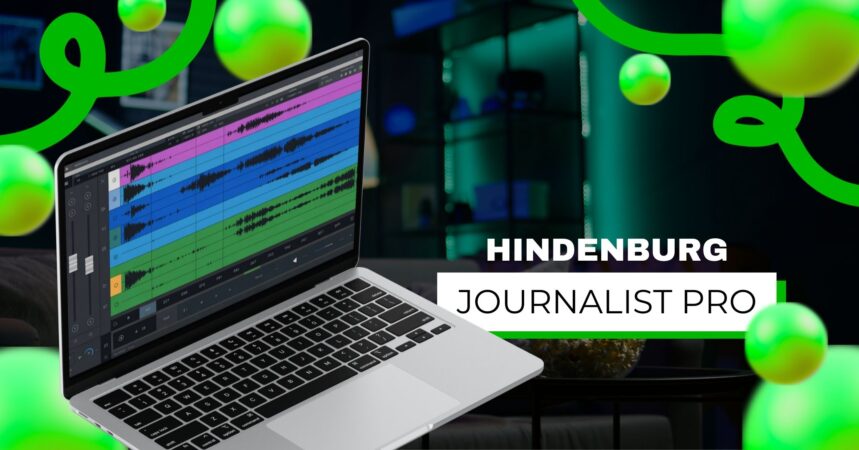
Podcasting and long-form audio storytelling have matured dramatically in the past decade. While beginner tools like Audacity remain popular, AI-driven platforms like Descript have reshaped editing workflows.
One name continues to stand out in professional broadcasting and journalism circles: Hindenburg Journalist Pro.
Designed specifically for storytellers, investigative reporters, and serious podcasters, Hindenburg Pro is not trying to be flashy. It’s trying to be reliable, broadcast-ready, and workflow-efficient.
In this detailed 2026 guide, we’ll explore everything you need to know, from features and pricing to workflow tips and comparisons with Descript, Adobe Audition, and Audacity.
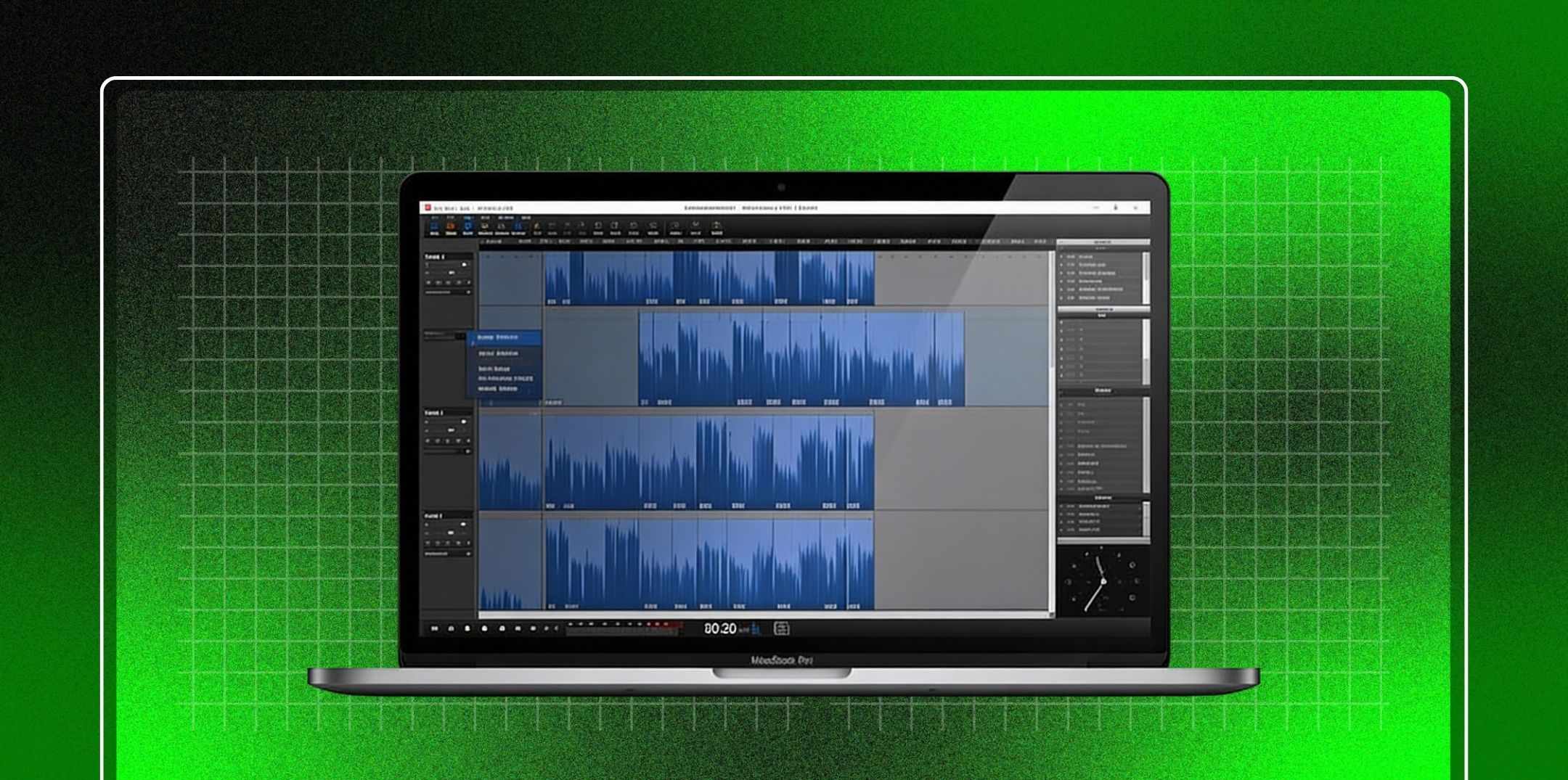
Hindenburg Pro (formerly Hindenburg Journalist Pro) is a professional audio editing software built specifically for:
Unlike general-purpose DAWs (Digital Audio Workstations), Hindenburg is engineered around spoken-word production, not music creation.
Hindenburg Systems was founded in Denmark with a mission: to simplify professional audio production for journalists and storytellers.
Instead of building a tool loaded with music plugins and MIDI instruments, they created a platform optimized for:
Over the years, Hindenburg became popular in:
While tools like Audacity require manual adjustments (e.g., Audacity Compressor, audacity normalize audio, audacity fade in fade out), Hindenburg automates many of these processes in a streamlined, professional environment.
It is NOT primarily designed for:
If your work revolves around voice, storytelling, and interviews, Hindenburg was built for you.
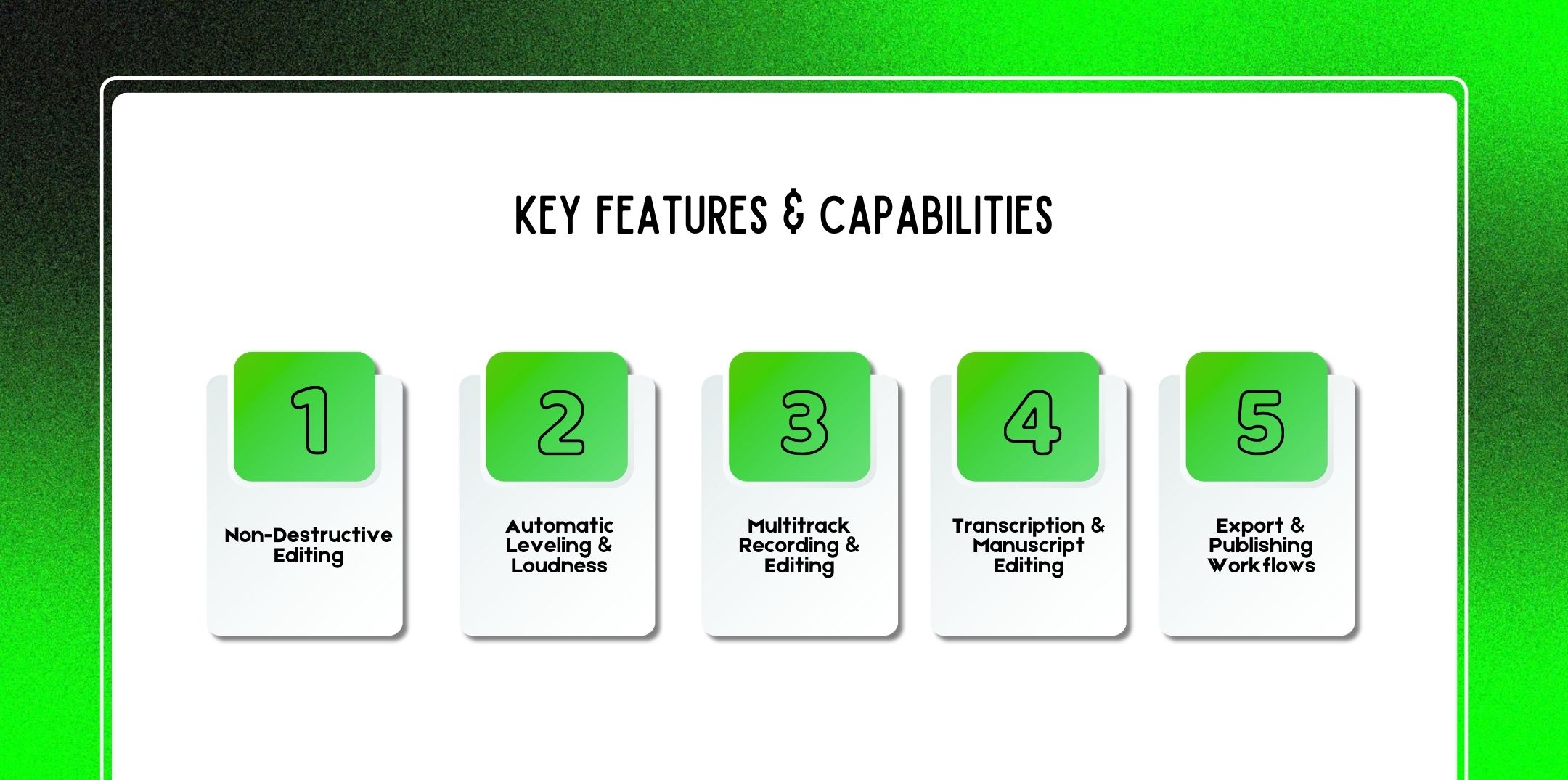
Hindenburg Pro is focused on spoken-word efficiency and professional polish. Let’s explore its core capabilities.
Hindenburg uses a fully non-destructive editing system.
This means:
Unlike beginner workflows in Audacity (where users often wonder How to Cut a Track in Audacity or How to Save an Audacity File as MP3 properly without losing quality), Hindenburg preserves professional structure automatically.
Benefits:
One of Hindenburg’s strongest features is automatic loudness normalization.
Instead of manually using tools like:
Hindenburg includes:
It analyzes speech and automatically adjusts volume levels to broadcast standards.
Ensures content meets:
This is critical for:
You don’t have to manually tweak compression settings like in traditional DAWs.
Hindenburg Pro supports:
For interview-based shows, this is essential.
Example workflow:
Unlike basic editing platforms, where you might need to learn how to move audio in Audacity manually across timelines, Hindenburg streamlines track organization and scene segmentation.
Modern versions of Hindenburg Pro include transcription integration.
You can:
For journalists writing long-form investigative pieces, this dramatically speeds up story construction.
Meanwhile, it also helps answer a common question: how long should a podcast be? However, with the transcription view, you can quickly gauge word count, pacing, and narrative structure.
Hindenburg simplifies the final output.
You can export:
Unlike Audacity, where users often ask:
However, Hindenburg integrates metadata and publishing workflows directly into export presets. You can even publish directly to hosting platforms.
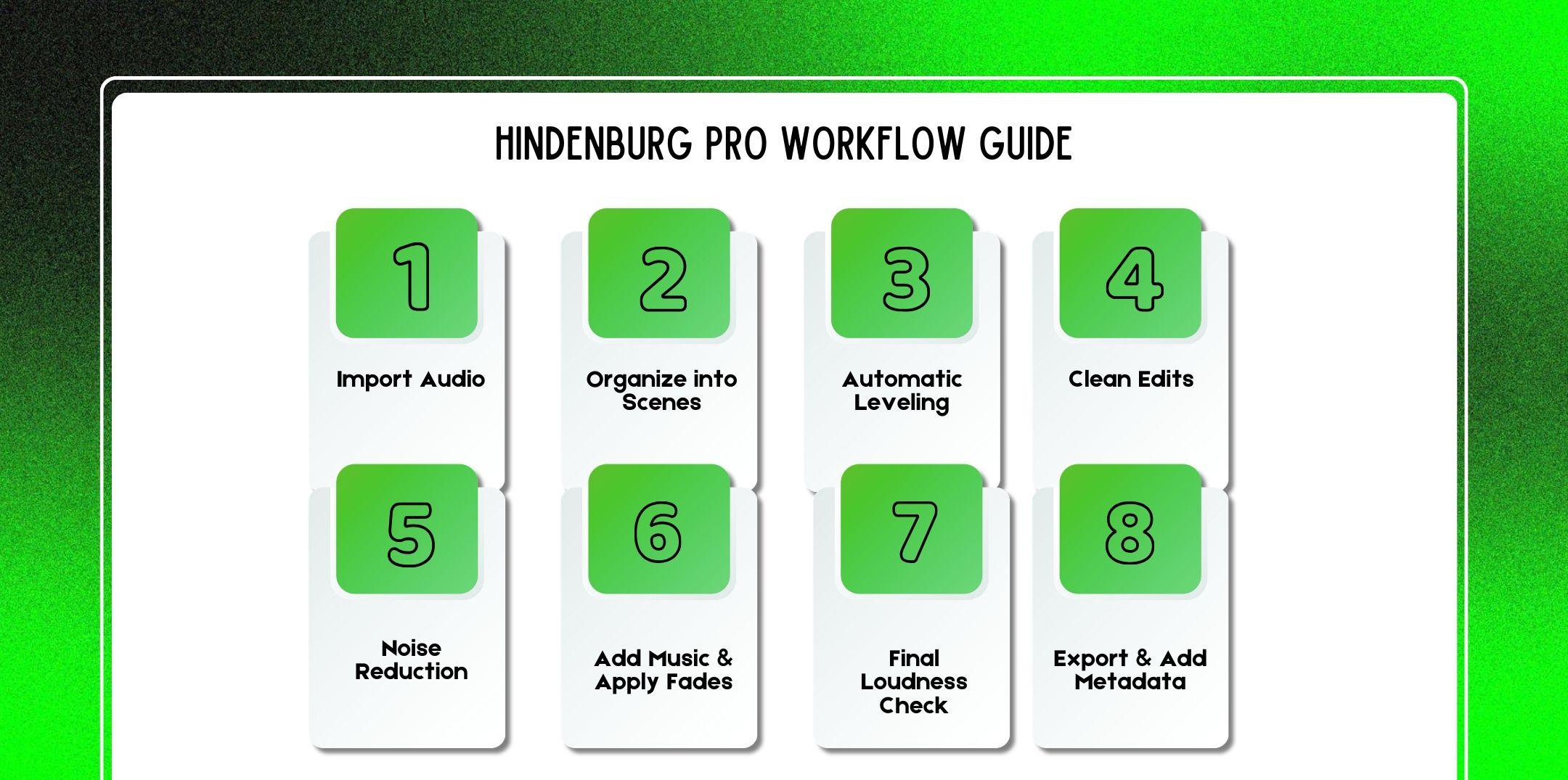
Let’s break down how professionals use it.
Step-by-Step Editing Workflow In Hindenburg Pro
One of the biggest advantages of Hindenburg Pro is its structured, story-first editing workflow.
Unlike traditional DAWs built for music production, Hindenburg is optimized for spoken-word storytelling, which makes the editing process logical, efficient, and less overwhelming.
Begin by importing all your raw materials into the project. You can drag and drop directly into the workspace or use the import menu.
Hindenburg automatically applies non-destructive processing, meaning your original files remain untouched. This allows flexibility to revise edits later without damaging audio quality.
One of Hindenburg’s most powerful features is Scene-based editing.
Instead of working on a single continuous timeline, you can break your project into logical sections called Scenes.
If you decide to move your ad break earlier, you simply drag the scene no complicated cutting across multiple tracks.
For narrative journalism or documentary-style podcasts, this workflow is especially powerful.
One of Hindenburg’s standout features is Automatic Leveling.
Instead of manually adjusting gain for each clip, the software intelligently balances spoken-word tracks.
This is particularly useful when:
In many other DAWs, you would need to manually:
Hindenburg automates much of this process, saving significant editing time.
Now it’s time to tighten the content.
Unlike Audacity, where you may manually apply:
Hindenburg provides smoother built-in transitions and smart editing behavior, which reduces technical friction.
The goal here is not to remove every breath but to improve pacing while maintaining authenticity.
Next, clean up any technical imperfections.
Hindenburg includes built-in tools for:
These tools are optimized for voice, so they’re less aggressive than music-focused DAW processors.
In contrast, if using Audacity, you would need to:
Hindenburg simplifies this workflow with voice-focused presets.
Important Tip: Avoid over-processing. Heavy noise reduction can introduce digital artifacts and make voices sound robotic.
Now, enhance the storytelling with music and sound design.
Hindenburg makes it easy to:
Professional standard for podcast music under voice:
Use fades to:
Unlike beginner editors, you don’t need to manually shape fade curves in detail. Hindenburg handles smooth transitions intuitively.
Before exporting, confirm loudness compliance.
This is critical for:
Hindenburg automatically helps meet broadcast standards using:
This eliminates the guesswork common in other DAWs.
Finally, export your episode.
Proper metadata ensures:
The key difference in Hindenburg’s workflow is focus.
It removes:
And emphasizes:
For journalists, narrative podcasters, and interview-based creators, this step-by-step structure dramatically reduces editing time while maintaining professional standards.
Professional interview editing is about flow, not perfection.
Hindenburg Pro is a premium audio editing and production tool designed for professional podcasters, journalists, radio producers, and narrative storytellers.
Its pricing reflects its focus on high-quality spoken-word workflows rather than free or hobbyist usage.
There are a few different ways you can purchase or subscribe, and optional add-ons like transcription packages can affect the total cost.
Unlike completely free tools like Audacity, Hindenburg has real professional value, but that value comes with a price tag that sits between free hobbyist tools and subscription DAWs like Adobe Audition.
In fact, for many creators, it competes with the cost of hiring the best podcast editing and production companies, especially if you produce regular episodes and want full control internally.
Hindenburg offers two main licensing models:
There are also academic discounts for students and educators, and a free 30-day trial so you can test before committing.
Below is a representative pricing overview based on current available information. Exact prices can vary by region, license type, and promotional offers.
| License Type | Cost (Approx. USD) | Includes |
| Hindenburg Journalist | $95 | Basic spoken-word editor |
| Hindenburg Journalist Pro | $375 | Full professional audio toolkit |
| Student/Educator (Pro) | $225 | Pro version at academic discount |
Perpetual licenses give you the software upfront and include all updates within that major version series.
After the free trial, the perpetual license lets you open and continue editing projects even after the trial expires, unlike time-limited subscription versions.
Many creators today prefer subscription access because it includes updates and flexibility:
| Plan Tier | Monthly Price (USD) | Annual Equivalent | Typical Use Case |
| Standard | $12/month | ~$99/year | Beginner and casual creators |
| Plus | $15/month | ~$120/year | Intermediate podcasters (20 hrs transcription) |
| Premium | $30/month | ~$300/year | Heavy users (50 hrs transcription) |
Subscription Benefits:
Note: You can often save 10–20% by opting for annual billing vs. month-to-month, depending on promotions and discount codes available at the time. Many users report that annual plans offer better long-term value for frequent editing workflows.
Unlike some DAWs, where transcription is either unlimited or built into pricing, Hindenburg handles transcription as an add-on:
| Package | Hours | Approx. Price (USD) |
| Small Pack | 10 hrs | $7.50 |
| Medium Pack | 20 hrs | $12 |
| Large Pack | 50 hrs | $25 |
These transcription hours typically expire one month from purchase, regardless of subscription tier, unless bundled with a paid plan that includes transcription hours automatically.
Hindenburg supports discounted pricing for qualified students and educators. Typical academic pricing includes:
| Version | Student/Educator Price (USD) |
| Journalist | $85 |
| Pro Upgrade | $140 |
| Journalist Pro | $225 |
Offering education discounts makes professional tools more accessible to aspiring journalists and audio producers.
| Feature / Plan | Free Trial | Perpetual License | Subscription |
| Full multitrack editing | ✔ Trial | ✔ | ✔ |
| Noise reduction & leveling | ✔ Trial | ✔ | ✔ |
| Transcription editing | ✖Depends | Add-on | Included by tier/add-on |
| Professional export presets | ✔ Trial | ✔ | ✔ |
| Metadata and publishing workflows | ✔ | ✔ | ✔ |
| Automatic loudness control | ✔ | ✔ | ✔ |
Transcription functionality may require purchasing packs if not bundled with your subscription tier.
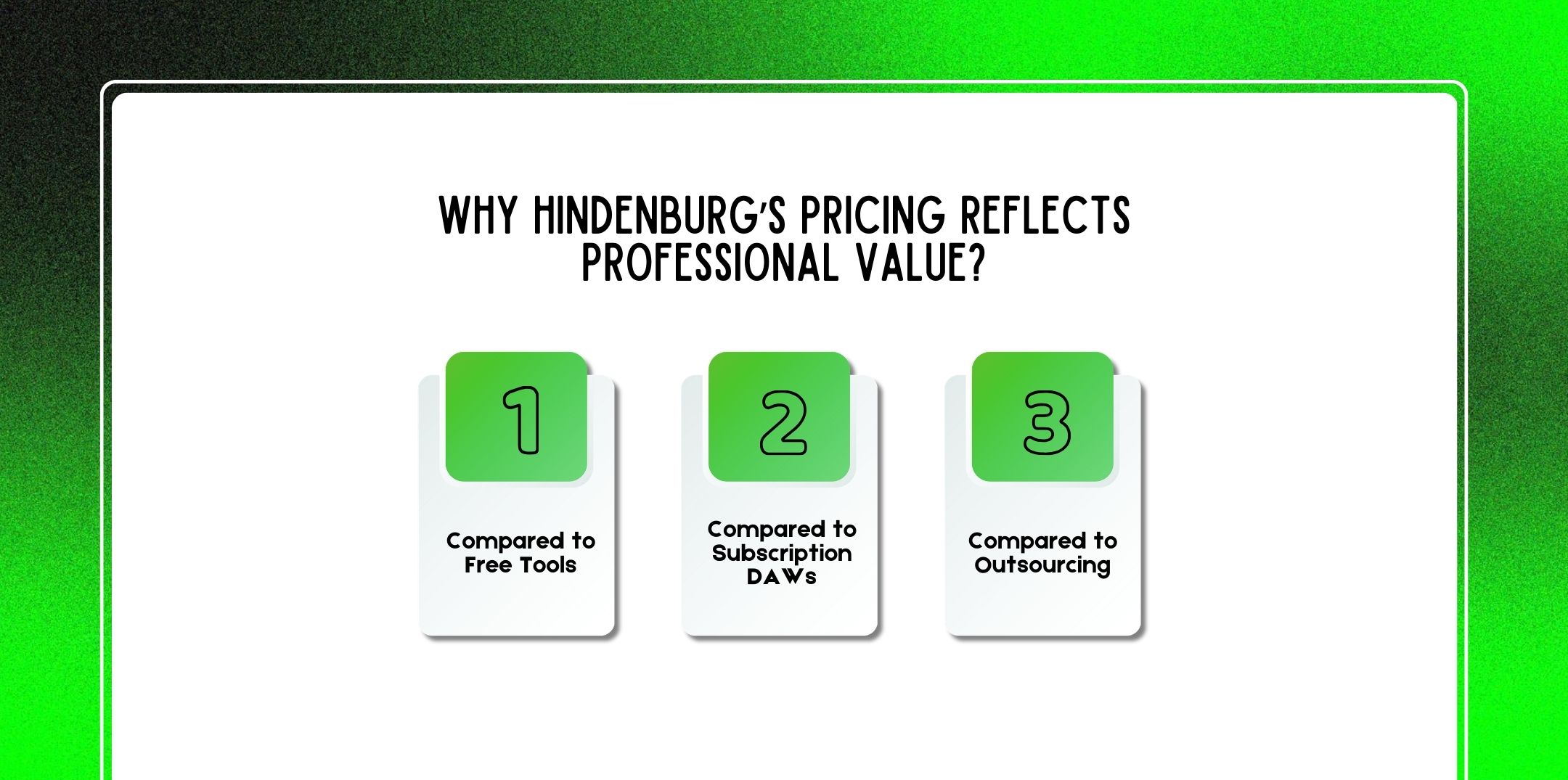
When evaluating the cost, it helps to compare Hindenburg against alternatives and real production costs:
Audacity is free but requires manual workflows, such as:
These tasks can be time-consuming and technically complex for beginners.
Hindenburg is often cheaper than full-suite platforms like Adobe Audition (which require a Creative Cloud subscription) when your focus is strictly spoken word. It’s also more specialized, meaning you don’t pay for features you won’t use.
Hiring the best podcast editing and production companies often costs hundreds per episode, sometimes more for editing alone.
For creators who produce weekly or multiple episodes per month, investing in Hindenburg can pay for itself over time.
| Example Annual Cost ScenariosSolo Podcaster (Basic Use)Standard subscription – $99/yearNo transcription add-ons Annual Cost: – $99Frequent ProducerPremium subscription – $300/year1–2 transcription packs ($25 each) Annual Cost: – $350–$400Academic/EducatorPro perpetual license – $225 One-time Cost: – $225 Long-term: Value increases with years of use |
Hindenburg offers a free 30-day trial of Hindenburg Pro so you can test full functionality before purchasing.
No credit card is required for trial activation, and you can continue editing projects later once a proper license is acquired.
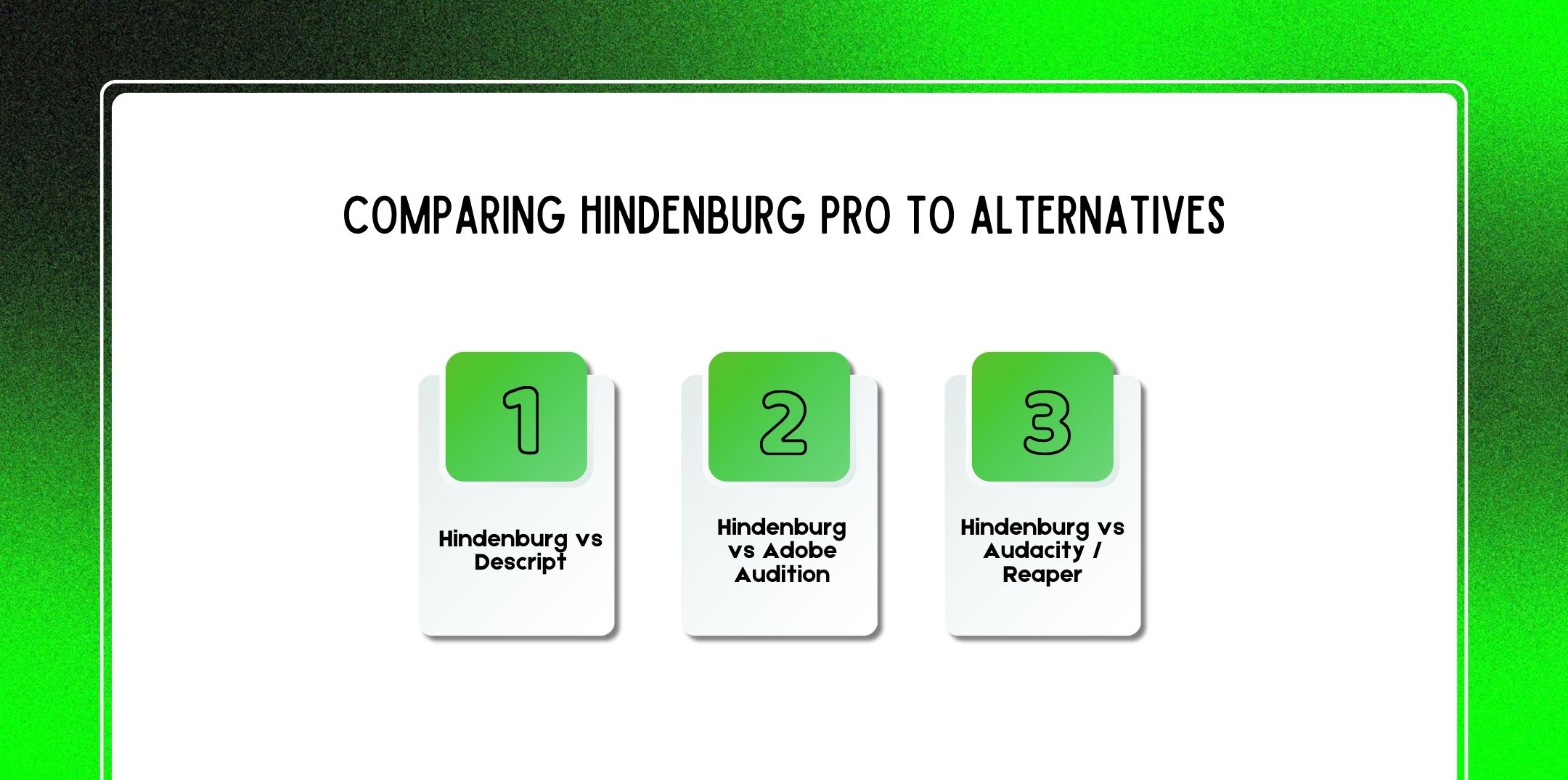
Here are a few Hindenburg alternatives to Hindenburg Pros.
Descript:
Hindenburg:
Descript is speed-first. Hindenburg is quality-first.
Adobe Audition:
Hindenburg:
Audition offers more technical depth. Hindenburg offers streamlined efficiency.
• Audacity:
• Free
• Manual workflows
• Requires learning:
Hindenburg:
Reaper:
Hindenburg focuses exclusively on spoken-word simplicity.
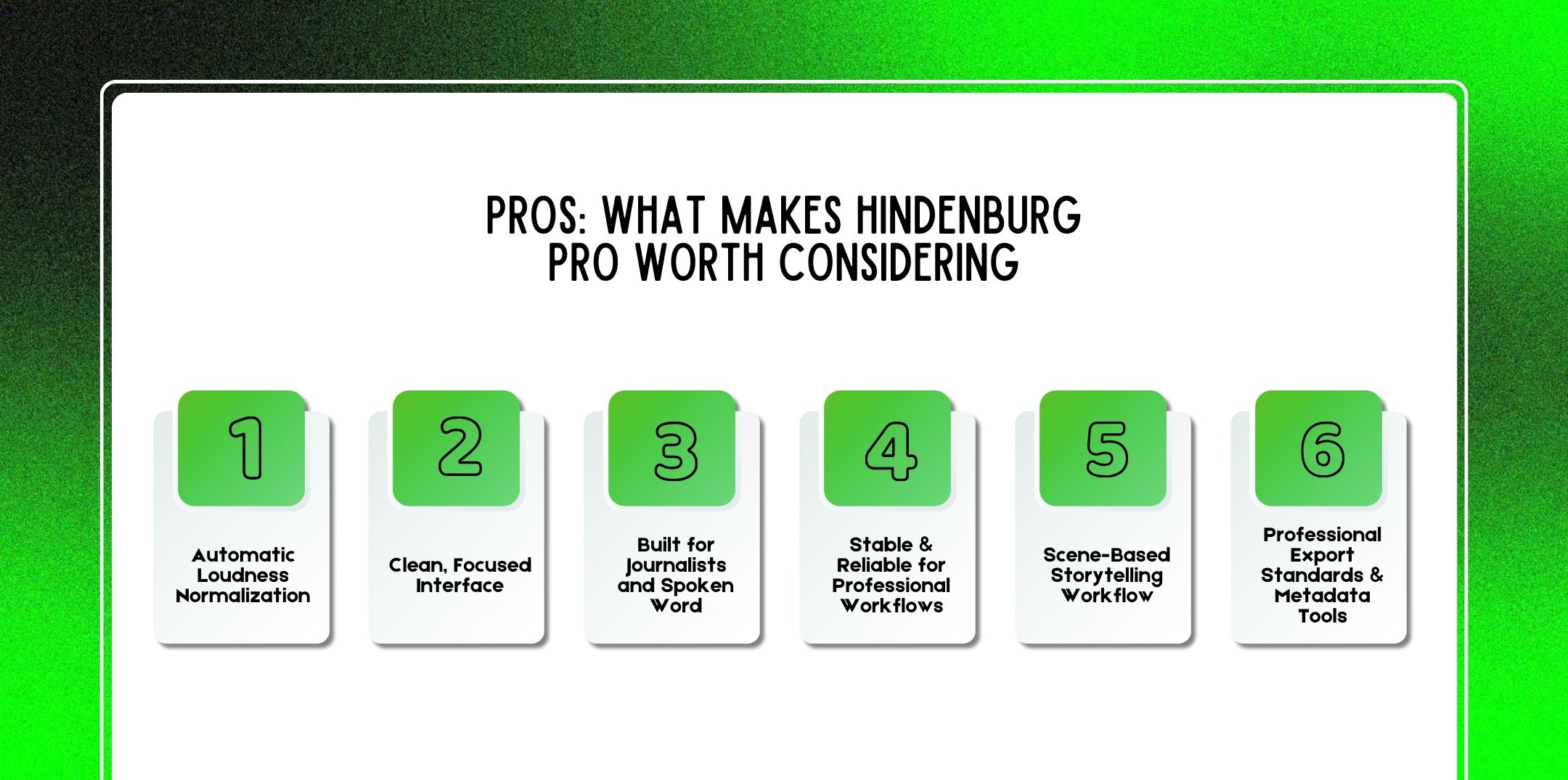
Here are a few pros of Hindenburg pros.
One of Hindenburg’s standout strengths is its built-in approach to leveling and loudness control. For spoken-word production, including podcasts, interviews, and broadcast segments, maintaining consistent volume across speakers and segments is critical.
Unlike editing in Audacity or Reaper,r where you might manually apply compression, gain adjustments, and normalization (e.g., Audacity normalize audio, Audacity compressor), Hindenburg automates much of this.
Why this matters:
Hindenburg tracks volume across the whole session and adjusts tracks intelligently, resulting in smoother, more consistent audio levels right from the first pass.
Hindenburg doesn’t try to be everything to everyone. Instead, it keeps its interface streamlined around what really matters for spoken-word producers:
This focus contrasts with tools like Adobe Audition, which include large libraries of effects and complex routing options better suited for music or sound design.
Why this matters:
By reducing complexity, Hindenburg improves both speed and clarity in professional editing environments.
Hindenburg wasn’t designed primarily as a music production tool it was engineered for journalists and narrative storytellers.
Features tailored to this purpose include:
This makes Hindenburg especially well-suited for:
Compared to DAWs you might use for music editing (where audio is arranged to tracks with heavy plugin use), Hindenburg’s toolset is optimized for voice first.
Many broadcasters and radio producers choose Hindenburg because it just works, even on large projects with long timelines.
Because the software is focused on speech rather than music production, it tends to:
However, in contrast, users editing video or large sessions in Adobe Audition or Premiere Pro sometimes struggle with performance slowdowns without high-end hardware.
Why this matters:
One of Hindenburg’s most praised features is its scene-based editing model. Instead of just thinking in track layers, Hindenburg structures work in narrative chunks:
While this approach resembles how journalists think about stories in segments, not just tracks.
Why this matters:
It’s a production model that reads like a script rather than a music composition, which many podcast editors find intuitive and efficient.
Hindenburg offers powerful export workflows tailored for publishing:
Meanwhile, exporting high-quality episodes is far more streamlined than in basic tools, where you might struggle with:
With Hindenburg, professional export isn’t an afterthought; it’s built into how you finalize your story.
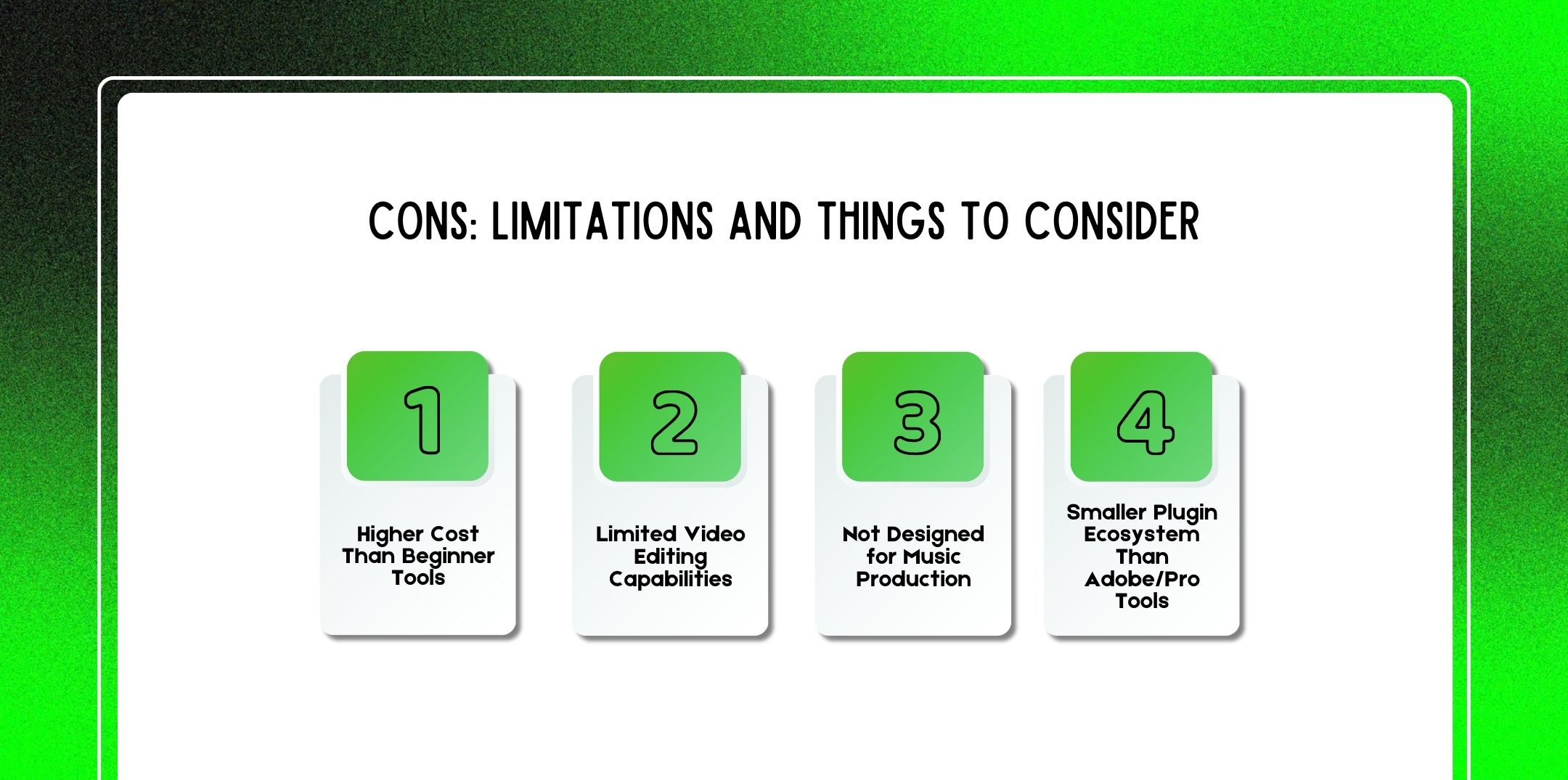
However, here are a few cons of Hindenburg pros.
Compared to free options like Audacity, Hindenburg Pro is a premium product.
Many creators starting out wonder:
And the answer for absolute beginners can be: Audacity or free tools may suffice initially.
With Audacity, you learn by doing, manually applying:
…all without paying anything.
While Hindenburg’s cost can be harder to justify for hobbyists or small side projects. However, the time saved and professional tools provided can justify the expense for serious creators who publish regularly or make income from their work.
Unlike platforms such as:
Hindenburg is not a video editor.
While you can import and sync video for reference, you cannot:
For creators producing video alongside audio (e.g., visual podcasts, YouTube shows), Hindenburg alone won’t be enough. You would typically:
Meanwhile, this adds complexity to workflows that might be fully integrated in other tools.
Hindenburg intentionally omits the features that make tools like Reaper or Logic Pro powerful for music:
If you need to produce:
…you’ll need to combine Hindenburg with another tool.
Many podcast producers hire composers or import pre-made music, then focus on voice editing in Hindenburg.
But if you want all your production in one place, including music composition, Hindenburg won’t replace a full music DAW.
Compared to software like Adobe Audition or Pro Tools, Hindenburg’s ecosystem is more contained.
This matters if your workflow depends on 3rd-party plugins for:
While Hindenburg provides robust built-in processing, the plugin marketplace is smaller, meaning:
Some producers view this as a trade-off: easier out-of-the-box workflow vs. less flexibility. For narrative and broadcast work, the built-in toolset is usually enough, but for hybrid audio/musical tasks, this limitation becomes more noticeable.
Here are a few expert tips and best practices that you should check out.
Scene segmentation allows:
Loudness matching ensures:
Professional audio begins before editing.
Recommended gear:
Good recording reduces the need for heavy noise reduction.
Use:
This drastically speeds workflow for weekly podcasters.
Here are a few questions and queries on the topic of Hindenburg pro that others have asked, and you might find helpful at the same time.
Hindenburg Pro is designed for professional desktop production and is available on:
While exact specifications vary by version, Hindenburg typically requires:
Minimum Recommended Specs:
Currently:
Hindenburg is a desktop-based professional DAW, meaning it prioritizes stability, performance, and file control over browser-based convenience.
For mobile recording, users typically:
Always check the official Hindenburg website for the most current compatibility updates, especially after major OS updates.
Hindenburg Pro has evolved its pricing model over time. As of recent versions, pricing typically falls into one of two structures:
Hindenburg has historically offered:
These are especially popular in journalism schools and audio storytelling programs.
Pricing may vary depending on:
When compared to free tools like Audacity, Hindenburg is a premium investment. However, compared to professional DAWs like Adobe Audition (subscription-based), it can be cost-effective long-term for spoken-word producers.
Hindenburg Pro is primarily an audio editing platform, not a video editor.
While this makes it useful for:
For e.g. for full video production, you would export audio from Hindenburg and finish the video in:
Hindenburg focuses on what it does best: high-quality spoken-word audio.
Transcription in Hindenburg can vary depending on the version and configuration.
Common Transcription Workflows:
Integrated Online Transcription Services
a) Upload audioReceive time-coded transcript
b) Edit via text-to-audio synchronization
Offline Transcription Engines (Where Supported)
a) Local processing
b) No cloud upload required
c) Useful for sensitive journalism work
Third-Party Integration
a) Import transcript files (e.g., SRT, TXT)
b) Align manually or semi-automatically
Offline transcription is particularly important for:
Always confirm whether your version supports full offline transcription or requires internet access.
Yes, if your goal is spoken-word production. Unlike complex DAWs designed for music producers, Hindenburg simplifies:
Many beginners start by learning:
Then later upgrade to Hindenburg for efficiency and professional polish.
Exporting is streamlined and professional.
Although Hindenburg makes this process simpler than manual MP3 export in Audacity, where users often search for how to save audacity file as mp3 properly with embedded tags.
Yes, absolutely. However, Hindenburg can fully replace:
It handles:
No, it lacks:
Meanwhile, if your work is primarily narrative voice production, Hindenburg can be your main DAW.
Hindenburg supports a wide range of professional audio formats.
However, broadcast Wave support is especially valuable for radio stations and professional journalism workflows.
Hindenburg includes built-in tools for:
Meanwhile, unlike manual workflows in Audacity (where you must capture noise profiles and manually apply filters), Hindenburg simplifies cleanup with integrated processing tools.
However, it does not rely on heavy AI noise removal like Descript’s Studio Sound. Instead, it offers:
Best practice: Always aim to record clean audio first using proper microphones and quiet recording environments.
Yes, Hindenburg typically offers a free trial version.
The trial usually:
While this is highly recommended before purchasing, especially for:
However, testing with your own real audio files is the best way to evaluate performance and workflow compatibility.
In conclusion, Hindenburg Journalist Pro remains one of the most respected tools in professional spoken-word production in 2026.
It is:
However, it is:
Meanwhile, if you are serious about podcasting, radio journalism, or long-form audio production, Hindenburg Pro offers a focused, professional workflow that removes technical distractions and lets you concentrate on what matters most: The Story.

Nabamita Sinha loves to write about lifestyle and pop-culture. In her free time, she loves to watch movies and TV series and experiment with food. Her favorite niche topics are fashion, lifestyle, travel, and gossip content. Her style of writing is creative and quirky.