How Social Media And SEO Work Together To Build Nationwide Brand Reach
Barsha Bhattacharya, 2 weeks ago
Font Generator
Transform your text with font styles
Instagram in 2026 is more visual, more competitive, and more personality-driven than ever. Whether you’re a creator, business owner, influencer, or someone who wants their profile to feel aesthetic, the small details matter, especially your Instagram bio font, caption style, and story text.
This is where an Instagram font generator becomes incredibly powerful. These tools convert normal text into stylish Unicode fonts that you can copy and paste anywhere on Instagram, completely free of cost.
If you’ve ever wondered how people create fancy bios, cute aesthetic captions, bold headers, or unique story text styles… this guide has everything you need.
Below is a full, in-depth breakdown of what Instagram font generators are, how they work, how to choose the right one, and expert tips to grow and monetize your social media.
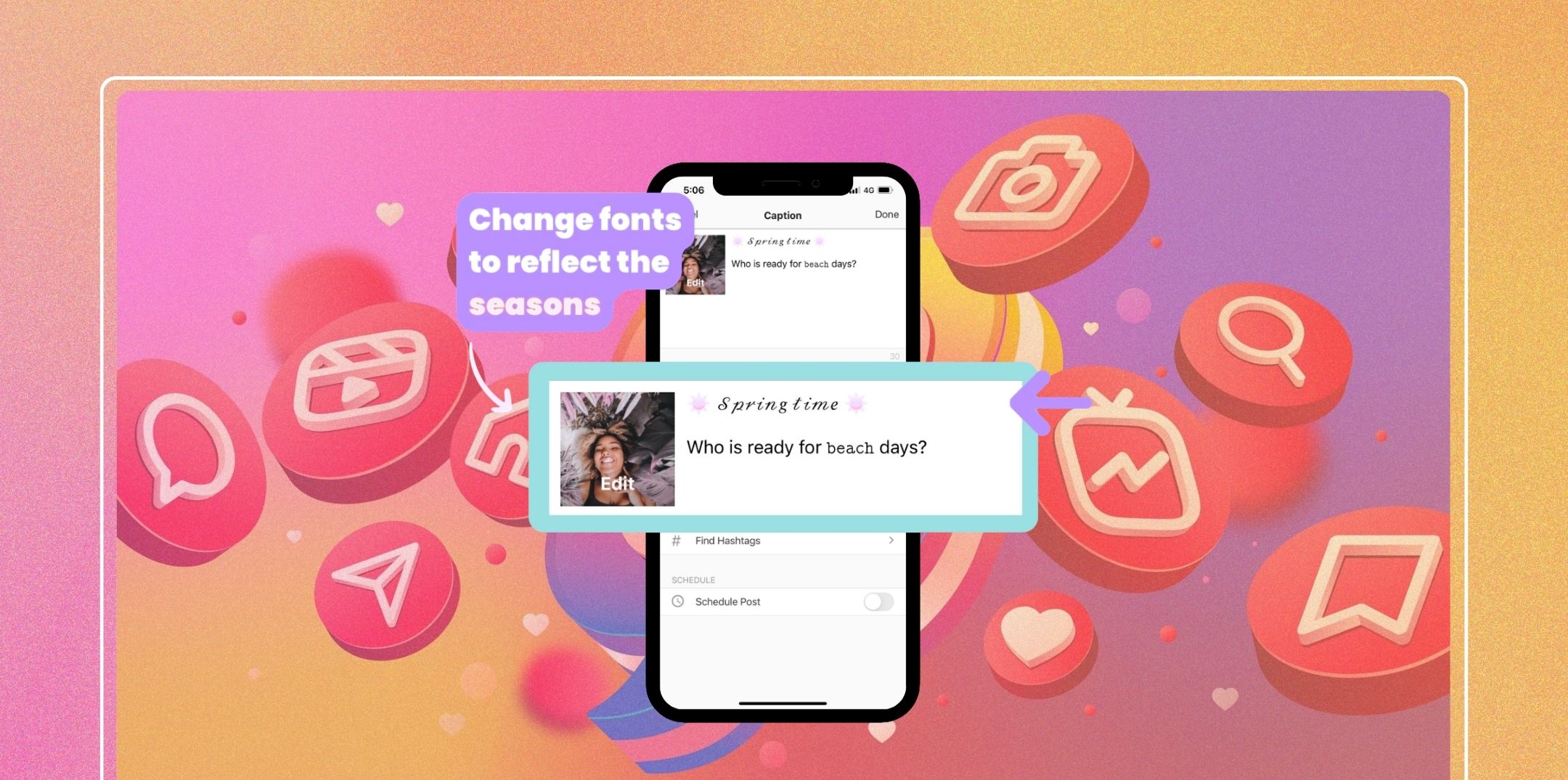
Changing your Instagram font is easier than most people think. You don’t need coding skills, special apps, or a designer, just a simple font generator and a few steps.
It works exactly the same way for captions, username fields, and highlight descriptions.
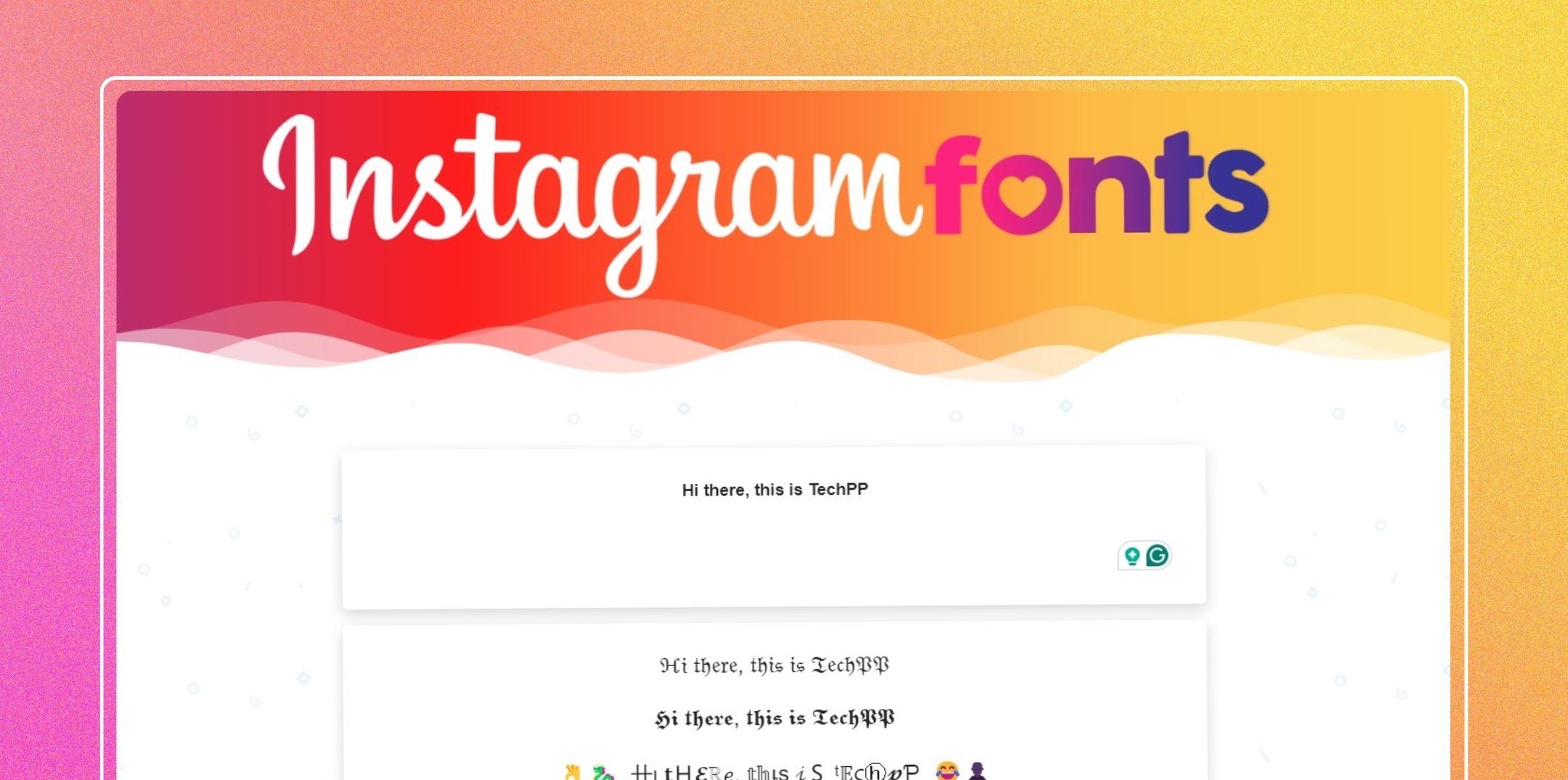
An Instagram font generator is a free online tool that takes regular text and converts it into stylized fonts using Unicode symbols. These fonts for Instagram look unique but are still readable on all major devices.
You can create:
These fonts for Instagram work everywhere: bio, captions, comments, reels, stories, and even Instagram messages.
Instagram font generators don’t actually “change fonts” the way Word or Canva does. Instead, they replace each letter with a Unicode character that looks like a different font.
Unicode is a global system that assigns special characters, symbols, and stylized alphabets across devices.
Still, for most modern phones and platforms, Instagram font generators work flawlessly.
Not every font works for every purpose. Here’s a breakdown:
Best for:
Avoid:
Use fonts for:
Avoid:
Great for:
Avoid:
Here’s a carefully evaluated list of the best free tools in 2026:
Best for: Quick bio fonts
Best for: Custom stylizing
Best for: Professional brand bios
Best for: Bulk caption formatting
Best for: Emojis + symbols
Best for: Social media creators
Best for: Bold professional text
Best for: Creative font mixes
Best for: Mobile customization
Best for: Modern clean fonts
Best for: Decorative scripts
Best for: Developers & power users
| Feature | iOS | Android (new) | Android (old) | Desktop | Screen Readers |
| Bold Unicode | ✔ | ✔ | ✔ | ✔ | Limited |
| Cursive Unicode | ✔ | ✔ | Sometimes breaks | ✔ | Hard to read |
| Fancy decorative | ✔ | ✔ | May not load | ✔ | Not recommended |
| Symbols/Emoji | ✔ | ✔ | ✔ | ✔ | ✔ |
Overview:
For accessibility and optimal display, stick to simple bold or minimal stylized fonts.
Your Instagram font should mirror your identity. Here’s how to pick intelligently:
Use friendly + soft fonts
(E.g., cursive, rounded, aesthetic scripts)
Use bold + clean fonts.
(E.g., bold Unicode, minimal sans styles)
Use elegant script fonts
E.g.: modern cursive, thin lines
Use futuristic or glitch fonts
E.g., fixed-width, block format
Use light, airy fonts
E.g.: elegant serif, soft cursive
Use bold fonts and quirky ones.
(E.g., bold italic, funky symbols)
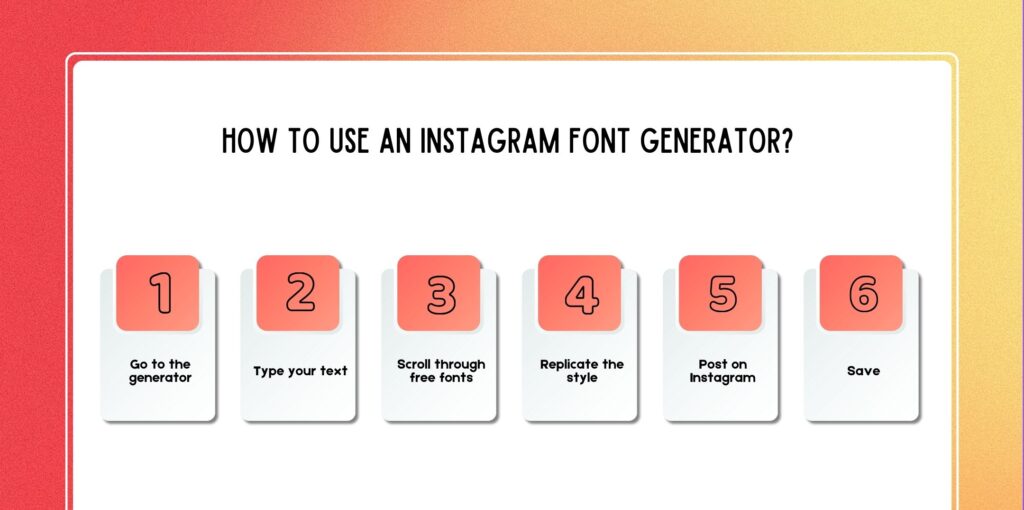
Here is a detailed workflow:
Open any tool like IGFonts.io.
Example:
New reels every Friday!
You will see styles like:
Click → Copy Font.
Settings → Edit Profile → Bio → Paste
Your bio comes up, and that’s cool-the updates are instantaneous.
Here are copyable examples:
Aesthetic bio:
🌿 Dream • Create • Inspire
✨ Living a soft life
📍 Mumbai
Bold creator bio:
𝐂𝐨𝐧𝐭𝐞𝐧𝐭 𝐂𝐫𝐞𝐚𝐭𝐨𝐫 | 𝐌𝐨𝐝𝐞𝐥
Watch my latest vlog
Not all generators are safe. Some issues include:
Here are a few pros and cons when it comes to accessibility and SEO integration with Instagram font generation.
Use fancy fonts only for decoration, not for essential info.
Example:
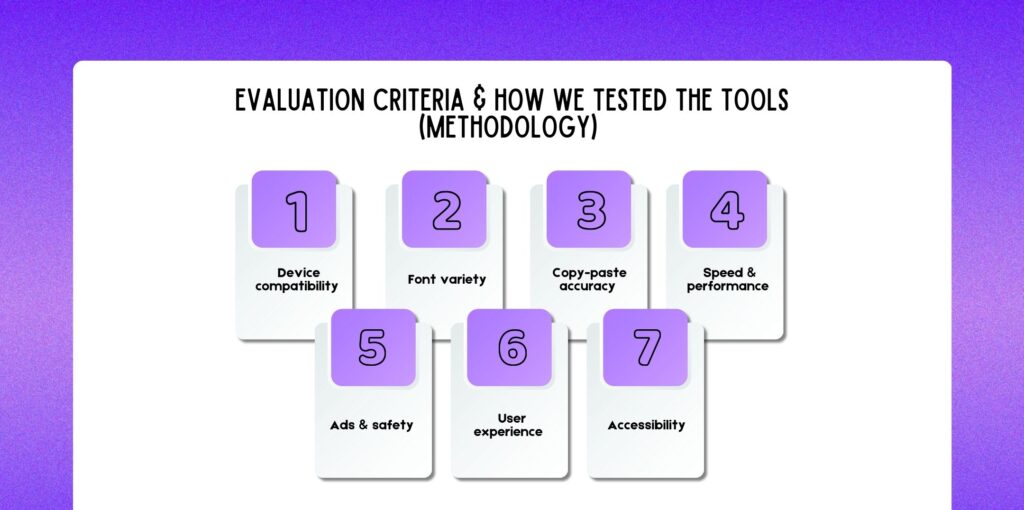
We tested 30+ generators on:
iOS, Android, desktop (Chrome, Safari, Firefox)
Bold, cursive, aesthetic, serif, block, glitch
No hidden characters or broken spacing
Load time under 3 seconds
No misleading ads or downloads
Clean UI, easy copy button, navigation
Readable across screen readers and devices. Based on this, the top 12 tools were selected.
With these tips and best practices, you can have a better font generation.
To get quicker results, you can use these tools to get the best results.
Using an Instagram font generator is one of the easiest ways to instantly elevate your profile, bio, captions, and story design.
With hundreds of free fonts, aesthetic styles, and Unicode variations, you can express your personality and strengthen your brand identity effortlessly.
Now that you understand how these generators work, how to choose fonts for your profile style, and which tools perform best, you’re ready to upgrade your Instagram aesthetic.

Nabamita Sinha loves to write about lifestyle and pop-culture. In her free time, she loves to watch movies and TV series and experiment with food. Her favorite niche topics are fashion, lifestyle, travel, and gossip content. Her style of writing is creative and quirky.

Barsha Bhattacharya, 2 weeks ago

Barsha Bhattacharya, 1 month ago