How To Add Multiple Photos To An Instagram Story (And Why Your Brand Should Bother)
sibashree bhattacharya, 2 hours ago
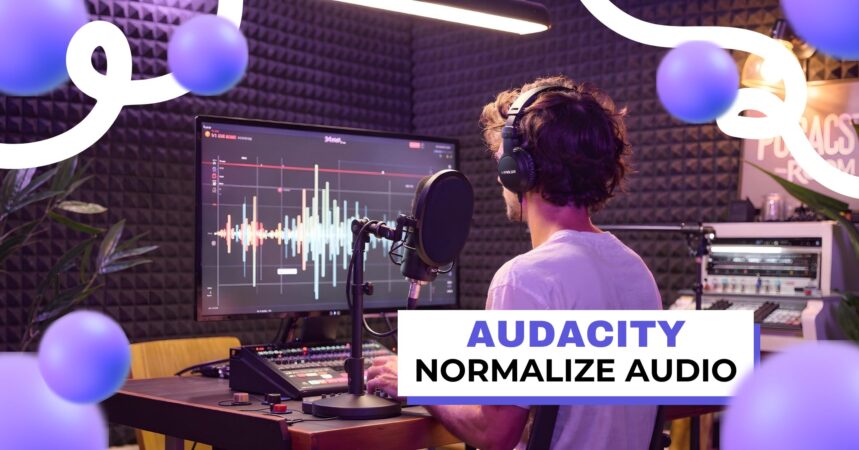
Audio normalization is one of the most important yet often misunderstood steps in audio editing. Whether you’re producing a podcast, editing interviews, recording voice-overs, or preparing music for distribution, normalizing audio in Audacity helps ensure your sound is clear, consistent, and professional.
Audacity, being a powerful and free audio editor, offers flexible normalization tools that allow creators to balance volume levels without distorting sound quality.
In this in-depth guide, you’ll learn exactly how to normalize audio in Audacity, all things considered, when you should use it, and how it fits into a complete podcast or audio production workflow.
After that, we’ll also connect normalization to real-world podcasting topics such as audacity compressors.
How to move audio in Audacity, podcast monetization, podcast apps for advertising, analytics, and working with the best podcast editing and production companies.
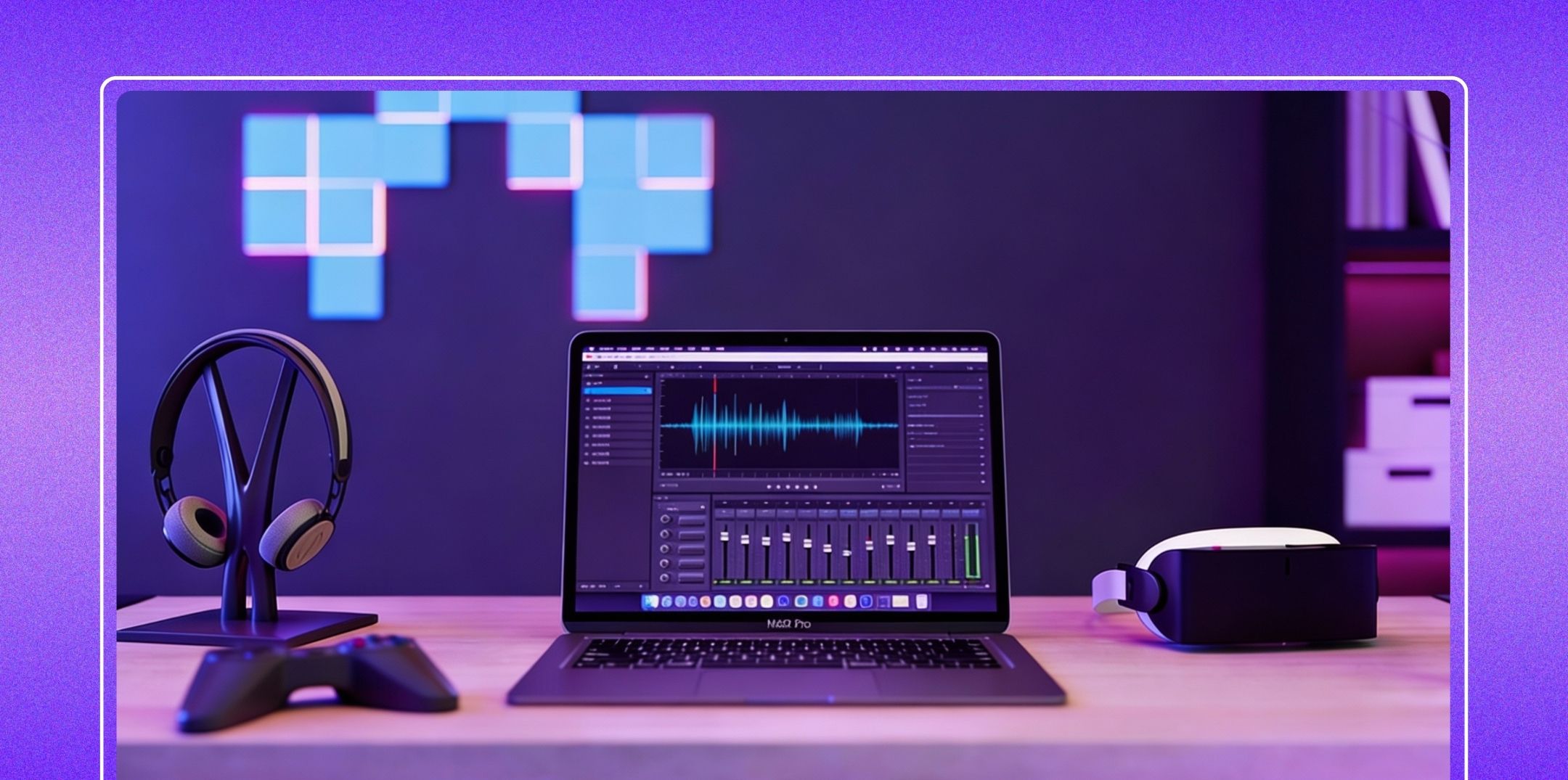
Audio normalization adjusts the overall volume of an audio file so that its loudest point reaches a specific target level without changing the relative dynamics of the sound.
Unlike compression, which reduces the difference between loud and quiet parts, normalization simply raises or lowers the entire waveform uniformly.
Albeit in Audacity, Audacity normalize audio is commonly used to:
Normalization isn’t always required, but in many situations, it is both essential for clean and listener-friendly audio.
If you’re editing a podcast with:
You’ll often notice inconsistent loudness between clips. However, normalization helps bring all clips to a similar peak level, creating a smoother listening experience.
This is especially important before publishing episodes to platforms where listener expectations are high, and performance is measured through tools like Apple Podcast analytics.
Many raw recordings, especially home or remote recordings, are too quiet.
Instead of manually increasing volume (which can introduce clipping), normalization safely boosts loudness while preserving audio quality.
For podcasters aiming to grow their audience and attract advertisers, louder and clearer audio directly impacts engagement, retention, and ultimately how much do podcasters make over time.
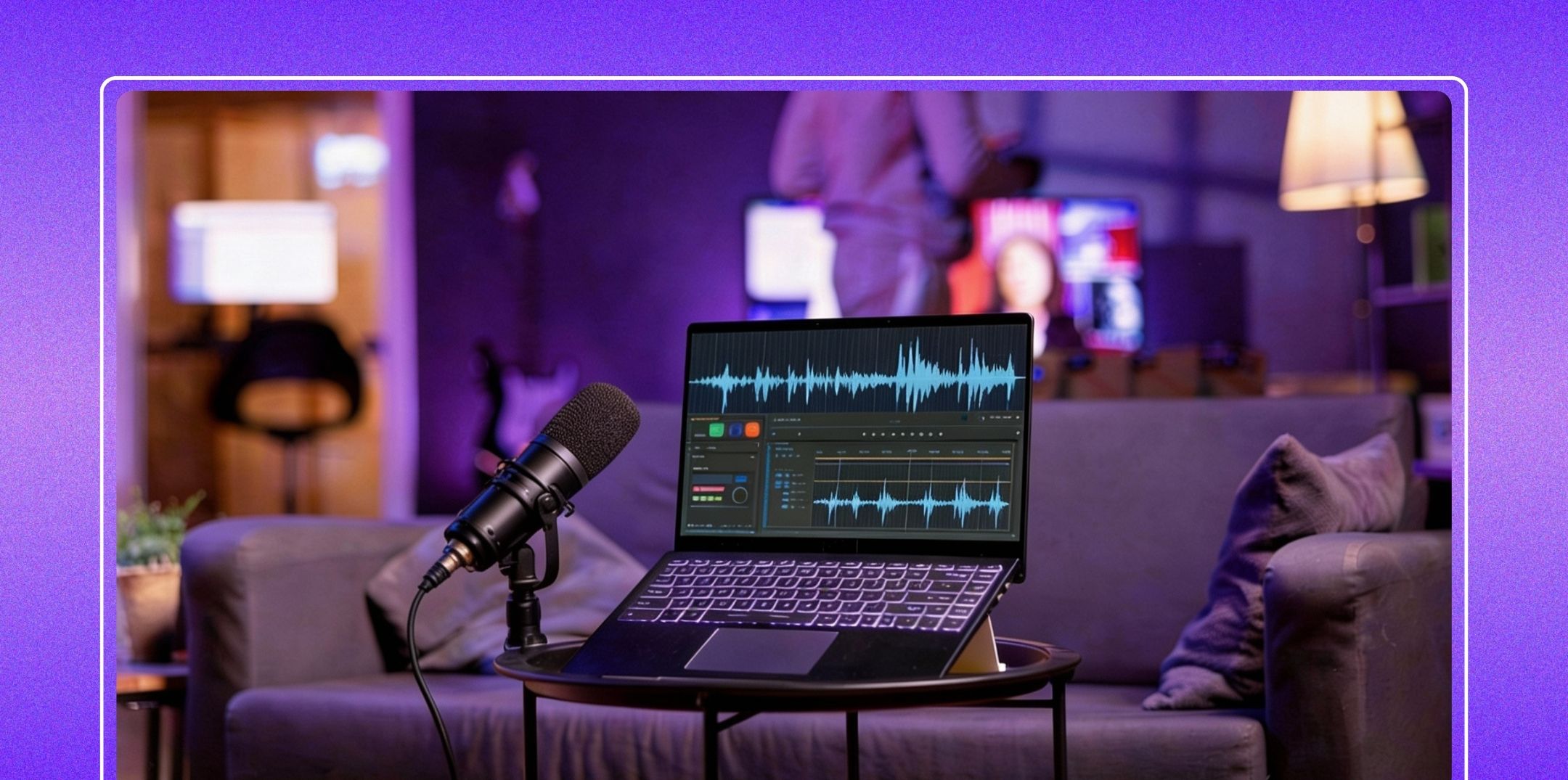
Follow these steps to normalize audio correctly in Audacity:
Audacity will automatically adjust your audio based on the selected options.
This option removes the DC offset by centering the waveform around the zero line.
DC offset occurs when a waveform is shifted above or below the center line, often due to recording hardware issues.
While it may not always be audible, it can reduce headroom and cause problems during further processing.
Checking this option is generally safe and recommended in most cases.
This is the most commonly used normalization setting.
You choose a target peak level (for example, -1.0 dB or -3.0 dB), and Audacity raises or lowers the entire audio track so the loudest peak hits that level.
This ensures your audio is loud enough without risking clipping, especially before uploading to a podcast website or submitting to directories like Pandora podcast submission.
By default, Audacity normalizes stereo tracks together, preserving balance between left and right channels. However, sometimes one channel is louder than the other.
Use this option carefully, as overcorrection can affect stereo imaging.
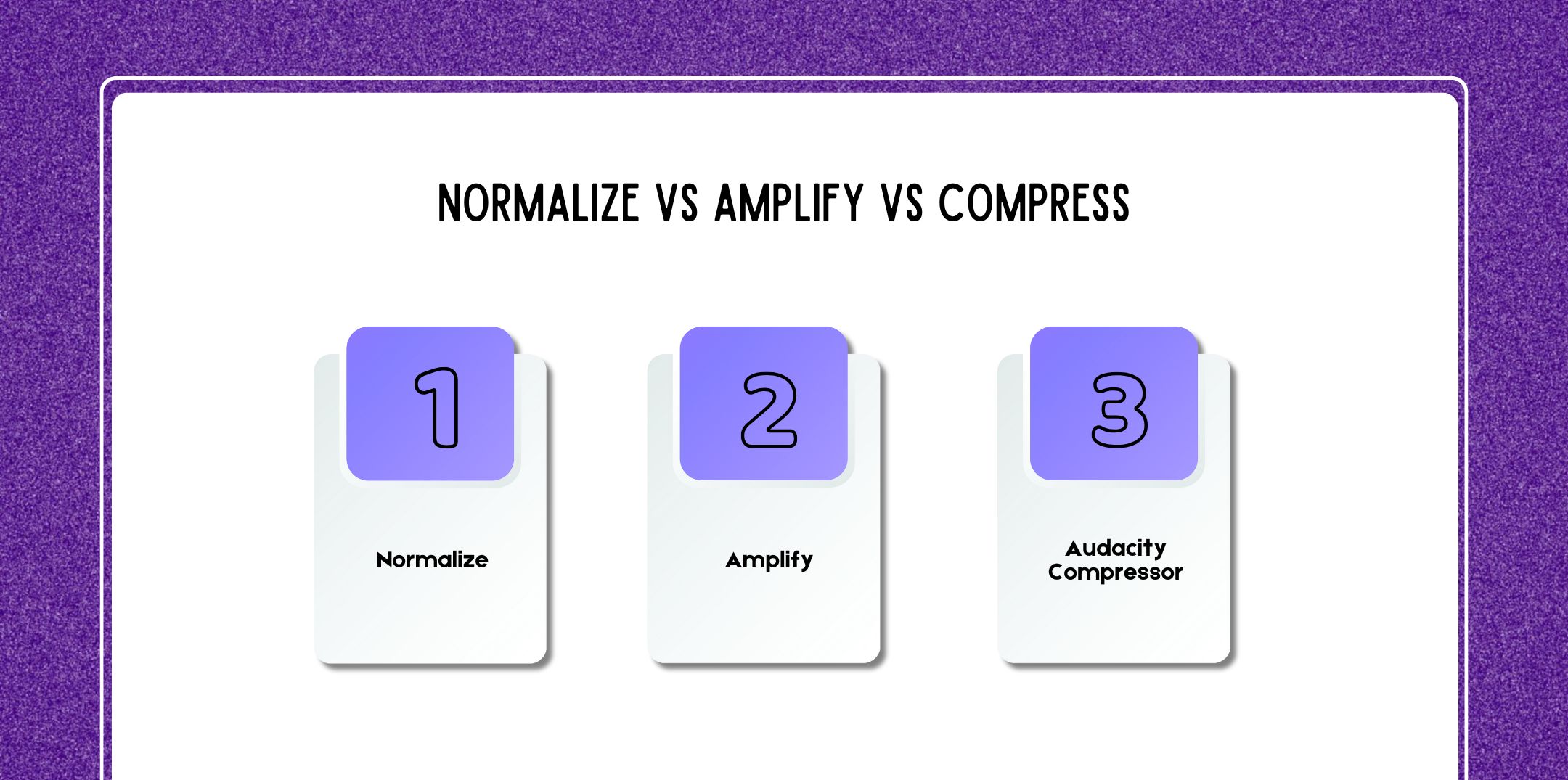
Understanding the difference between these tools is crucial.
A professional workflow often looks like:
This is the same approach used by many best podcast editing and production companies.
Normalization is just one step in a successful podcast production pipeline.
Polished audio improves performance across podcast apps for advertising, helping creators attract sponsors and grow revenue.
Always listen with headphones after normalization to catch issues early.
Here are a few questions and queries on the topic of Audacity normalize audio that others have asked and might be helpful for you at the same time.
Normalization in Audacity adjusts the overall volume of an audio file so that its loudest peak reaches a specified level (for example, -1.0 dB).
It does not change the relative loud and quiet parts within the recording. This makes it ideal for balancing clips without altering natural speech dynamics.
No, by all means, audacity’s normalization effect works on peak amplitude, not LUFS (perceived loudness).
LUFS normalization is often used by streaming platforms, but peak normalization is still essential for clean editing before exporting.
Yes, normalization should be part of every podcast workflow. Even though recordings sound “fine,” normalization ensures consistency across episodes, which helps audience retention and performance tracking in Apple Podcast analytics.
If you set the peak level too high (such as 0.0 dB), clipping may occur during later processing.
For safety, most professionals normalize podcasts between -1.0 dB and -3.0 dB.
Repeated normalization usually has no effect unless additional processing (such as compression or EQ) changes the peaks.
However, unnecessary re-normalizing can complicate workflows, so it’s best done once near the end of editing.
Always apply audacity compressor first, then normalize. Compression changes peak levels, so normalization should be the final loudness adjustment step.
Partially. In spite of normalization aligns peaks, but it does not fix inconsistent speaking volume.
For podcasts with multiple hosts or guests, combine compression, manual clip gain, and normalization for best results.
Normalization increases all audio, including noise. That’s why noise reduction should always be applied before normalization.
Most platforms don’t mandate normalization, but professionally normalized audio performs better on podcast apps for advertising and meets expectations for shows reviewed during Pandora podcast submission.
As a matter of fact, advertisers prefer clean, consistent audio. Normalizing between -1.0 dB and -2.0 dB after compression is common practice amongst the best podcast editing and production companies.
As a result, you can, but it’s better to normalize voice and music separately. Music usually needs lower peak levels to avoid overpowering dialogue.
Select all tracks using Ctrl + A (Windows) or Cmd + A (Mac), then apply Normalize. Altogether, this ensures consistent peak levels across the entire project.
By default, Audacity preserves stereo balance. However, enabling normalized stereo channels independently can correct the imbalance if one channel is louder.
Use this option as a matter of fact:
• Remote interviews
• Uneven left/right recordings
• Old audio files with channel drift
Avoid using it on music unless necessary.
Clear, consistent audio improves listener trust and retention, which directly affects sponsorship interest and long-term earnings, an important factor in how much do podcasters make.
Yes. On one hand, many successful creators use Audacity exclusively. As podcasts scale, some creators collaborate with the best podcast editing and production companies, but Audacity remains a powerful foundation.
While Apple Podcasts doesn’t reject audio for lack of normalization, consistent loudness improves listener experience and analytics performance.
Yes. All of a sudden, normalization should be one of the final steps before exporting your audio file.
Yes. To sum up, select individual clips and apply normalization to fine-tune specific sections after all.
Absolutely. With this intention, normalized audio improves clarity and professionalism across video platforms as well.
If you want to master Audacity and podcast production, explore:
Strong editing skills, combined with a professional podcast website, smart distribution, and analytics tracking. Without a doubt, it can help turn a hobby podcast into a sustainable income stream.
In conclusion, learning how to normalize audio in Audacity is a foundational skill for anyone serious about audio production.
In fact, it helps ensure your content sounds consistent, loud enough, and professional, whether you’re publishing your first episode or scaling a monetized podcast.
When combined with compression, proper editing, and strategic distribution, normalization plays a key role in creating content that listeners and advertisers love.

Nabamita Sinha loves to write about lifestyle and pop-culture. In her free time, she loves to watch movies and TV series and experiment with food. Her favorite niche topics are fashion, lifestyle, travel, and gossip content. Her style of writing is creative and quirky.