
5 Benefits Of SEO For Next-Level Business Growth In Europe
Barsha Bhattacharya, 7 days ago
In today’s digital-first world, your personal information is more exposed than ever before. Whether it’s your phone number, home address, email ID, or even sensitive documents.
There’s a high chance that some of them are indexed by Google. Consequently, this exposure can lead to privacy risks, identity theft, and even harassment.
Therefore, if you’ve ever searched your name and found personal details appearing in search results, you’re not alone.
Fortunately, the good news is that you need to know how to remove personal information from Google for free, and in this comprehensive guide, you’ll learn exactly how to do it step by step.
Moreover, this article is designed to be practical, beginner-friendly, and highly detailed so you can take action immediately.

First and foremost, it’s important to understand how Google works. Google does not host most of the content you see; it simply indexes web pages from across the internet.
Therefore, removing information from Google doesn’t always mean deleting it from the web itself. However, you can remove it from search results, which significantly reduces visibility.
To begin with, Google allows the removal of certain types of sensitive and personal information, especially when it poses a risk. For example:
Additionally, Google prioritizes removal requests that involve risk of harm, fraud, or identity theft.
Therefore, if your information falls under these categories, your chances of successful removal are high.
On the other hand, there are limitations. Google cannot remove content simply because you don’t like it.
For instance:
In such cases, although Google may not remove the search result, you can still try contacting the website owner directly (we’ll cover this later).
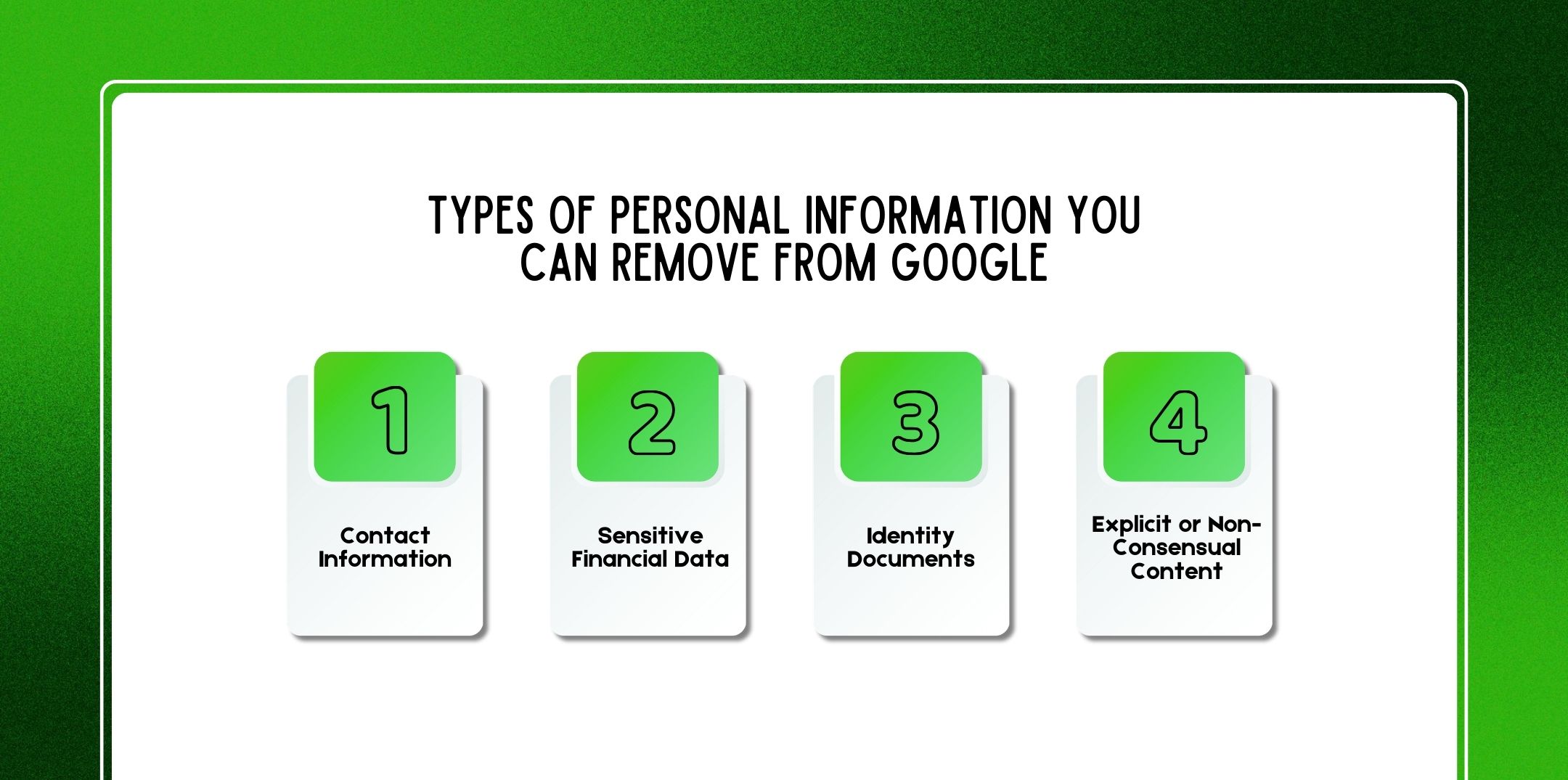
Now that you understand the basics, let’s explore the specific types of information you can target for removal.
Firstly, contact details are among the most commonly exposed data online. This includes:
Therefore, if your personal contact information is publicly accessible and causing spam or harassment, you can request removal easily.
Secondly, financial data is extremely critical. Google takes such requests seriously because of fraud risks.
This includes:
As a result, removal requests involving financial data are usually processed faster.
Furthermore, identity documents such as:
Are highly sensitive. If these appear in search results, you should act immediately.
Lastly, Google has strict policies regarding explicit content, especially if it is shared without consent.
For example:
In such cases, removal requests are treated as urgent.
One of the easiest and fastest ways of how to remove personal information from Google for free from Results About You tool.
Therefore, if you want a hands-off solution, this is your best option.
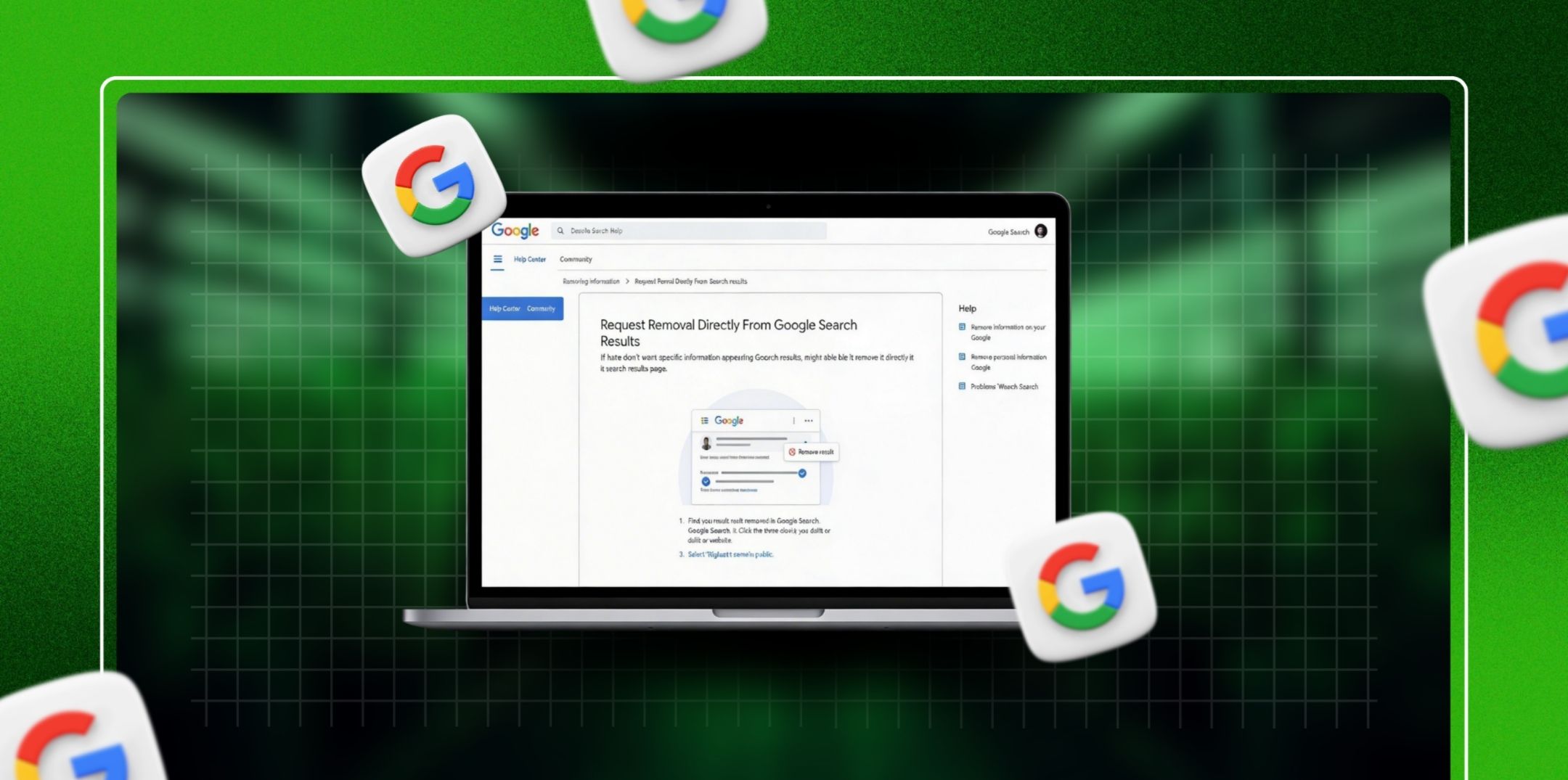
Alternatively, you can request removal directly from search results.
If the above methods don’t work, you can use Google’s official removal form.
The more detailed your explanation, the higher your chances of approval.
Since Google only indexes content, removing it from the source is often the most effective solution.
Although this method takes time, it ensures permanent removal.

Data brokers collect and sell personal information. Therefore, removing your data from these sites is crucial.
Although this process can be repetitive, it significantly reduces your digital footprint.
Generally speaking, Google takes:
However, timelines may vary depending on the nature of the request.
If your request gets rejected, don’t worry. Instead:
Persistence often pays off.
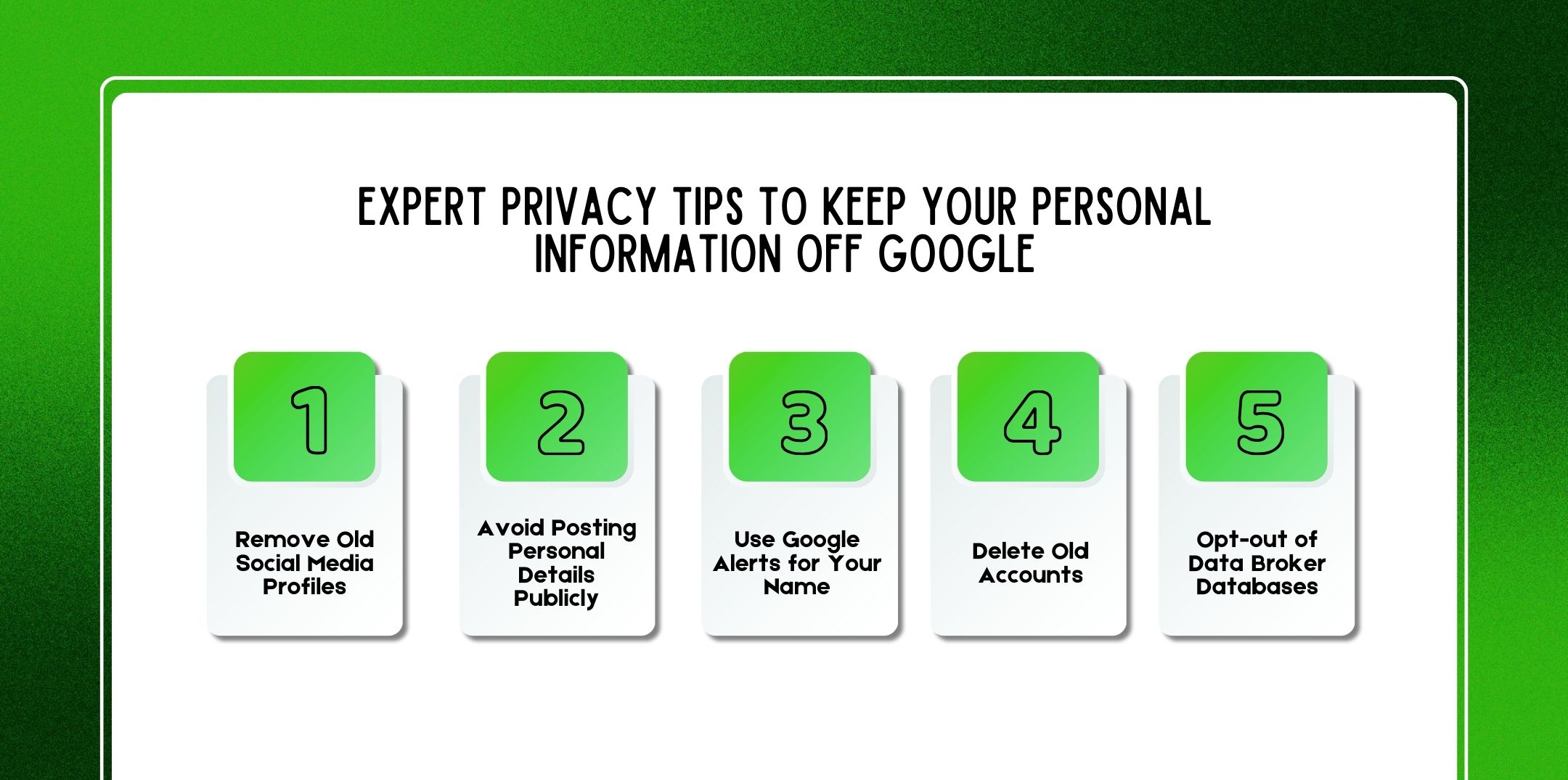
Prevention is always better than removal. Therefore, follow these expert tips:
Old accounts often contain outdated personal data. Hence, delete or privatize them.
Think twice before sharing:
Set alerts so you’re notified whenever your name appears online.
Inactive accounts are easy targets for data leaks. Therefore, clean them up regularly.
Regularly remove your information from data broker sites to minimize exposure.
Also Check: How To Delete Your Digital Footprint (Complete Step-by-Step Guide For 2026)?
To stay proactive, use these free tools:
These tools help track data breaches and online mentions.
Before you submit any request, keep these safety tips in mind:
Here are a few questions and queries on the topic of how to remove personal information from Google for free that others have asked, and it might be helpful for you as well.
Yes, you can request removal if it appears publicly and poses a risk.
Yes, all official Google removal tools are completely free.
Typically, it takes a few days, but complex cases may take up to two weeks.
No, it only removes it from search results. The content may still exist on the original website.
Yes, especially if it is linked to personal safety concerns.
It may not meet Google’s removal criteria or lack sufficient evidence.
In some cases, yes, especially if they can prove harm or legal authority.
Yes, most tools require you to be signed in.
It can reappear if the source content is still alive.
Yes, but it’s unnecessary since Google provides free tools.
In conclusion, knowing how to remove personal information from Google for free is not only possible but also completely free. However, it requires a combination of methods, patience, and ongoing monitoring.
Therefore, whether you use Google’s “Results About You” tool, submit removal requests, or contact website owners, the key is to stay proactive.
Additionally, by following expert privacy tips and using monitoring tools, you can significantly reduce your digital footprint. Ultimately, your online privacy is in your hands, and with the right approach, you can take full control of it.
Additional Resource: Why Is Digital Footprint Important In 2026?

Nabamita Sinha loves to write about lifestyle and pop-culture. In her free time, she loves to watch movies and TV series and experiment with food. Her favorite niche topics are fashion, lifestyle, travel, and gossip content. Her style of writing is creative and quirky.