
5 Benefits Of SEO For Next-Level Business Growth In Europe
Barsha Bhattacharya, 7 days ago

In today’s highly connected world, nearly every action you take online leaves behind a digital footprint.
Whether you browse websites, post on social media, shop online, or simply search for information, you generate data that can be stored, analyzed, and sometimes shared across platforms.
Over time, this digital trail grows larger and more complex, making it easier for companies, advertisers, and even cybercriminals to learn more about you.
Therefore, many people are now asking an important question: how to delete a digital footprint.
While it may be impossible to completely erase every trace of your online presence, you can significantly reduce your digital footprint by taking the right steps.
In fact, with proper planning and consistent effort, you can regain control over your personal information and protect your privacy more effectively.
Furthermore, managing your digital footprint is not only about privacy, it also impacts your online reputation, security, and personal data protection.
Employers, businesses, and organizations often evaluate online profiles and public information when making decisions.
Consequently, cleaning up your digital footprint can help ensure that your online identity reflects your true intentions and values.
In this comprehensive guide, we will explore why deleting your digital footprint is important, how to audit your online presence, and the exact steps you can take to reduce or remove your digital data from the internet.
Additionally, we will discuss tools, legal rights, and expert tips that can help you maintain long-term digital privacy.
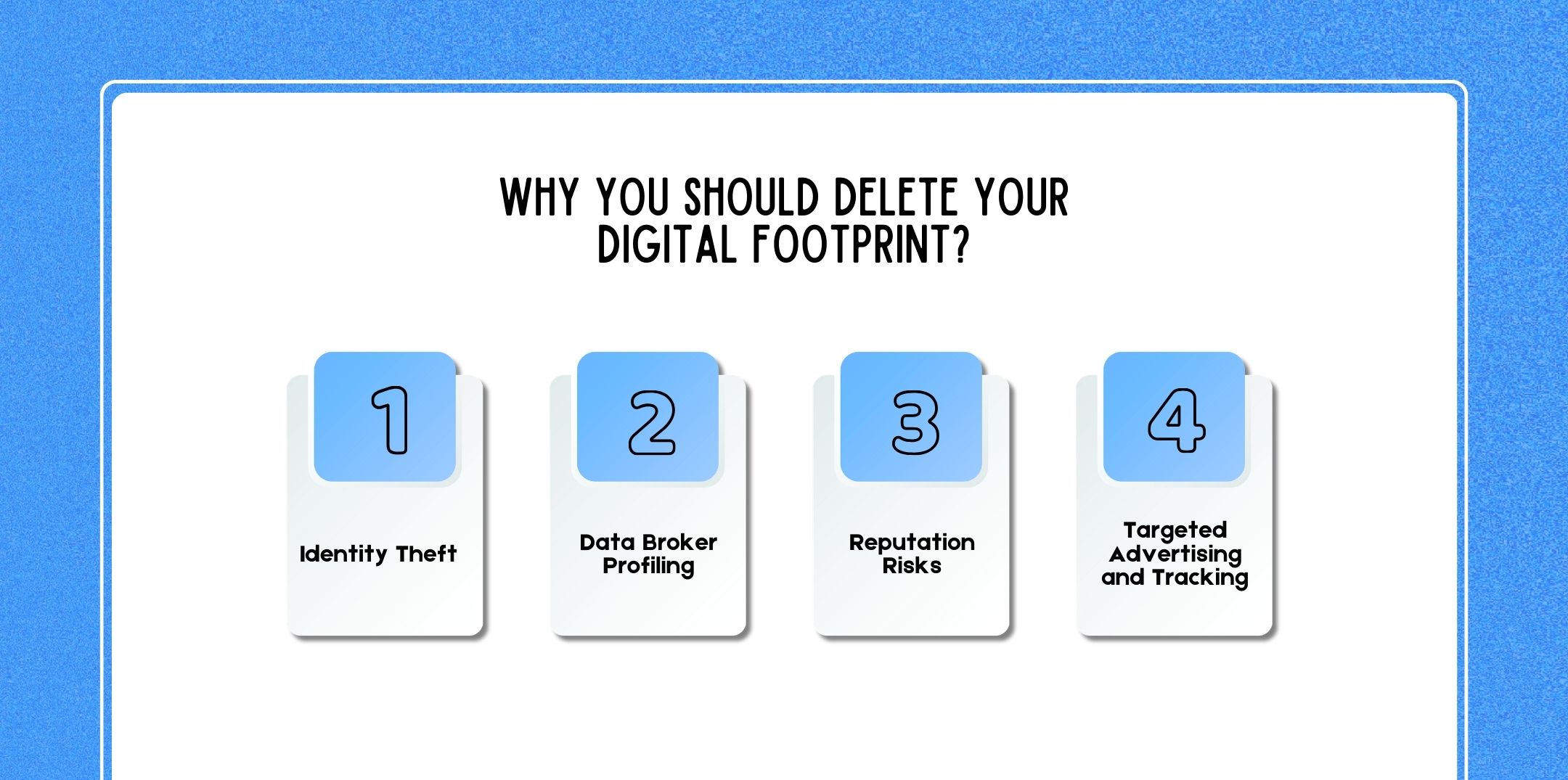
Before learning how to delete your digital footprint, it is important to understand why it matters. Many people assume that their online data is harmless; however, large digital footprints can expose individuals to several risks.
Therefore, reducing unnecessary online data is a crucial step toward protecting personal privacy and security.
One of the biggest dangers of an extensive digital footprint is identity theft. Cybercriminals often search the internet for personal information such as:
Once attackers collect enough data, they can impersonate individuals to open bank accounts, apply for credit cards, or commit financial fraud.
Moreover, identity theft cases have increased significantly in recent years as more personal information becomes available online.
Consequently, limiting the amount of publicly accessible information about yourself can reduce the risk of becoming a victim.
Another major concern is data broker profiling. Data brokers are companies that collect, analyze, and sell personal information about individuals.
These companies gather data from:
As a result, they build detailed profiles that may include your interests, income level, purchasing habits, and even political views.
While some companies use this information for marketing purposes, others sell it to third parties. Therefore, removing your data from these databases is an important step in reducing your digital footprint.
Your digital footprint also affects your personal and professional reputation.
Employers, recruiters, and clients often research individuals online before making hiring or partnership decisions. If outdated, misleading, or inappropriate content appears in search results, it can create a negative impression.
For example, old social media posts, controversial comments, or inaccurate information may damage your reputation.
Therefore, cleaning up your digital footprint ensures that your online presence represents you positively.
Most internet users are familiar with targeted advertisements. After browsing certain products or websites, you may notice related ads appearing on multiple platforms.
This happens because advertisers track your online behavior using technologies such as cookies and tracking pixels.
Although targeted ads can sometimes be useful, excessive tracking raises privacy concerns. By reducing your digital footprint and limiting tracking technologies, you can regain greater control over your online experience.
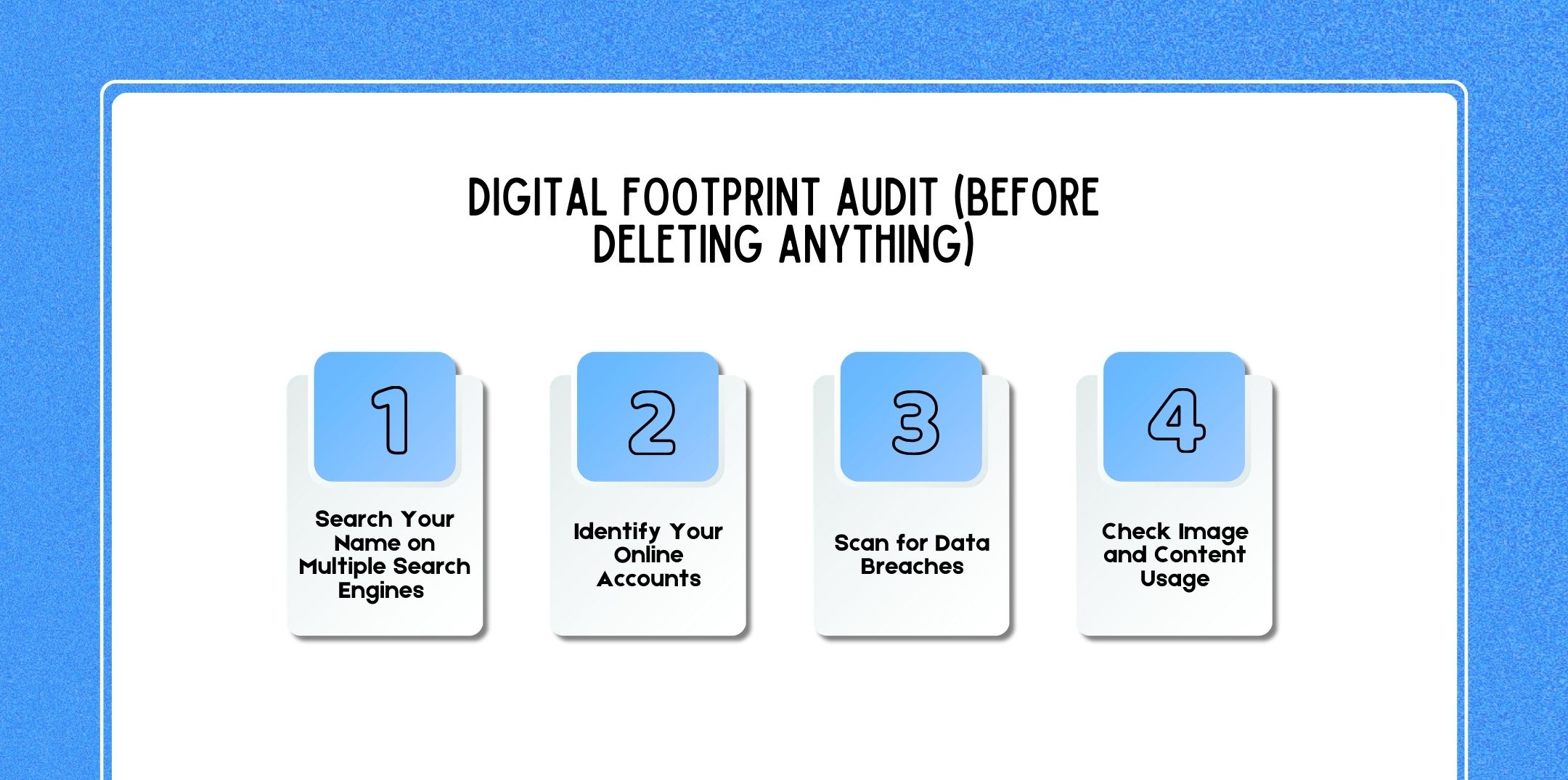
Before attempting to remove information from the internet, it is important to conduct a digital footprint audit. This process helps you identify where your personal information appears online.
Once you understand your online presence, you can begin removing unnecessary or unwanted data.
The first step in auditing your digital footprint is searching for your name online.
Use multiple search engines such as:
Look through several pages of results to see what information appears. Additionally, try searching variations of your name along with your city, workplace, or username.
This will help you identify:
If you discover content you do not want publicly visible, you can begin the removal process.
Most people have created dozens of online accounts over the years.
These may include:
Many of these accounts may no longer be active, yet they still store personal data. Therefore, compiling a list of all your online accounts is essential before deleting them.
Another important step is checking whether your personal information has been exposed in data breaches.
Many companies experience cybersecurity incidents that leak customer data, including email addresses and passwords.
You can check for breaches using online monitoring tools that notify users when their credentials appear in leaked databases.
If a breach is detected, immediately change your passwords and secure affected accounts.
Finally, search for images or content associated with your name.
Sometimes photos or posts may appear on websites without your knowledge. If you find content that violates your privacy or copyright, you may request its removal.
Conducting this audit ensures that you understand the full scope of your digital footprint before attempting to delete it.
Related Resource: Why Is Digital Footprint Important In 2026?
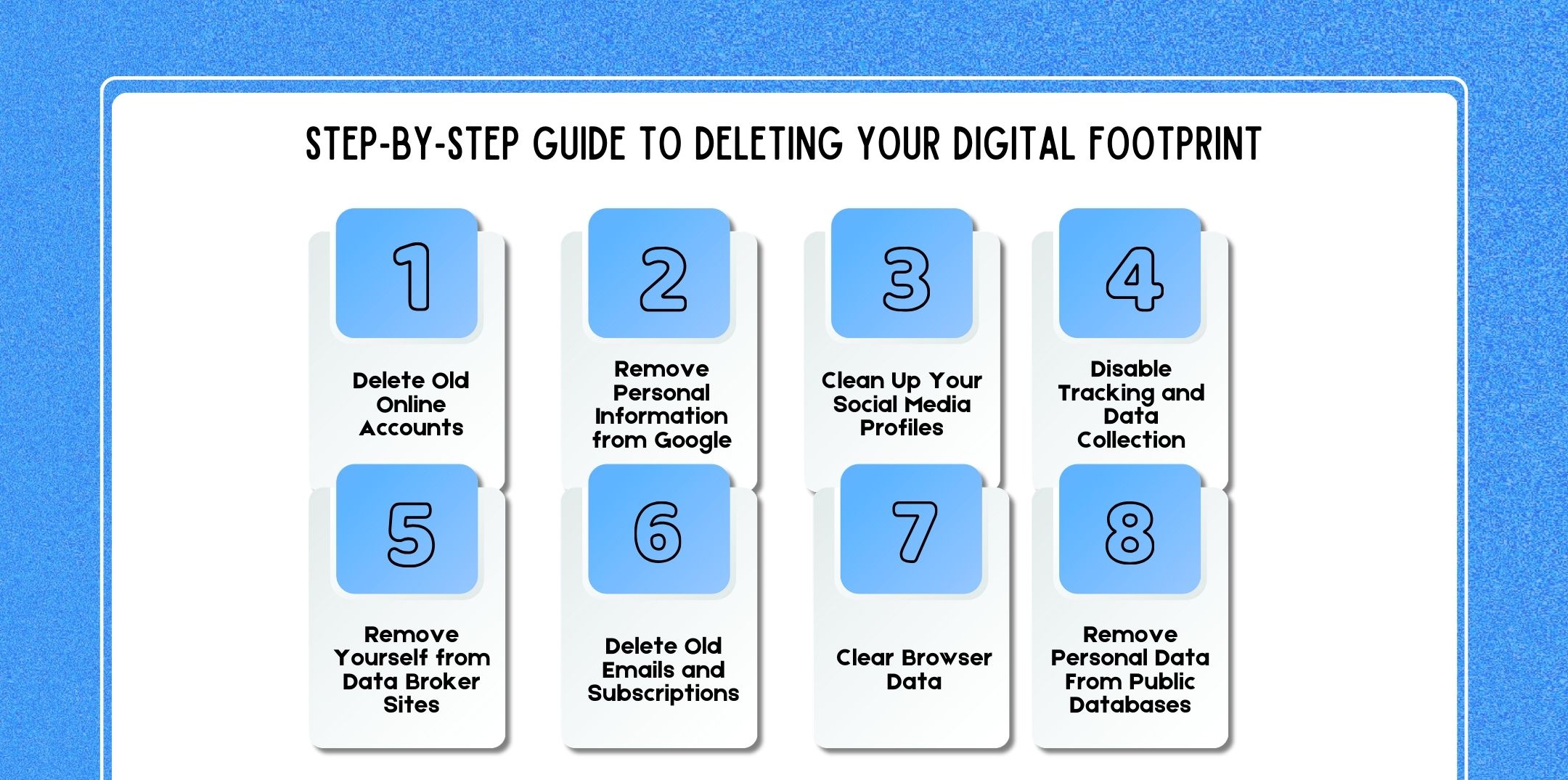
Once you have completed your digital audit, you can begin removing unwanted information from the internet.
Although this process requires time and patience, following these steps can significantly reduce your online data exposure.
The first step is removing accounts you no longer use.
Inactive accounts pose security risks because they may contain outdated passwords or personal information.
Start by reviewing your list of accounts and closing those that are unnecessary. Before deleting accounts, download any important data you may want to keep.
Sometimes personal information appears in search engine results.
Fortunately, search engines provide tools that allow users to request removal of sensitive information such as:
Submitting removal requests can help reduce the visibility of sensitive information.
Social media platforms often contain large amounts of personal data.
Therefore, review your profiles carefully and delete:
Additionally, adjust privacy settings so that only trusted connections can view your content.
Many websites track user behavior using cookies and analytics tools.
To reduce tracking:
These actions help limit the data websites collect about you.
Data broker websites compile personal information about individuals. Many of these platforms allow users to request the removal of their profiles.
Although the process can take time, submitting removal requests can significantly reduce data exposure.
Email accounts often contain years of personal data, including receipts, messages, and subscriptions.
Unsubscribe from mailing lists you no longer need. Additionally, delete unnecessary emails that contain sensitive information. This helps reduce the amount of personal data stored online.
Browsers store various types of data, including:
Clearing this data regularly helps minimize tracking and improve privacy.
Public records databases may include information such as addresses, phone numbers, and property records.
While some public records cannot be completely removed, you may request that certain websites hide or limit access to your data.
Managing digital privacy manually can be time-consuming. Fortunately, several tools can help simplify the process.
Some companies specialize in removing personal data from online databases and data broker websites.
These services search for your information and submit removal requests on your behalf. Although they often charge subscription fees, they can save time and effort.
Privacy-focused browsers help protect user data by blocking trackers and limiting data collection.
They often include built-in features such as:
Using such browsers can significantly reduce online tracking.
Password managers help create and store secure passwords for multiple accounts.
By using unique passwords for every service, you can reduce the risk of account breaches and identity theft.
Also Check: Digitization vs Digitalization: Key Differences, Examples, And Why Businesses Must Understand Both
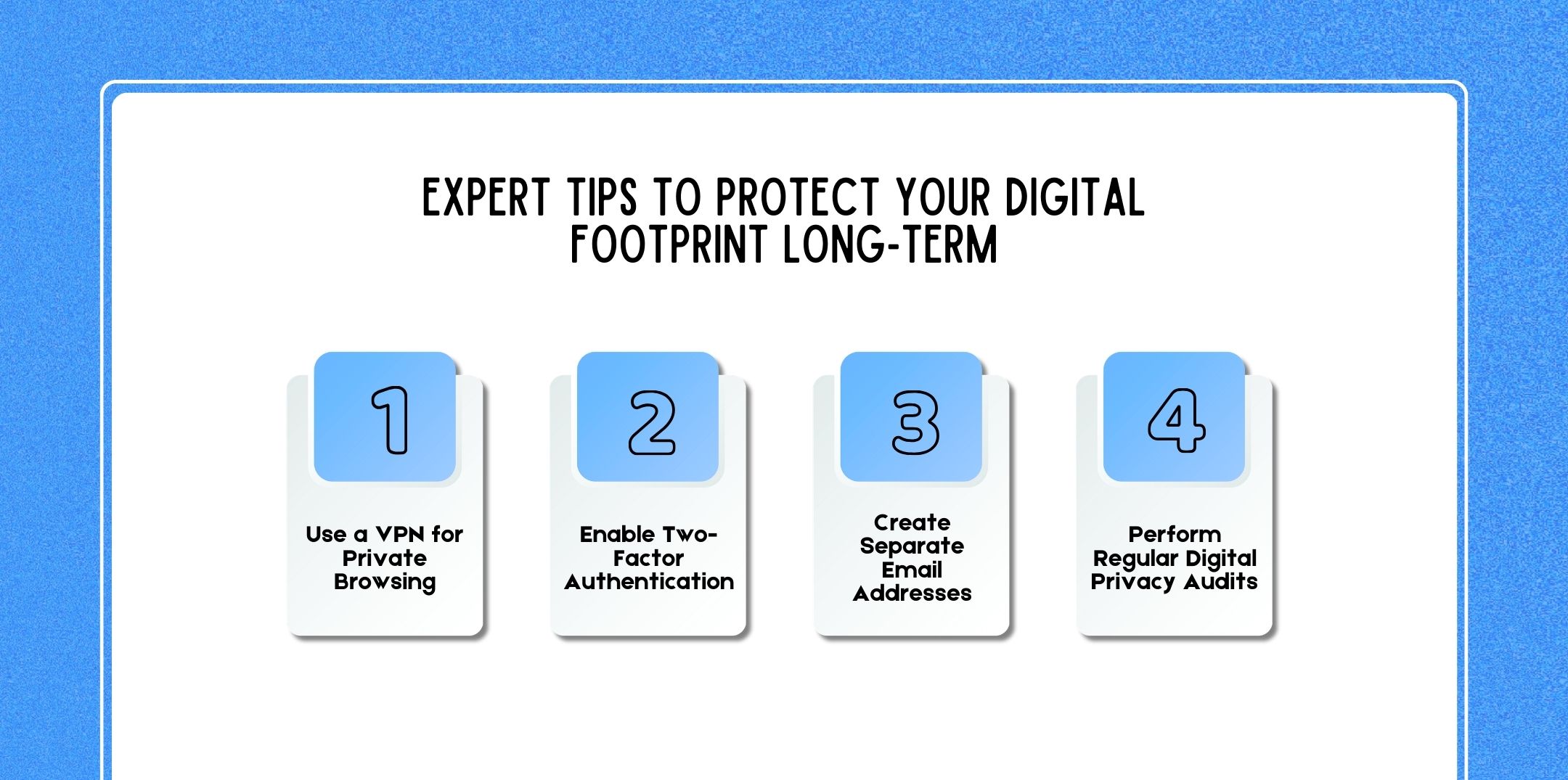
Deleting your digital footprint once is not enough. Instead, maintaining privacy requires ongoing attention. Experts recommend several long-term strategies.
A Virtual Private Network (VPN) encrypts internet traffic and hides your IP address. As a result, it prevents websites and advertisers from easily tracking your online activity.
Two-factor authentication adds an extra layer of security to your accounts. Even if someone obtains your password, they cannot access your account without the additional verification step.
Using multiple email addresses for different purposes can help protect your main account.
For example:
This strategy limits data exposure and spam.
Finally, review your digital footprint regularly. Search your name online, check account activity, and update privacy settings periodically. Consistent monitoring ensures that your digital presence remains secure.
Many people hope to completely erase their digital presence from the internet. Unfortunately, this is rarely possible.
Once information has been shared online, copies may exist on multiple servers, archives, or backups.
However, while complete deletion may be unrealistic, you can significantly reduce your digital footprint by removing unnecessary accounts, limiting data sharing, and requesting content removal.
Therefore, the goal should be digital footprint reduction rather than total elimination.
Several laws and regulations give individuals greater control over their personal data.
The Right to Be Forgotten allows individuals to request the removal of personal information from search engines and websites.
This right is part of the European Union’s General Data Protection Regulation (GDPR). Although it primarily applies to EU citizens, many companies provide similar options globally.
Many countries have introduced data privacy laws that require organizations to protect personal information.
These laws often allow individuals to:
Understanding these rights can help individuals protect their digital privacy.
Use the following checklist to ensure you have addressed the most important steps.
Completing this checklist regularly can significantly reduce your digital footprint.
Here are a few questions and queries on the topic of how to delete a digital footprint that others have asked, and it might be helpful for you as well.
No, completely deleting your digital footprint is nearly impossible, but you can significantly reduce it by removing accounts and limiting data sharing.
It depends on the amount of information online. The process may take several days to several months.
No, social media is only one part of your digital footprint. Data may also exist on websites, apps, and public databases.
Costs vary. Some individuals manage removal themselves for free, while professional services may charge monthly fees.
Social networks, e-commerce platforms, data broker websites, and public records databases often store personal information.
Yes, in certain cases, Google allows users to request the removal of sensitive personal data from search results.
Sometimes. Some platforms retain data for legal or backup purposes even after account deletion.
Deleting unused accounts, adjusting privacy settings, and submitting data removal requests can quickly reduce your online footprint.
They can be helpful for individuals who want to remove data quickly without spending time manually contacting websites.
Experts recommend reviewing your digital footprint at least once every six months.
Your digital footprint represents the trail of information you leave behind while using the internet. Over time, this trail can grow large enough to affect your privacy, security, and reputation.
Fortunately, following a structured approach starting with a digital audit, deleting unused accounts, removing personal data, and adjusting privacy settings, you can significantly reduce your online presence.
Although completely erasing your digital footprint may not be possible, consistent digital privacy practices can help you maintain control over your personal information.
Ultimately, the key to digital safety is awareness. By understanding how your data is collected, stored, and shared, you can make smarter decisions and protect your identity in the digital world.

Nabamita Sinha loves to write about lifestyle and pop-culture. In her free time, she loves to watch movies and TV series and experiment with food. Her favorite niche topics are fashion, lifestyle, travel, and gossip content. Her style of writing is creative and quirky.