Creator Vs Business Account Instagram: The Ultimate 2026 Strategic Blueprint
sibashree bhattacharya, 5 hours ago
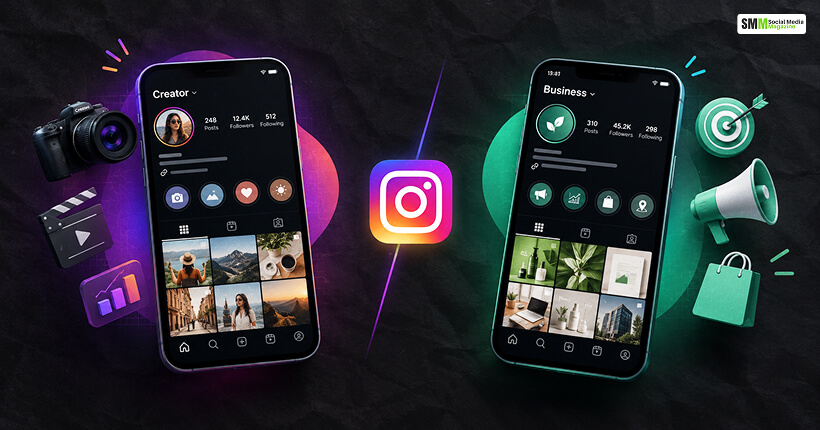
Choosing your professional profile tier is the foundational inflection point of your entire social media operation.
When auditing the architectural differences between a creator vs business account Instagram, you are not just toggling a cosmetic badge.
You are selecting a fundamentally different data pipeline, API access level, and monetization framework.
Instagram offers two distinct professional pathways, which are Creator Accounts and Business Accounts.
While both offer an immediate upgrade over a restrictive personal profile, they are built for entirely different business models.
One optimizes for cultural relevance and individual attention. On the other hand, the other is built for scale, enterprise data and transactional velocity.
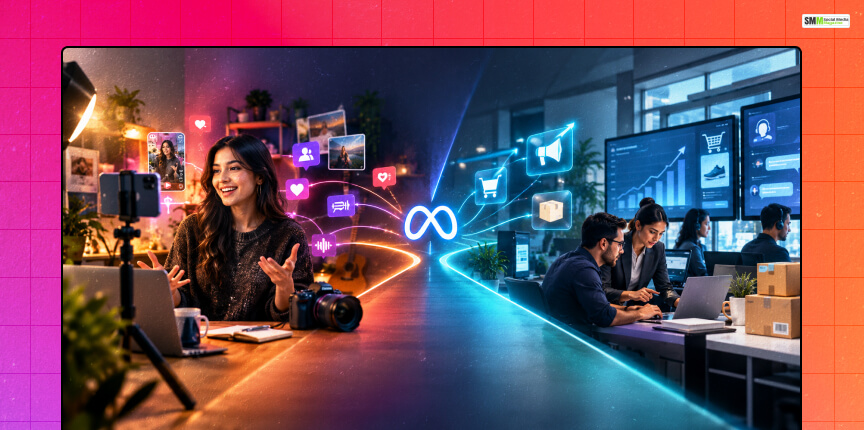
Meta engineered these professional profile tiers in order to serve two distinct user archetypes operating on the platform.
One of the most essential things to know about creator accounts is that they are designed for individual influencers, public figures, artists, writers and independent video producers.
Furthermore, these accounts are optimized for building a personal brand identity, cultivating community and monetizing personal attention.
Conversely, business accounts are designed for e-commerce brands, local retailers, service agencies, and corporate entities.
To drive conversions, run automated ad funnels, and manage multi-agent support teams, business accounts are usually optimized.
In order to understand how a creator vs business account Instagram can align with your operational tech stack, analyze this direct feature breakdown.
| Feature Dimension | Creator Account | Business Account |
|---|---|---|
| Primary Structural Goal | Attention, engagement, and personal brand authority | Conversions, lead generation, and customer lifetime value |
| Audio Library Clearing | Unrestricted access to the trending commercial audio ecosystem | Restricted exclusively to royalty-free, copyright-cleared audio tracks |
| API Framework & Automation | Hybrid API (supports basic analytics and manual notification scheduling) | Full Enterprise API (supports headless auto-publishing and multi-user CRMs) |
| Profile Real Estate Controls | High flexibility (manually toggle category labels and specific DMs) | Transaction-focused (fixed CTAs for physical maps, phone lines, and booking) |
| Native Monetization Pipelines | Built-in access to Fan Subscriptions, Live Badges, and Virtual Gifts | Built for direct Meta Shop catalogs and third-party checkout flows |
| Ad Infrastructure Setup | Partnership Ads (creator whitelisting) via Meta Ads Manager | Full Meta Pixel integration, Conversions API, and custom catalog syncing |
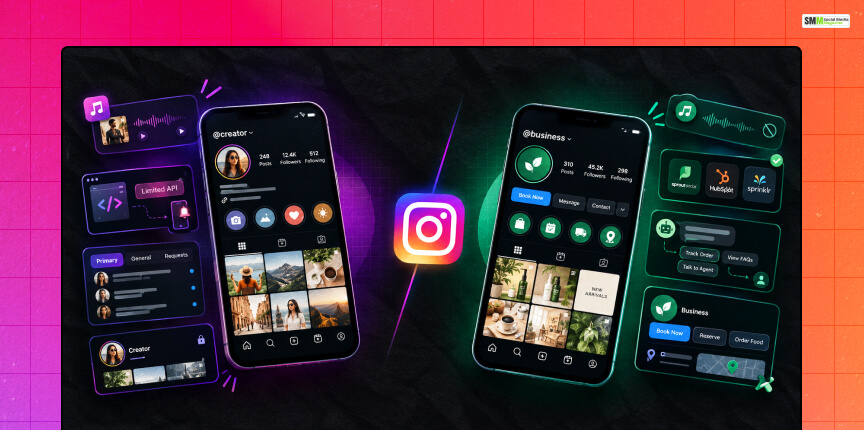
To get a full understanding of how your account choice impacts performance, we have to look past the surface dashboard.
The friction between a creator profile and a business profile comes down to the way Meta treats intellectual property, commercial automation and community data.
Making the wrong choice can instantly tank your visibility or break your entire backend publishing workflow.
Thus, an analysis of these core operational categories is essential.
The most immediate and day-to-day creative difference between these profiles comes down to music licensing.
The type of account you select alters the physical layout of your Reels composition screen, while restricting what your viewers can hear when they watch your content.
These profiles enjoy complete and unrestricted access to the entire Instagram music library. Additionally, you can use mainstream and highly viral pop music tracks the exact second they start trending on Reels.
This lets you have a massive unfair advantage in case your content strategy relies heavily on jumping on viral audio tracks to game the organic algorithm.
As a result, you will be able to gain algorithmic traction.
In order to protect corporate entities from multi-million-dollar copyright infringement lawsuits, Business accounts are strictly legally restricted to Meta’s Commercial Audio Library.
This library is limited to roughly 9,000 royalty-free tracks, generic electronic beats and sound effects.
Do you have a strategy which uses chart-topping songs to reach a younger audience? A Business profile bottlenecks your creative output and leaves your Reels feeling sterile.
For any brand or agency that seeks to scale their operations, backend API capability usually determines two things. These are where an account type is an asset or a daily logistical nightmare.
The choice of the wrong tier here can completely change the way your team publishes daily media.
Creators operate on a sandboxed version of the Instagram API. Due to this restriction, many popular third-party scheduling platforms cannot auto-publish your content headlessly.
Instead, the software must use a manual pipeline to send a push notification to your personal mobile device.
Consequently, you must manually copy your caption text and publish the post inside the native app.
The robust Instagram Graph API builds business accounts and allows seamless integration with enterprise social media management tools.
These include tools such as Sprout Social, HubSpot, or Sprinklr. Moreover, this enables completely hands-off, automated publishing.
You can schedule text, images, and videos weeks in advance without ever needing to touch your phone when it is time for a post to go live.
As your profile grows, managing an influx of direct messages becomes incredibly difficult. Both professional profiles upgrade your inbox from a basic setup.
However, they optimized for completely opposite engagement strategies.
The Creator inbox splits into three distinct streams:
This simple layout shift allows an influencer to separate critical brand partnership inquiries from everyday fan messages. Furthermore, it introduces powerful filtering tools to isolate messages.
That is, on the basis of the verified status of the sender or follower count. As a result, this ensures you never miss a high-value DM from a potential business partner.
On the contrary, business profiles replace this multi-tab layout with an automated customer support terminal. Instead of filtering by celebrity status, the business layout allows you to build complex Frequently Asked Questions logic trees.
These FAQ logic trees populate the moment a user opens a DM chat window.
In addition, it allows you to integrate native lead generation forms directly inside the chat interface to capture customer emails seamlessly.
Your profile page is your digital storefront, and how users interact with it depends heavily on your account classification.
Additionally, the interface elements available change the literal customer journey from discovery to checkout.
Creator layouts throw out local conversion tools in favor of visual minimalism and personal data privacy.
The account holder can choose to hide their category label and contact information completely to maintain a clean aesthetic on their profile grid.
They do not support third-party booking buttons or physical storefront mapping, keeping the focus entirely on the content feed itself.
Business accounts prioritize immediate transactional execution.
You can integrate your profile with approved third-party scheduling applications to embed functional action buttons like “Book Now,” “Reserve,” or “Order Food” directly onto your main page.
They also support explicit physical address pinning that automatically launches native mobile map applications when tapped by a local customer.
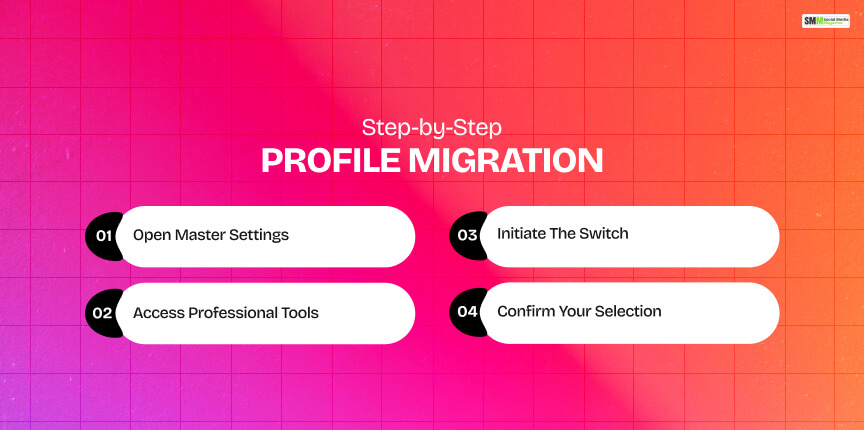
Moving between these professional tiers takes less than a minute and preserves all your existing analytics data.
Moreover, it does not penalize your current follower count or content performance metrics.
Navigate to your Instagram profile grid and tap the three horizontal lines in the upper right-hand corner to enter your main configuration menu.
Scroll downward to the professional operations hub and select either Business tools or Creator tools, depending on your active profile type.
Scroll to the very bottom of this specific options sub-menu and tap the Switch account type option.
Select your new target profile designation from the prompt and follow the final on-screen confirmation alerts to instantly re-route your backend profile architecture.
The final choice between a creator vs business account Instagram layout is never permanent. However, it entirely shapes your day-to-day operations.
You should never choose a Business profile just because you want to look official if it stops you from using the viral audio tracks your audience loves to consume.
Similarly, you should not stick with a Creator account if you are constantly fighting manual posting notifications. That is, while trying to scale a hands-off e-commerce store.
Audit your existing tech stack, review your creative content style and select the profile type that will remove the most daily friction from your workflow.

Sibashree has been into SEO and eCommerce content writing for more than 9 years. She loves reading books and is a huge fan of those over-the-top period dramas. Her favorite niches are fashion, lifestyle, beauty, traveling, relationships, women's interests, and movies. The strength of her writing lies in thorough research backing and an understanding of readers’ pain points.

sibashree bhattacharya, 22 hours ago

sibashree bhattacharya, 23 hours ago