Podcast Editing

How To Edit A Podcast: Step-by-Step Guide

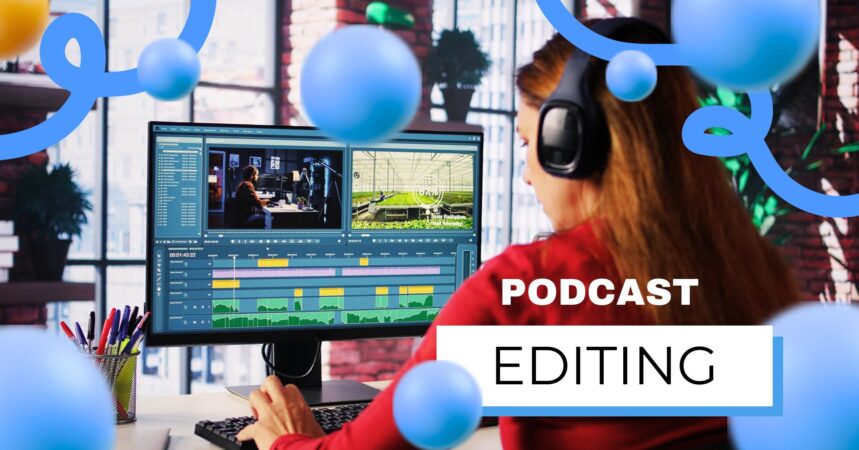
Podcast editing is the invisible engine behind every successful show. Listeners may remember your compelling stories, engaging podcast guests, or clever podcast names, but what keeps them listening episode after episode is how your podcast feels. That feeling-flow, clarity, pacing, and professionalism is built in the editing room.

Even with the best podcast microphone, great content goes flat without thoughtful editing. Editing shapes your story, removes friction, enhances emotion, and prepares your podcast for growth through podcast promotion, podcast audiogram clips, and even video-based platforms.

This in-depth course will take you through the complete podcast editing process, from mindset and preparation to professional workflows used by experienced editors.

Things To Consider Before You Start Editing

Things to Consider Before You Start Editing

Before opening your editing software, it’s good to know what the very concept of editing represents within the podcasting process.

Editing is not:

  • Offense-free cutting mistakes
  • Just removing the silence
  • Just “cleaning up” audio
  • Editing is making decisions.

Editing Is Where Your Story Happens

Recording captures possibilities. Editing turns those possibilities into a story.

In editing, you decide:

  • What stays, and what goes
  • What is before, and what is after
  • Where listeners should pause, reflect, or lean in
  • A raw recording is like uncut film footage.
  • Pacing, clarity, emotion, and engagement are created through editing.

This is particularly crucial for:

  • Podcast interview with a podcast guest
  • Educational or narrative podcasts
  • Multi-segment shows using structured podcast segment ideas

A Little Bit Of Planning Goes A Long Way

The easiest podcasts to edit are the ones that have been planned before recording. Planning allows you to:

  • Eliminate filler words
  • Keep episodes inside a target length
  • Keep the structure alike across the translation process.

Simple planning tools include:

  • Story outlines for episodes
  • Lists of questions from guests
  • Segment timestamps
  • Better Planning = Faster Editing = Better Results

One of the most common mistakes made by beginners is mixing up these stages as interchangeable.
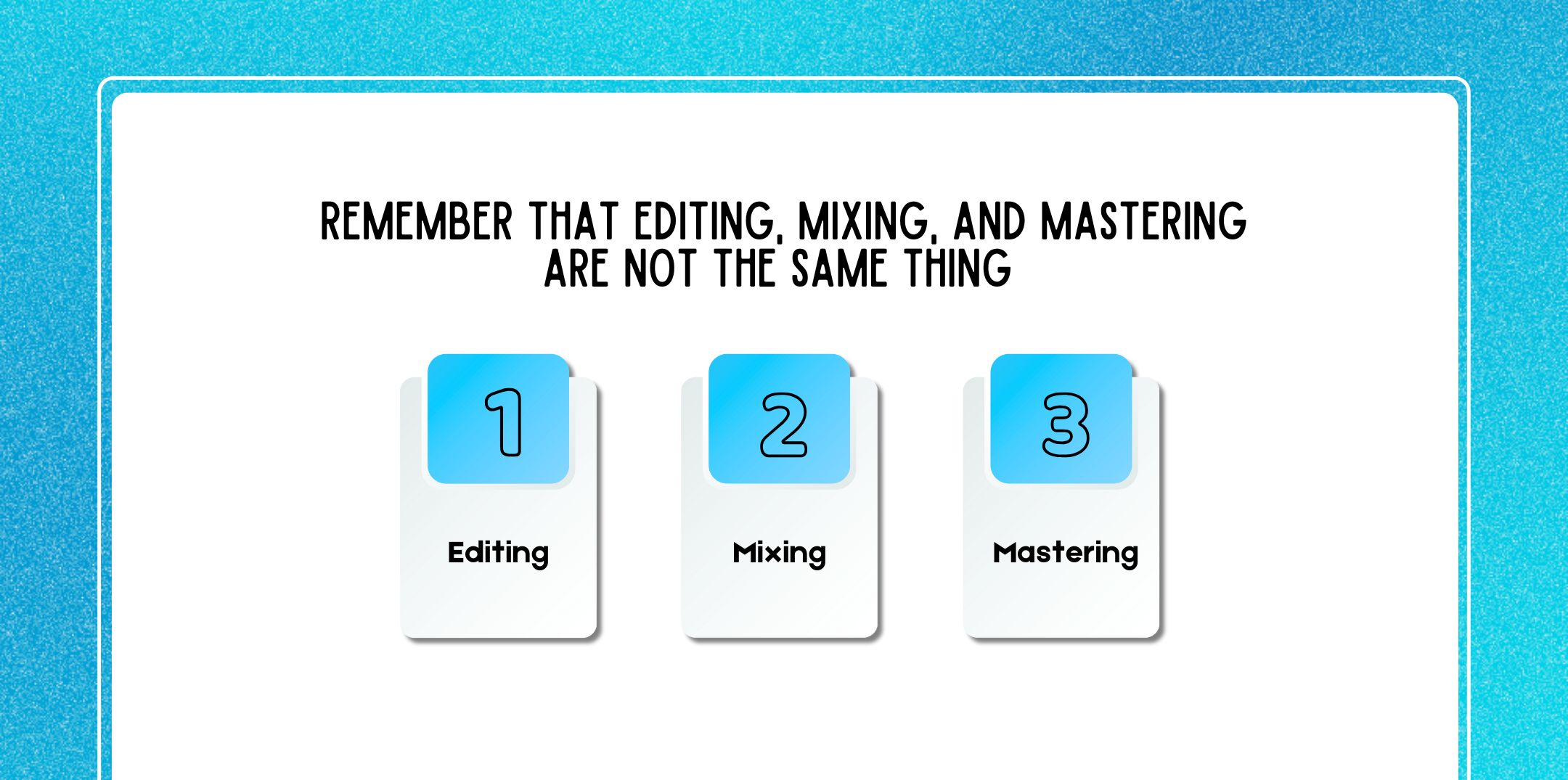
Remember That Editing, Mixing, And Mastering Are Not The Same Thing

Remember that Editing, Mixing, and Mastering are not the Same Thing

When you are editing a podcast, you need to understand that editing, mixin,g and mastering are different, and need different attention.

1. Editing

Editing is about what the listener hears.

The following are covered:

  • Eliminate errors and false starts
  • Cut filler words and long pauses
  • Reordering sections

Corrections were made based on the following insight:

  • Tightening pacing
  • Improving clarity

2. Mixing (Sound Balance & Tone)

Mixing is about how the podcast sounds.

Includes:

  • Balance of voice levels

The following are used:

  • Equalization – EQ
  • Compression
  • Stereo placement

It ensures consistency across voices and segments.

3. Mastering (Distribution Readiness)

Mastering prepares your podcast for publishing platforms.

Includes:

  • Loudness Normalization
  • Final compression and limiting
  • Mastering ensures your podcast sounds good everywhere.
  • Edit Before You Mix
  • Transitive: Always follow this order
  • Edit → Mix → Master

Why?

  • You don’t want to mix audio you’ll delete
  • Editing decisions affect sound processing
  • Clean edits simplify mixing

Truly Autonomous Infrastructure: Delivered, Monitored, and Managed.

Step 1: Organize Your Podcast Files

This saves time, prevents mistakes, and reduces stress. It concerns something that can easily be rationalized without notice and involves a political culture with broad appeal.

1. Follow Uniform Directory Structure And File Naming Convention

A clean folder structure might look something like this:

  • Podcast Nam
  • Episode 024
  • Raw Audio
  • Sessions Edited
  • Music & SFX
  • Audiograms
  • Final Exports

Consistent naming prevents confusion when revising or collaborating on files.

2. Use Dedicated Tracks In Your DAW

Each element should be assigned its own track:

  • Hosting microphone
  • Podcast guest microphone
  • Intro/outro music
  • Commercials or other cutscenes

This will be able to provide perfect control and efficient editing.

3. Split Content Editing And Sound Editing Into Two Separate Tasks

Never try to catch two hares at once. Content editing pass:

  • Eliminate errors
  • Tighten conversations
  • Order sections Sound editing pass:
  • Get rid of noise
  • Smooth transitions
  • Smoothing audio

This separation enhances judgment and efficiency.

Step 2: Software Knowing: The DAWs vs. Audio Editors

Your editing tool defines what’s possible.

DAW Features (Digital Audio Workstations)

DAWs-manufacturing tools, such as Adobe Podcast, are ideal for producing podcasts.

Key DAW features:

  • Multi-track capability– this is particularly important in interviews
  • Non-destructive editing – nothing is permanently deleted
  • Automation, plugins, and advanced control
  • DAWs are the standard for professional podcast editing.

Audio Editor Features

The audio editors are less complex tools.

Key features:

  • No multi-track capability
  • Only destructive editing – changes overwrite audio.

Best for;

  • Simple voice recordings
  • Fast trims Single-track narration
  • For podcasts that focus on growth

DAWs are a better choice in the long run.
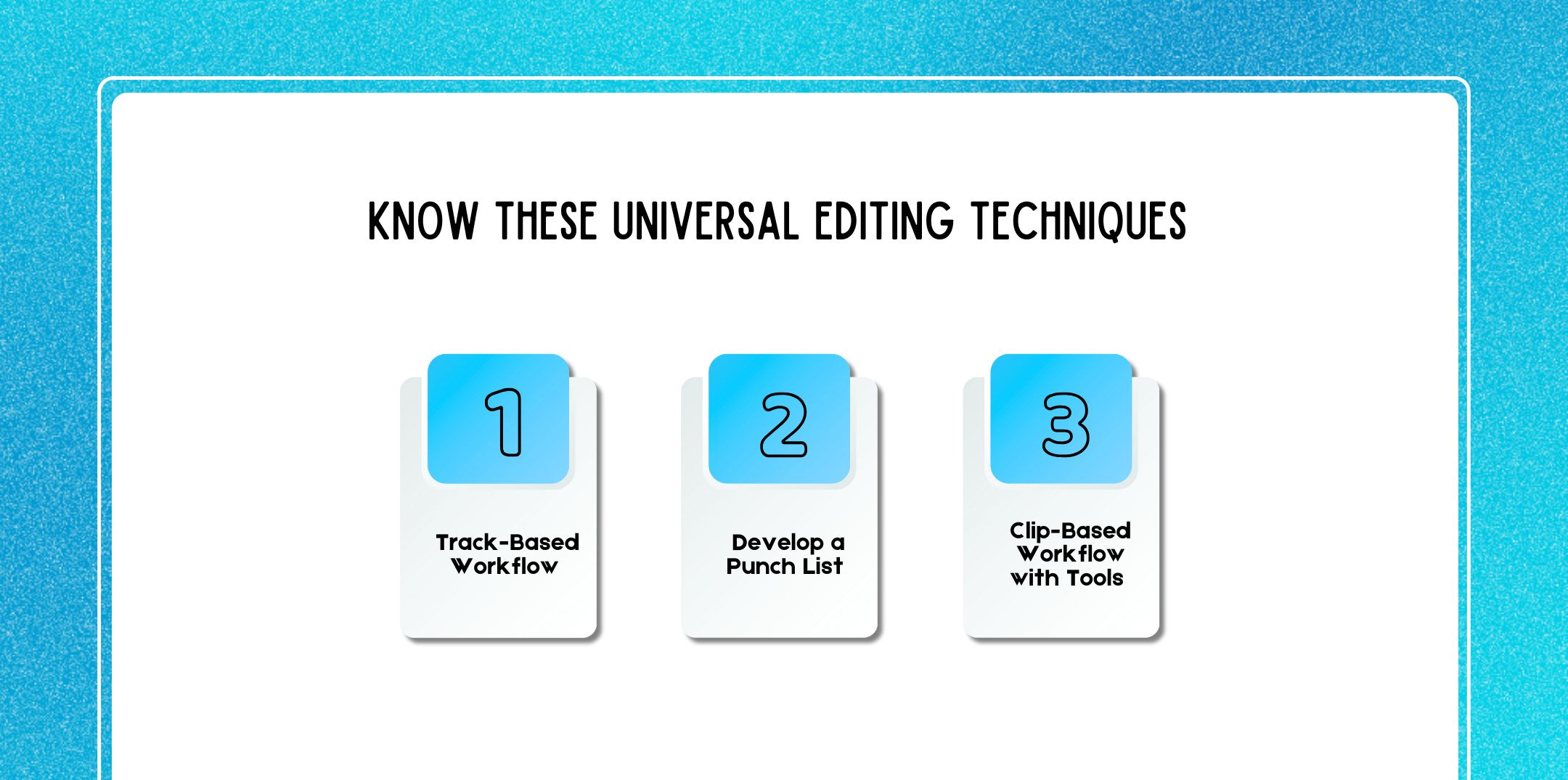
Step 3: Know These Universal Editing Techniques

Know These Universal Editing Techniques

These techniques apply across all editing software.

Technique 1: Track-Based Workflow

Edit each track separately:

  • Clean track host
  • Clean guest track
  • Then music and sound effects

This avoids all overlaps and makes things clearer.

Technique 2: Develop A Punch List

A punch list serves as a roadmap for editing.

While listening, note the following:

  • Long pauses
  • Repetitive ideas
  • Awkward transitions
  • Audio irregularities
  • Edit later, don’t disrupt the flow of listening.

Technique 3: Clip-Based Workflow With Tools

These tools exist in almost every editor:

  • Select Tool
  • Emphasizes parts of audio.
  • Trim
  • Grab
  • Cut / Split
  • Fade

These tools are known to smooth transitions and prevent clicks. Learning these tools will really speed up your workflow.

Step 4: Make Your Edits

Now comes the detailed work.

Common Editing Tasks;

  • Remove the false starts
  • Condense very long answers
  • Cut filler words judiciously
  • Strengthen Introductions and Conclusions
  • Eliminate distracting noises

Keep in mind that editing is supposed to increase clarity-not to eradicate personality.

Smarter Ways To Edit Filler Words

Not every “um” needs to go.

Take out filler words when they:

  • Meaning of interrupt
  • Break pacing
  • Cluster together

Leave them when they:

  • Add realism
  • Signify thoughtful pauses
  • It does not address anything other than pain.

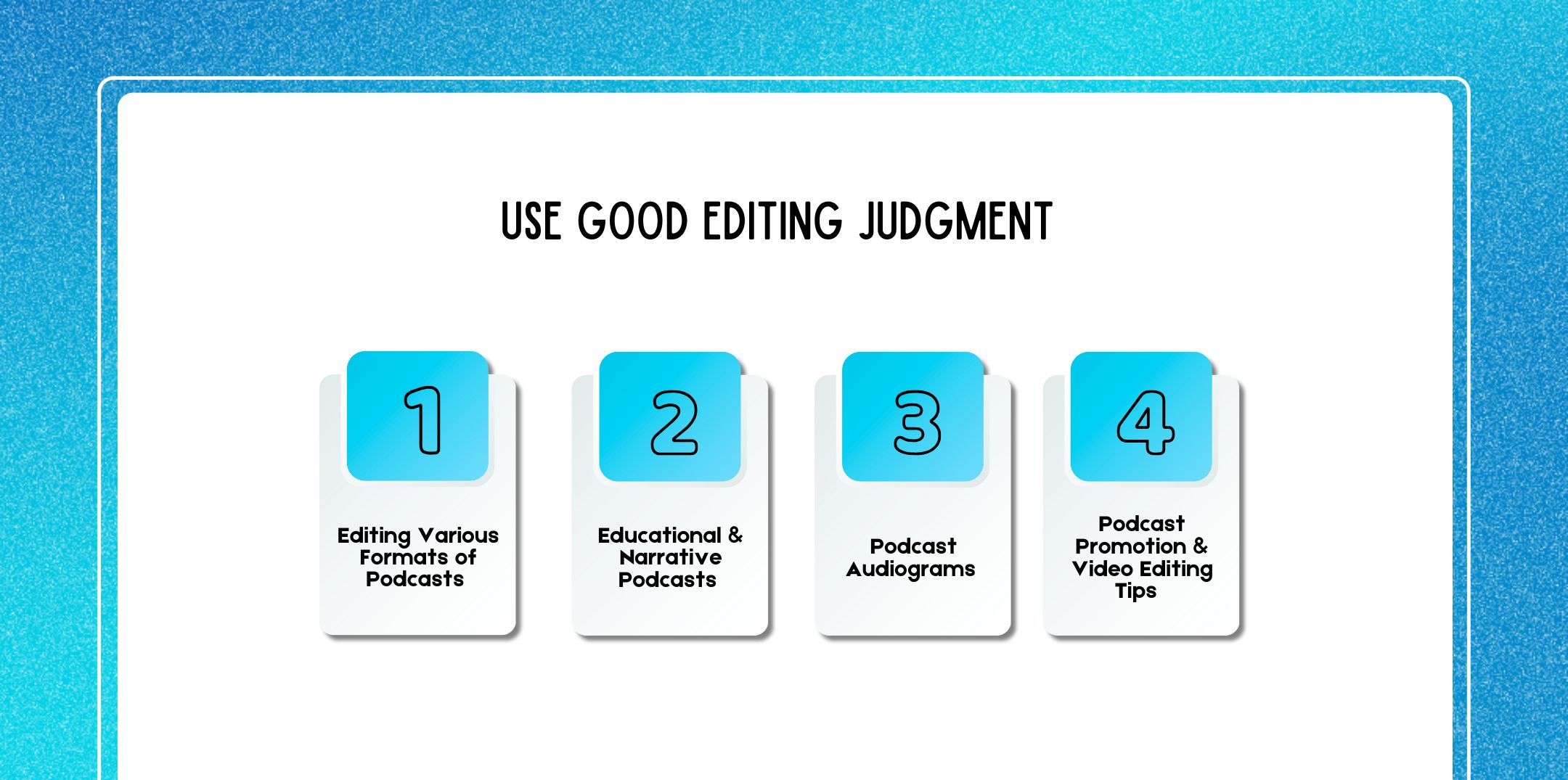
Step 5: Use Good Editing Judgment

Use Good Editing Judgment

Great editors think like listeners.

Ask yourself:

  • Is this serving the listener?
  • Can this be classified as redundant data?
  • Does this help with the pacing?

Avoid:

  • All-natural stops over-edit
  • Cutting emotional moments
  • It makes speech sound robotic.
  • Good editing feels invisible.

Editing Various Formats Of Podcasts

The US seems unlikely to become isolationist again:

  • Solo Podcasts
  • Clear structure
  • Tight pacing
  • Podcasts of Interviews
  • Balanced host and guest audio.
  • Cross-talk removal
  • Preserving conversational flow

Educational & Narrative Podcasts

Focus on;

  • Logical progression
  • Strategic stops

They include the following:

  • Smooth transitions
  • Editing for Repurposing

Growth Podcast editing doesn’t end with the episode.

Podcast Audiograms

Audiograms need:

  • Strong hooks
  • Clean, punchy moments

The criteria will be: bright image, lots of contrast between light and dark, sharp focus, and minimal background noise. Good editing directly improves social performance.

Podcast Promotion & Video Editing Tips 

For video podcasts:

  • Perfect sync of audio

This is:

  • Removing awkward pauses
  • Use subtitles
  • Keep clips short (30–60 seconds)
  • Clean audio instantly raises the stakes on video quality.

Editing, Branding, And Monetization

Excellent editing:

  • Engages listener longer
  • It improves brand authority.
  • Attracts better sponsors
  • Makes your podcast more discoverable across podcast resources

Well-edited shows are more appealing both to collaborators and experienced podcast guests.

Editing A Podcast

Podcast editing is equal parts a technical skill and a creative craft. With the right mindset, structured workflow, and editing judgment, you’ll be able to transform raw recordings into polished, engaging episodes listeners trust and enjoy.

Key Takeaways:

  • Editing is storytelling
  • Saves hours by planning
  • Edit before you mix
  • Organization counts
  • Good editing is invisible

Mastering podcast editing is one of the most powerful ways you can improve your podcast, whether you are launching your maiden episode or refining an ever-growing show.

author image

Nabamita Sinha loves to write about lifestyle and pop-culture. In her free time, she loves to watch movies and TV series and experiment with food. Her favorite niche topics are fashion, lifestyle, travel, and gossip content. Her style of writing is creative and quirky.

Leave a Reply

Your email address will not be published. Required fields are marked *

Related