
How Long Can A Reel Be On Instagram In 2026? What 10 Years On This Platform Has Taught Me?
sibashree bhattacharya, 4 days ago

In today’s hyperconnected world, every action you take online leaves behind traces of information.
Whether you post on social media, shop online, comment on forums, or simply browse websites, you create a trail of data known as a digital footprint.
At first glance, this information may seem harmless. However, hackers and cybercriminals often exploit these traces to gather intelligence, manipulate victims, and launch sophisticated cyberattacks.
In fact, modern cybercrime frequently begins not with malware or hacking tools, but with information gathering.
Hackers carefully analyze the data people share online to understand their habits, interests, relationships, and vulnerabilities.
Once they collect enough information, they can craft highly targeted attacks that appear legitimate and trustworthy.
Moreover, the rise of data brokers, social media platforms, and large-scale data breaches has made it easier than ever for attackers to collect personal information.
However, even small details such as your birthday, workplace, travel photos, or pet’s name can be combined to compromise accounts, steal identities, or manipulate victims.
Therefore, understanding how hackers use your digital footprint is essential for protecting your privacy and security.
This guide explains how hackers use your digital footprint against you, how hackers collect and exploit it, and what steps you can take to reduce your exposure online.

A digital footprint refers to the collection of data traces you leave behind when using the internet.
These traces include personal information, browsing activity, social media posts, online purchases, search history, and other digital interactions.
Essentially, every time you interact with an online service, some form of data is generated and stored.
Over time, this information builds a detailed profile of who you are, what you like, where you go, and how you behave online.
Although companies often use digital footprints for marketing and analytics, hackers can also leverage this information to identify targets and conduct cyberattacks.
Digital footprints generally fall into two categories;
An active digital footprint consists of information you intentionally share online.
Examples include:
For instance, when you post a vacation photo on Instagram or share your job update on LinkedIn, you are actively contributing to your digital footprint.
While these posts help people connect and express themselves, they also reveal valuable information that hackers can analyze.
Details such as your workplace, hobbies, travel habits, and relationships can help attackers understand your lifestyle and behavior.
A passive digital footprint, on the other hand, consists of information collected without your direct involvement.
Examples include:
Even if you rarely post online, companies and websites may still collect data about your browsing habits and interactions.
Consequently, hackers who gain access to such databases can gather extensive personal information without ever interacting with you directly.
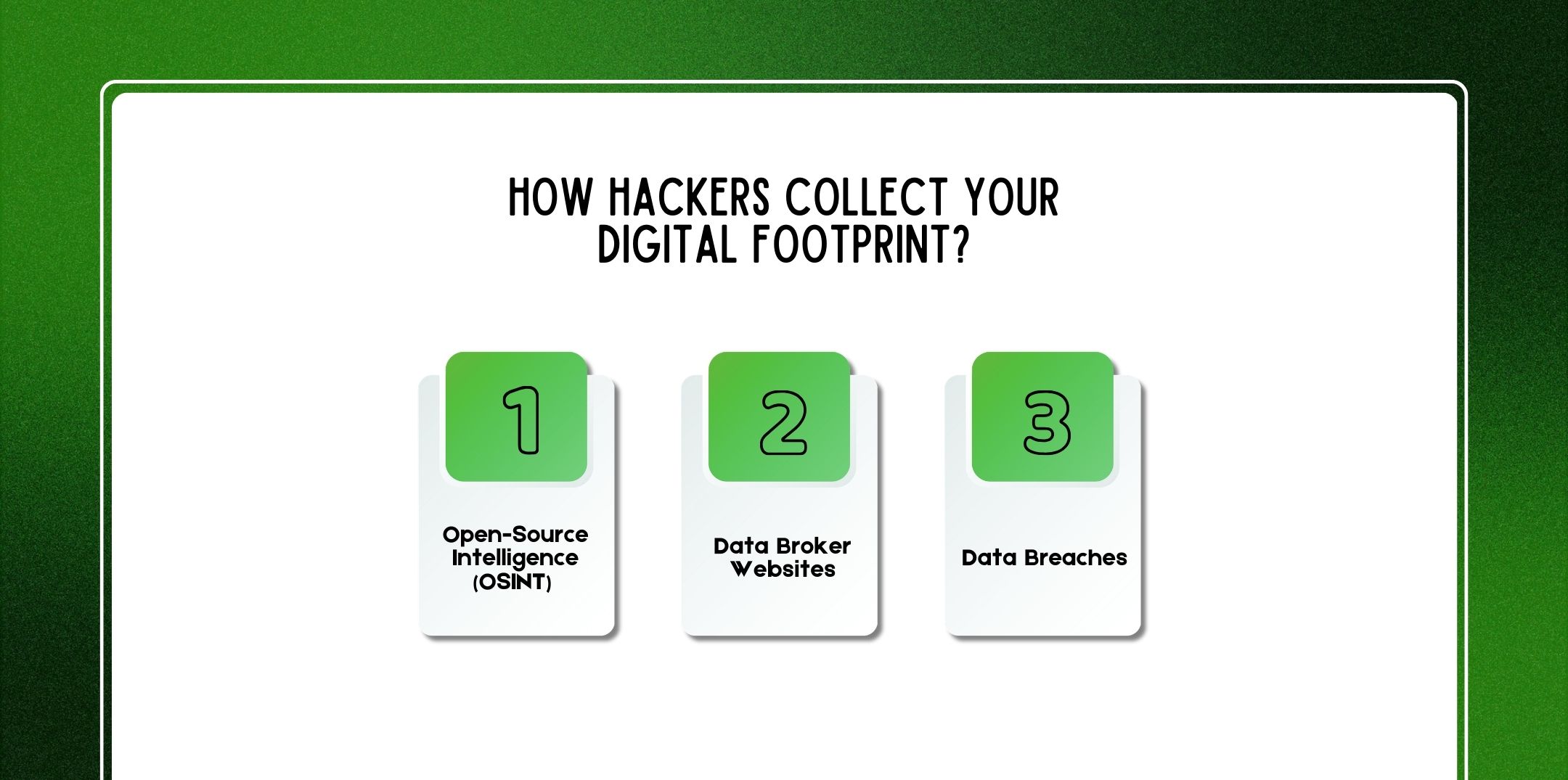
Before launching an attack, hackers typically conduct extensive reconnaissance. This process involves gathering publicly available information about a target to identify vulnerabilities and opportunities.
Below are the most common methods hackers use to collect digital footprints.
Open-Source Intelligence (OSINT) refers to the practice of collecting publicly available information from online sources.
Hackers often search through:
For example, a hacker might discover that a target works at a particular company, frequently travels, and recently posted about a new gadget purchase.
By combining these pieces of information, the attacker can craft a convincing phishing message related to the target’s interests or workplace.
OSINT is widely used not only by cybercriminals but also by journalists, researchers, and cybersecurity professionals. However, in the wrong hands, it becomes a powerful reconnaissance tool for cybercrime.
Data broker companies collect, analyze, and sell personal information about individuals.
These websites gather data from multiple sources, including:
As a result, data brokers often maintain extensive profiles that may include:
Hackers frequently purchase or scrape this information to build detailed target profiles. In many cases, attackers don’t even need advanced hacking skills they simply access publicly available databases.
Another major source of digital footprint data is data breaches.
When companies experience cybersecurity incidents, attackers may steal large databases containing customer information. These databases are often sold on underground marketplaces.
Common data breach information includes:
Once leaked, this information becomes part of the global cybercrime ecosystem. Hackers can then combine breach data with social media information to launch highly targeted attacks.
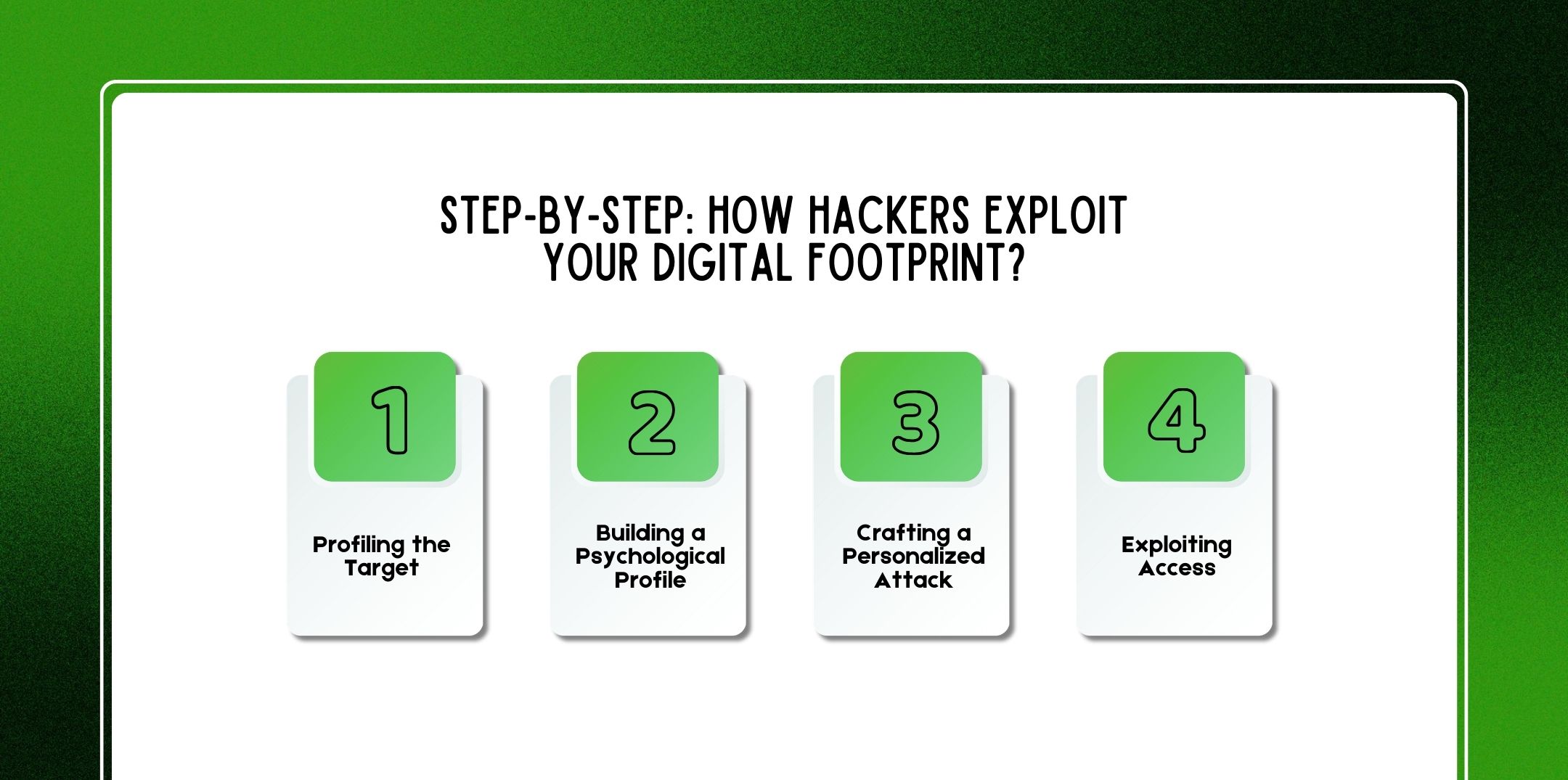
After collecting digital footprint data, attackers follow a structured process to exploit it effectively.
First, hackers gather all available information about their target.
This may include:
By compiling this information, attackers create a detailed profile of the victim.
For example, they may discover that the target works in finance, enjoys traveling, and recently posted about attending a technology conference.
Next, attackers analyze the target’s personality, behavior, and emotional triggers.
They may evaluate:
This psychological insight allows hackers to craft messages that appear authentic and persuasive.
For instance, a hacker might impersonate a colleague, recruiter, or friend based on the victim’s social connections.
Once the attacker understands the target, they design a tailored cyberattack.
Examples include:
Because these messages reference real details about the victim, they appear credible and trustworthy.
Consequently, victims are more likely to click on malicious links or provide sensitive information.
Finally, the attacker uses the compromised information to gain access to accounts, devices, or networks.
This may involve:
Once inside a system, attackers can escalate privileges, steal additional data, or launch further attacks.
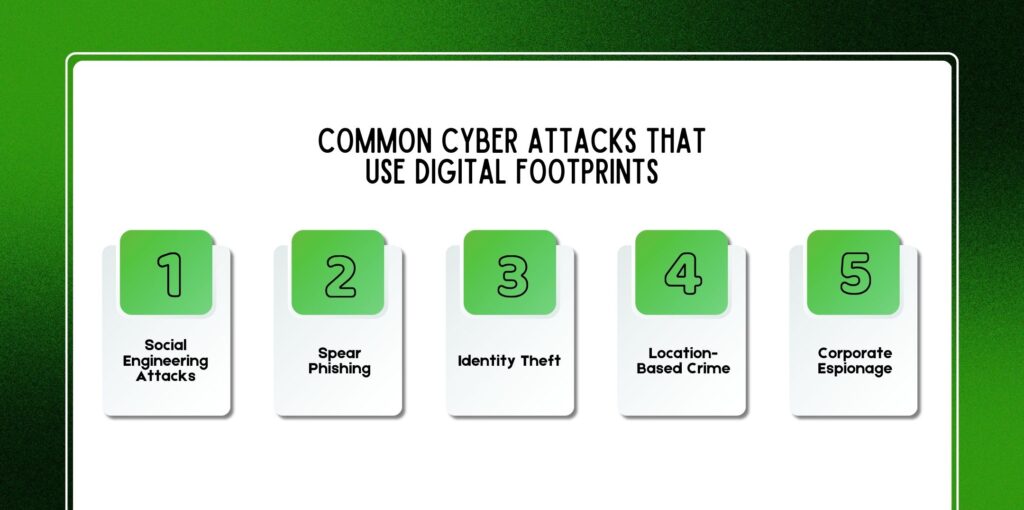
Digital footprints play a critical role in several types of cyberattacks.
Social engineering attacks manipulate human psychology rather than technical vulnerabilities.
Hackers may pretend to be:
By referencing personal details from your digital footprint, attackers make their messages appear legitimate.
Spear phishing is a highly targeted form of phishing.
Unlike generic phishing emails, spear phishing messages are customized for specific individuals. Attackers often include:
Because the message appears relevant and authentic, victims are more likely to trust it.
Identity theft occurs when criminals use stolen personal information to impersonate someone else.
They may open bank accounts, apply for loans, or commit financial fraud using the victim’s identity.
Digital footprints often provide the necessary details for identity theft, such as birth dates, addresses, and phone numbers.
Geotagged photos and location check-ins can reveal where you live, work, or travel.
Hackers or criminals may use this information to:
For example, posting vacation photos in real time may signal that your house is unoccupied.
Businesses are also vulnerable to digital footprint exploitation. Hackers may target employees to gain access to corporate systems or confidential information.
By studying employees’ social media profiles, attackers can identify organizational roles, communication patterns, and internal relationships.
Numerous cyber incidents demonstrate how digital footprints enable attacks.
For example:
These cases highlight how seemingly harmless information can become a valuable asset for cybercriminals.
Cybercriminals rely on various tools to gather and analyze digital footprint data.
OSINT tools automate the process of collecting publicly available information.
Popular examples include:
These tools can quickly map relationships between people, emails, domains, and online profiles.
Hackers often search data breach databases to identify leaked credentials.
Common tools include:
These resources allow attackers to find email-password combinations linked to specific individuals.
Social media scraping tools collect large amounts of data from social platforms.
They can gather:
Once aggregated, this data helps attackers analyze behavioral patterns and relationships.
Although digital footprint attacks can be subtle, certain warning signs may indicate suspicious activity.
These include:
If you notice these signs, you should immediately change passwords and investigate potential security breaches.
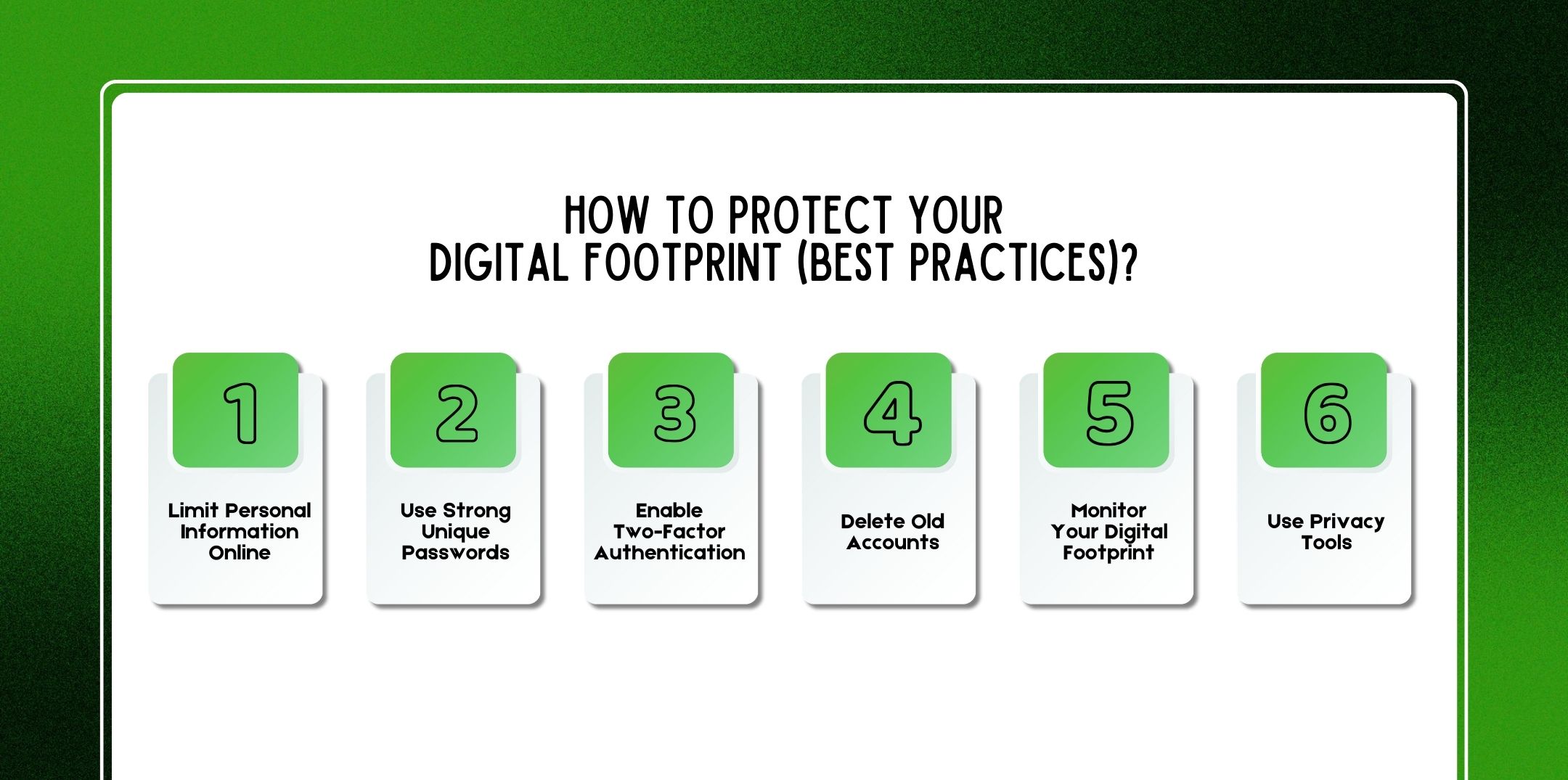
Fortunately, several strategies can help reduce your digital footprint and improve online security.
First and foremost, avoid oversharing personal details online.
Be cautious about posting:
Additionally, review social media privacy settings regularly.
Weak passwords are a major cybersecurity risk.
Therefore:
Password managers can help generate and store strong passwords securely.
Two-factor authentication (2FA) adds an additional security layer.
Even if hackers obtain your password, they cannot access your account without the second verification step.
Common 2FA methods include:
Many people forget about old online accounts. However, abandoned accounts may still contain personal data and weak passwords. Regularly review and delete accounts you no longer use.
You can actively track your online presence.
For example:
Monitoring helps you identify potential threats early.
Privacy-focused tools can reduce tracking and data collection.
Examples include:
These tools limit the amount of data companies and how hackers use your digital footprint against you.
Also Check: How To Delete Your Digital Footprint (Complete Step-by-Step Guide For 2026)?
Use this quick checklist to evaluate your digital footprint security:
✔ Review social media privacy settings
✔ Remove unnecessary personal information
✔ Delete unused online accounts
✔ Use unique passwords for every account
✔ Enable two-factor authentication
✔ Monitor data breach alerts
✔ Avoid public Wi-Fi for sensitive activities
✔ Regularly update software and devices
✔ Disable unnecessary app permissions
✔ Review location sharing settings
Completing this audit can significantly reduce your exposure to cyber threats.
Cybersecurity experts recommend several advanced strategies:
Over time, these steps can dramatically shrink your digital footprint.
As artificial intelligence evolves, cyberattacks are becoming more sophisticated. AI systems can analyze massive datasets to identify patterns and vulnerabilities within digital footprints.
Future threats may include:
Because of this, cybersecurity experts expect digital footprint exploitation to become even more advanced in the coming years. Therefore, individuals and businesses must prioritize digital privacy and security.
Here are a few questions and queries on the topic of how hackers use your digital footprint against you that others have asked, and it might be helpful for you as well.
Yes. Social media posts often reveal personal information, relationships, location data, and behavioral patterns that attackers can analyze.
Hackers typically search for email addresses, passwords, phone numbers, home addresses, birthdays, workplace details, and financial information.
No. Even if you delete social media accounts, your data may still exist in data broker databases, archived websites, or past data breaches.
You can search your name on search engines, review social media profiles, monitor data breach alerts, and use privacy monitoring tools to track your online presence.
Yes. Photos may contain hidden metadata known as EXIF data, which can include GPS coordinates and device information.
OSINT (Open-Source Intelligence) refers to collecting information from publicly available sources such as websites, social media, and public records.
Organizations can provide cybersecurity training, enforce strong password policies, enable multi-factor authentication, and monitor suspicious activity.
Privacy tools such as VPNs, password managers, ad blockers, encrypted messaging apps, and data removal services can help reduce your digital footprint.
In conclusion, your digital footprint represents a powerful source of information both for legitimate services and for cybercriminals.
While the internet offers countless opportunities for communication, learning, and entertainment, it also exposes personal data that hackers can exploit.
Therefore, understanding how hackers use your digital footprint against you and how it works is essential for maintaining online safety.
By limiting personal information, using strong security practices, and regularly monitoring your online presence, you can significantly reduce the risk of digital footprint exploitation. Ultimately, digital privacy is not just about hiding information; it is about controlling what you share and protecting yourself in an increasingly connected world.
Related Resource: How To Cancel Unwanted Subscriptions (Step-by-Step Guide To Stop Recurring Charges In 2026)?

Nabamita Sinha loves to write about lifestyle and pop-culture. In her free time, she loves to watch movies and TV series and experiment with food. Her favorite niche topics are fashion, lifestyle, travel, and gossip content. Her style of writing is creative and quirky.

sibashree bhattacharya, 4 days ago

Subham Kamila, 4 days ago