5 Benefits Of SEO For Next-Level Business Growth In Europe
Barsha Bhattacharya, 1 week ago
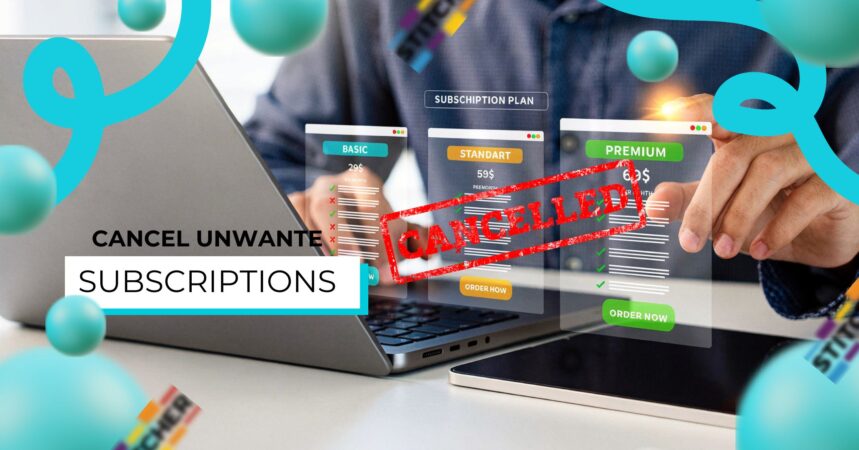
In today’s digital world, subscriptions have quietly become a part of everyday life. From streaming platforms and fitness apps to cloud storage and newsletters, recurring payments are everywhere.
However, while signing up is often quick and effortless, canceling can feel frustrating, confusing, and sometimes intentionally difficult.
So, if you’ve ever noticed unexpected charges or wondered where your money is going each month, you’re not alone.
Fortunately, this detailed guide will walk you through exactly how to cancel unwanted subscriptions, step by step, while also helping you prevent them in the future.
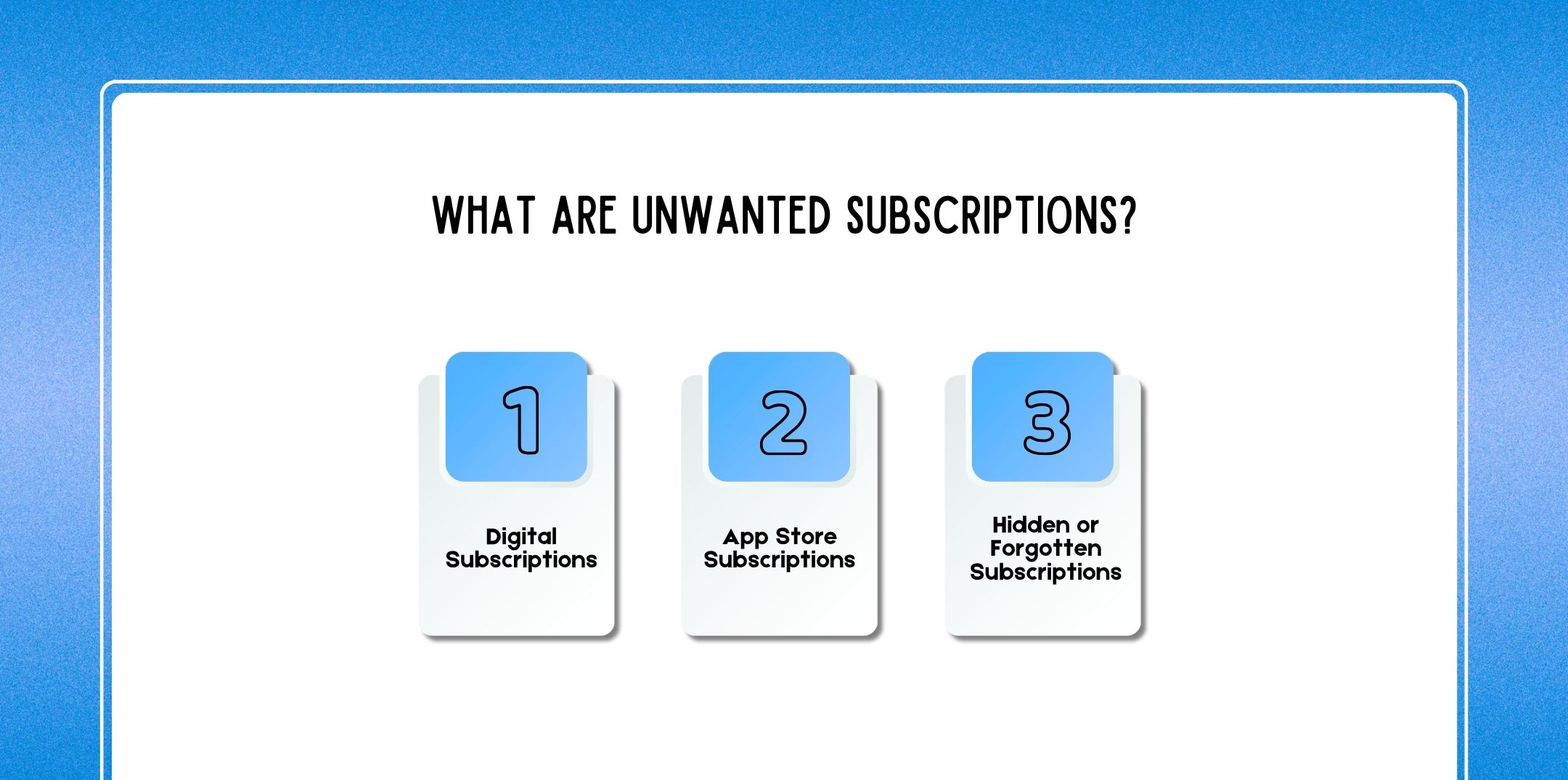
Unwanted subscriptions are recurring payments for services you no longer use, need, or even remember signing up for. Often, they start as free trials or one-time purchases that quietly turn into monthly charges.
Digital subscriptions include services like:
For example, platforms like Netflix or Spotify automatically renew subscriptions unless canceled. Therefore, even if you stop using them, the billing continues.
Subscriptions purchased through mobile ecosystems such as:
These are often hidden within device settings. As a result, many users forget about them entirely.
These are the most dangerous because:
Over time, these small charges add up significantly.
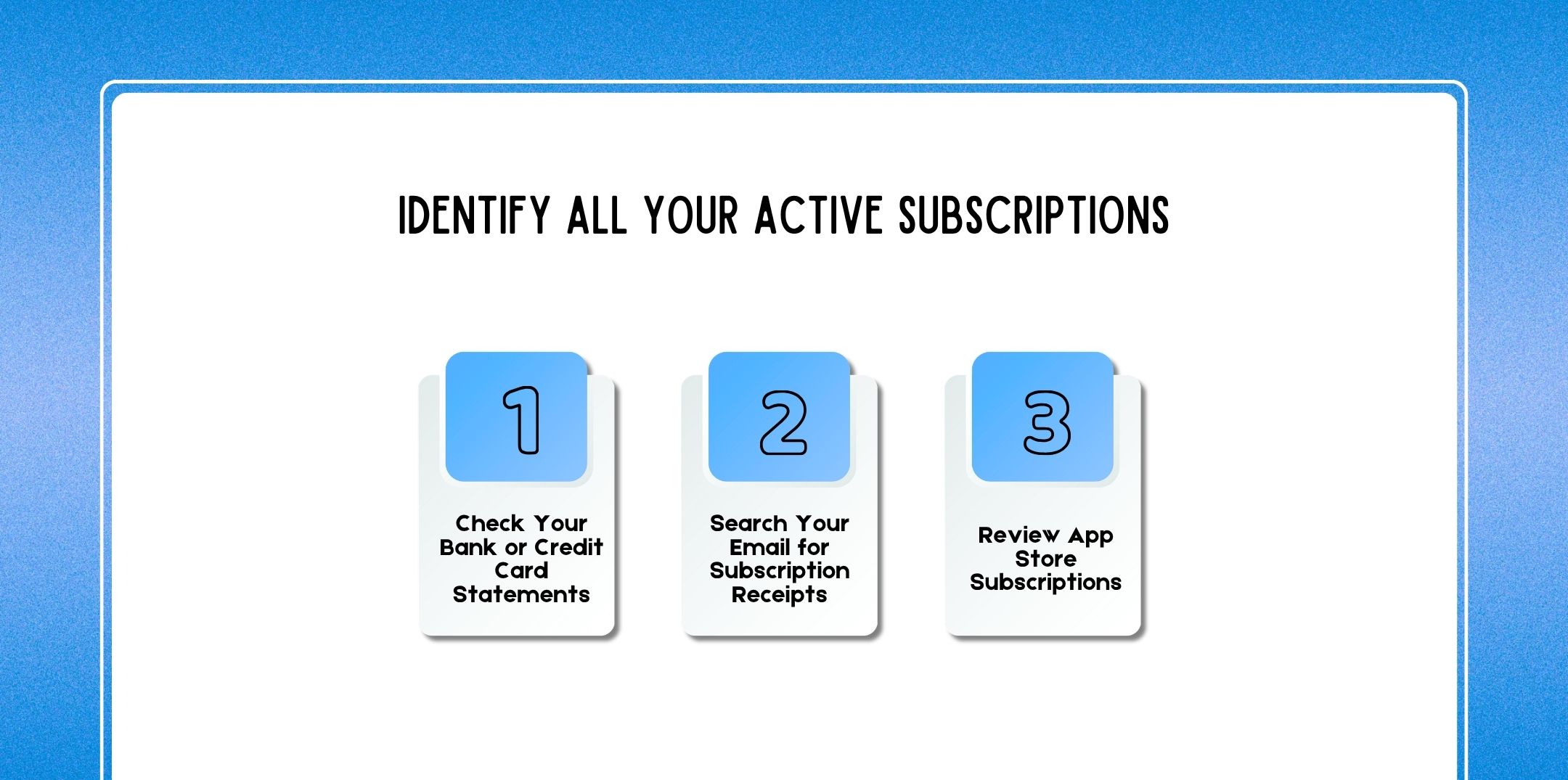
Before canceling anything, you need a complete picture. Otherwise, you may miss recurring charges.
Start by reviewing:
Look specifically for:
Even small amounts like ₹99 or ₹199 can indicate subscriptions.
Next, search your inbox using keywords:
Platforms like Gmail make it easy to filter these emails. Consequently, you can quickly uncover services you forgot about.
Don’t forget to check:
Because many apps auto-renew, this step is critical.
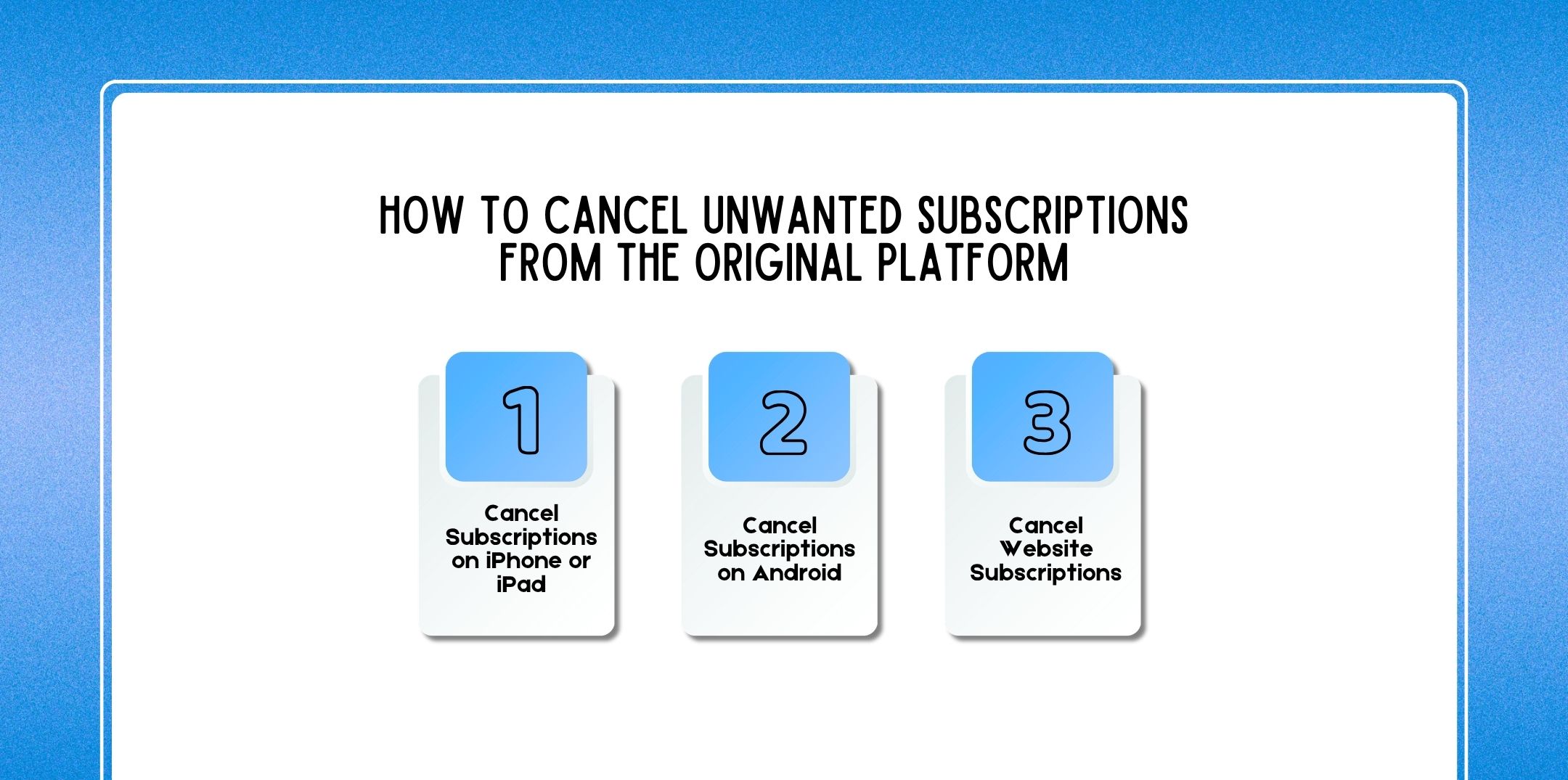
Once identified, the best approach is to cancel directly at the source.
If you’re using iOS:
This applies to subscriptions managed via the Apple App Store.
For Android users:
If you subscribed through a website:
However, some platforms hide this option. In such cases, persistence is key.
If managing subscriptions manually feels overwhelming, tracking apps can help.
Some widely used tools include:
These apps scan your transactions and identify recurring charges.
Pros:
Cons:
Therefore, while helpful, they should complement not replace manual checks.
Sometimes, canceling isn’t straightforward. In fact, some companies intentionally make it difficult.
In such cases:
Additionally, keep records of your communication. This can be useful later if disputes arise.
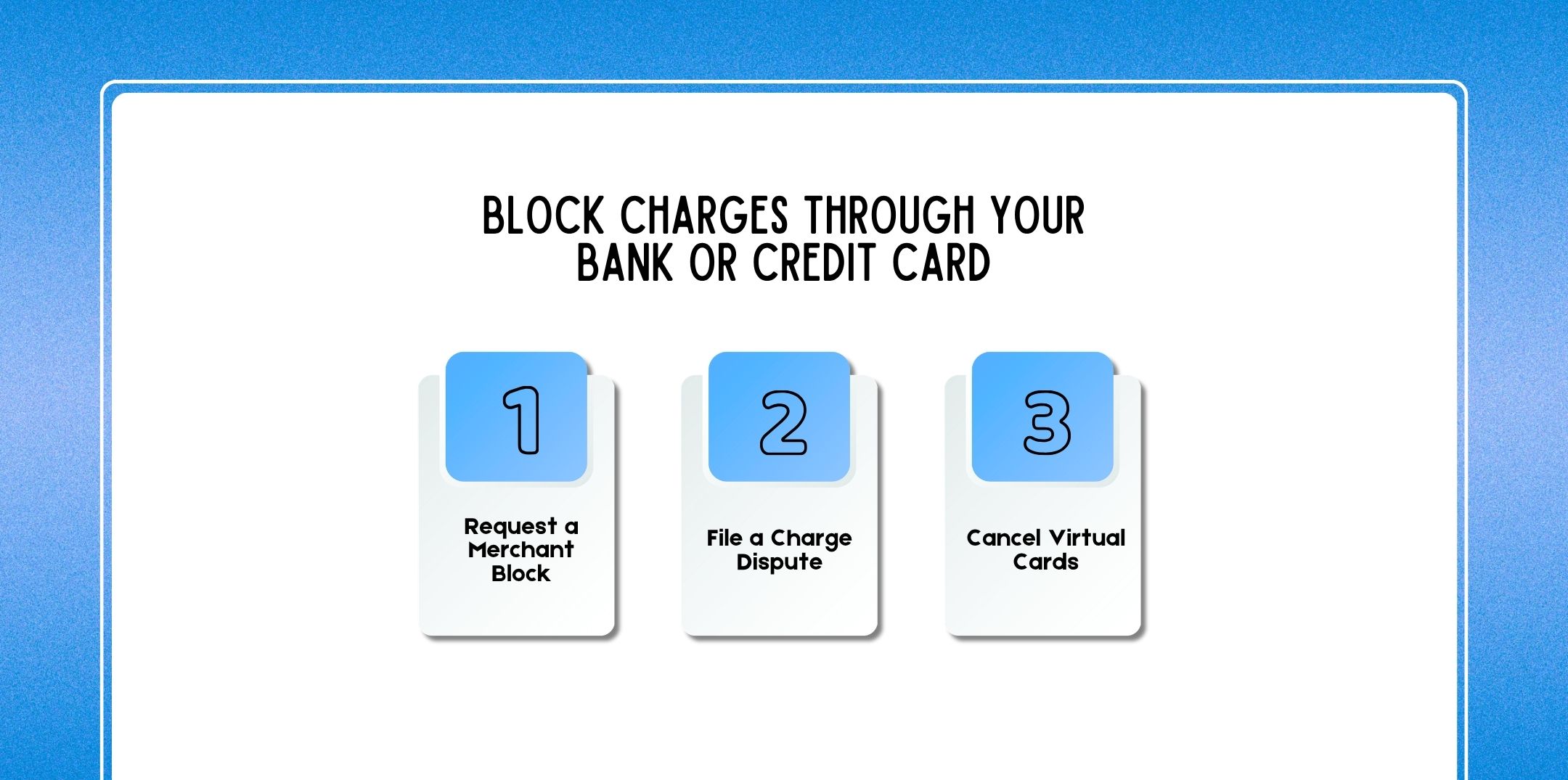
If cancellation fails, escalate the issue.
Contact your bank and:
This is especially useful for persistent services.
If you were charged unfairly:
Most banks investigate and may issue refunds.
If you used a virtual card:
This instantly stops future charges.
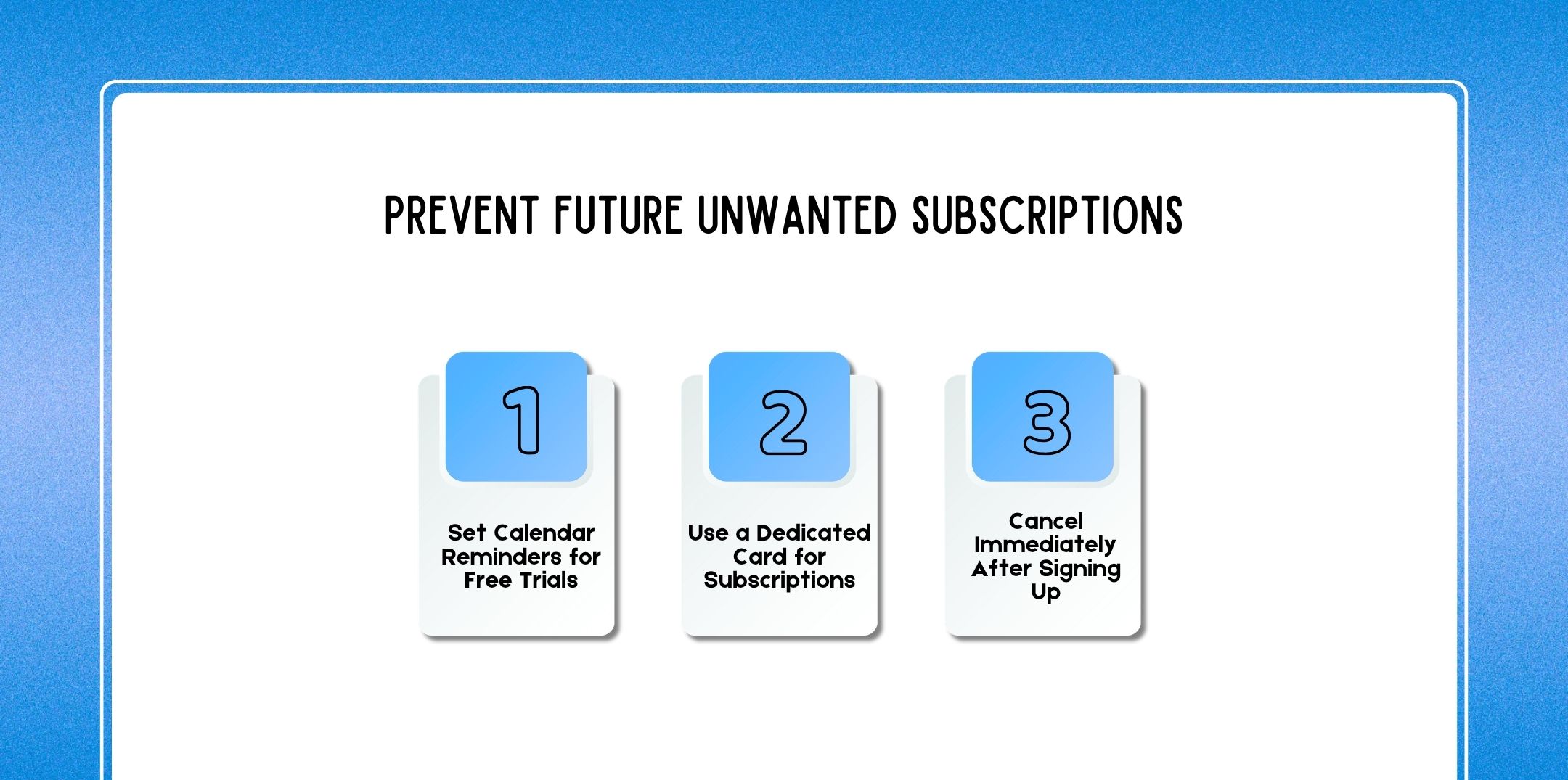
Prevention is always better than cancellation.
Free trials often convert into paid plans.
So:
Instead of using your main account:
This limits unexpected charges.
A smart trick:
You’ll still enjoy the trial, but you won’t be charged later.
Additionally, staying aware is your strongest defense.
Also Check: What Is A Digital Footprint? Definition, Examples, Risks & How To Manage It (Complete Guide)
Watch out for:
These are known as dark patterns, designed to keep you subscribed.
Here are some effective tools:
These tools help you:
Let’s break it down:
That’s a significant amount saved just by canceling unused services.
Moreover, many users underestimate how much they spend on subscriptions. Therefore, regular audits can lead to surprising savings.
Here are a few questions and queries on the topic of how to cancel unwanted subscriptions that others have asked, and it might be helpful for you as well.
Check bank statements, email receipts, and app store subscriptions. Tools like Gmail can help locate confirmation emails.
Yes, you can block merchants or stop auto-debits through your bank.
You usually retain access until the current billing period expires.
Generally, yes, but only use trusted apps and review permissions carefully.
Set reminders and cancel at least 24–48 hours before the trial ends.
Some use dark patterns to retain users and maximize revenue.
Sometimes, depending on the company’s refund policy.
Using apps like Rocket Money or manual tracking via spreadsheets.
Yes, Gmail helps you find receipts and subscription emails easily.
Contact support, then escalate to your bank if necessary.
In conclusion, unwanted subscriptions may seem small individually; however, over time, they can drain your finances significantly.
Therefore, taking control of your subscriptions is not just about saving money, it’s about gaining financial awareness.
By identifying active subscriptions, canceling them properly, and using smart prevention strategies, you can eliminate unnecessary expenses with ease.
Moreover, with the help of modern tools and a proactive mindset, managing subscriptions becomes far simpler.
Ultimately, the key is consistency. Regularly review your expenses, stay alert to hidden charges, and act quickly when something seems off. Because at the end of the day, your money should work for you, not disappear into subscriptions you don’t even use.
Additional Resources:

Nabamita Sinha loves to write about lifestyle and pop-culture. In her free time, she loves to watch movies and TV series and experiment with food. Her favorite niche topics are fashion, lifestyle, travel, and gossip content. Her style of writing is creative and quirky.