How Social Media And SEO Work Together To Build Nationwide Brand Reach
Barsha Bhattacharya, 2 weeks ago
Music is one of the most powerful branding tools in podcasting. In fact, the right intro track instantly sets the tone. Similarly, the right background music builds emotion. Finally, the right outro leaves a lasting impression.
However, here’s the challenge: you can’t just use any song you like.
Copyright laws are strict. Platforms are even stricter. Therefore, if you’re serious about building a show, joining podcast networks, and landing podcast sponsorship deals.
Or even learning how to get a job in podcasting, you must clearly understand how podcast-safe music works.
However, this detailed 2026 guide covers:
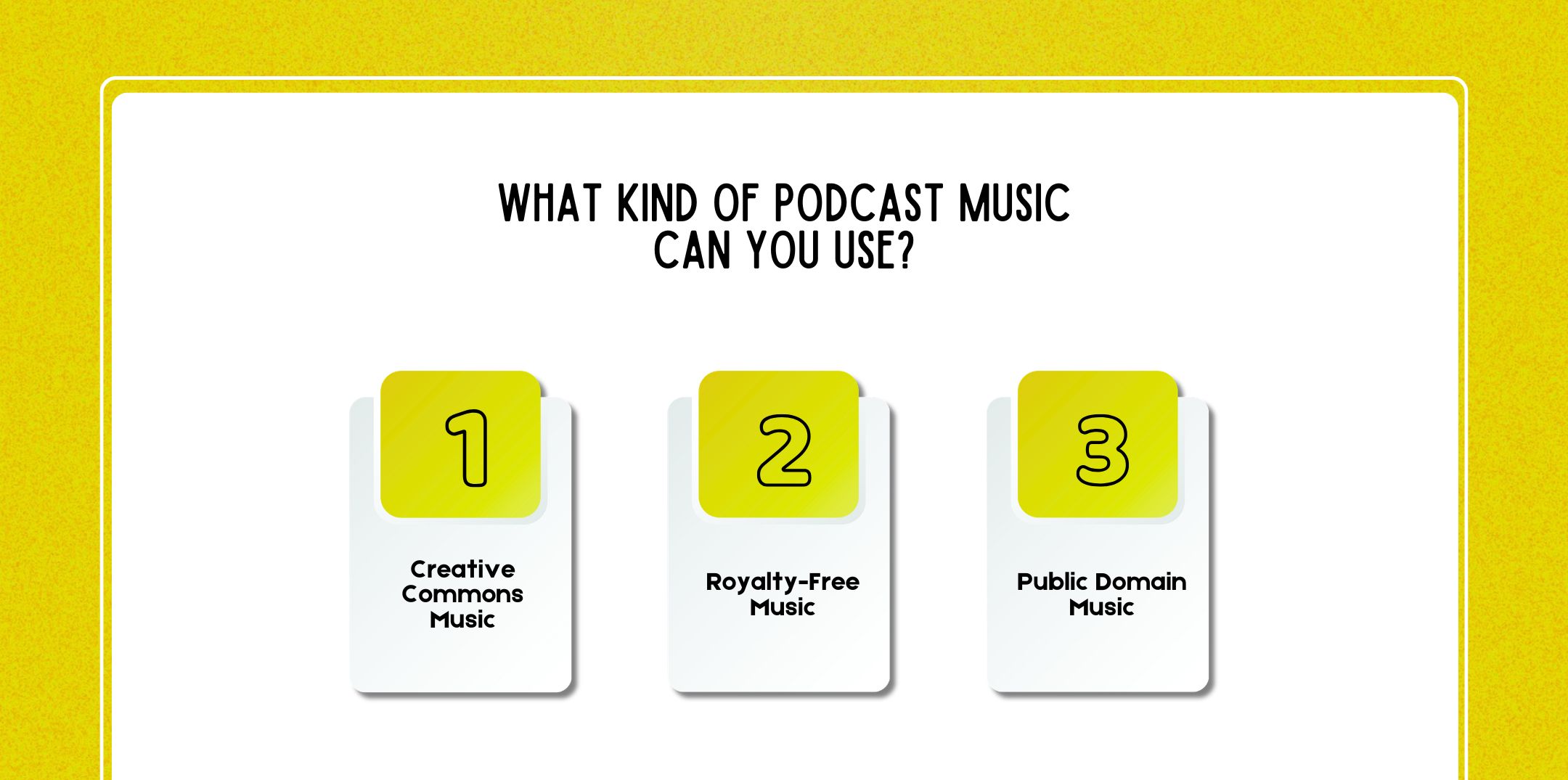
Before exploring the best free platforms, you must understand the types of music legally allowed and royalty-free music for podcasts.
Creative Commons (CC) music allows creators to use tracks under specific conditions. However, not all CC licenses are the same.
Consequently, there are different CC licenses, including:
Therefore, always check:
However, if you’re planning podcast sponsorship monetization, avoid non-commercial licenses. Otherwise, you could unintentionally violate the terms.
Even though royalty-free music for podcasts does NOT mean free.
Instead, it means:
However, many free platforms offer royalty-free music for podcasts. Nevertheless, licensing terms still apply.
Public domain music is no longer under copyright.
For example, it includes:
However, be careful:
The composition may be public domain, but the recording might not be. In other words, you may legally use the sheet music, yet still infringe on a protected recording.
Free music can absolutely power a professional-sounding podcast, provided that you understand licensing rules and choose the right platform.
However, generally speaking, “Podsafe” music typically means:
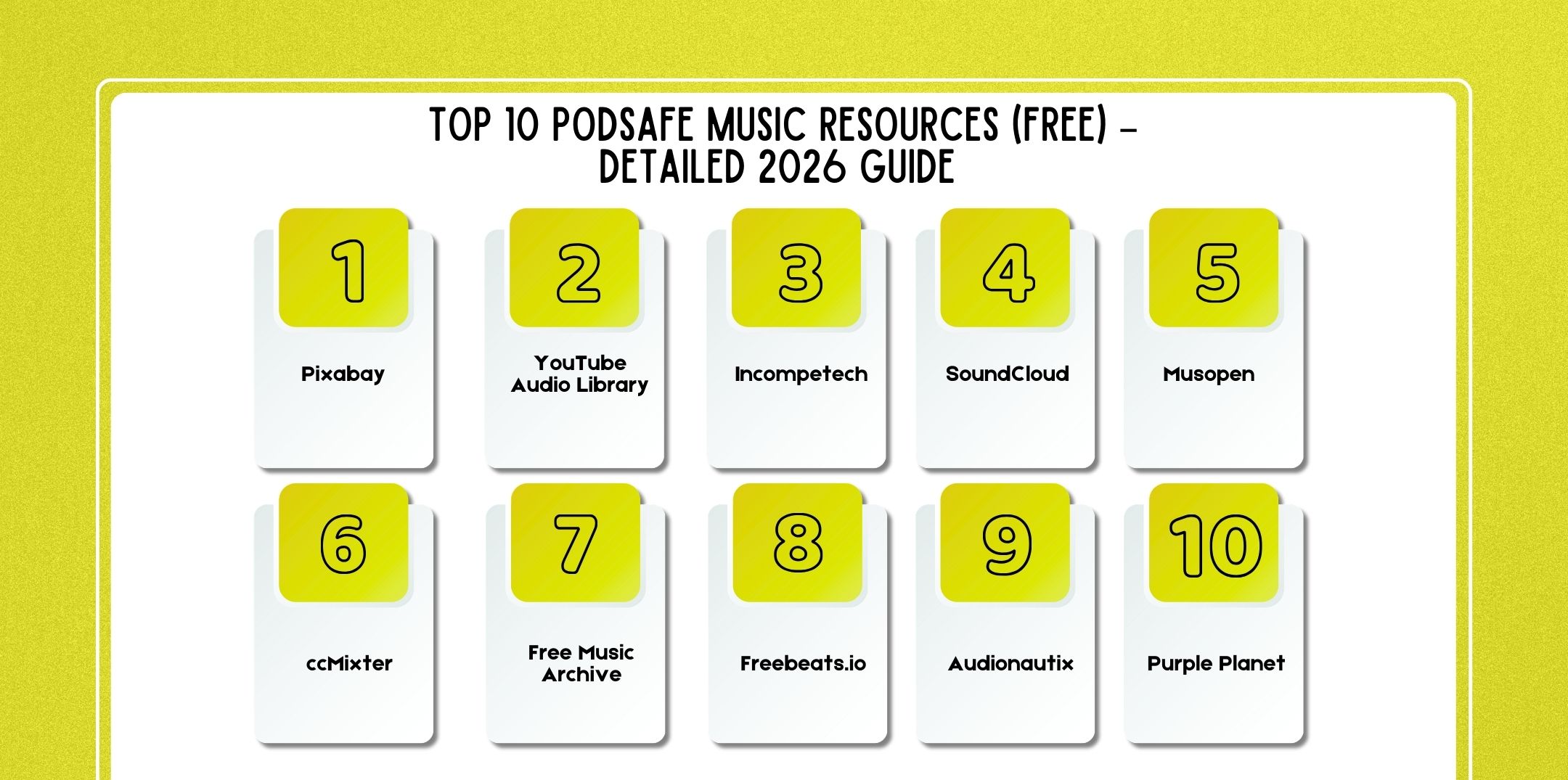
Therefore, below are the 10 best free music platforms podcasters are using in 2026 with detailed insights on strengths, licensing, and best use cases.
Best for: Beginner-friendly, no-attribution-required music
Pixabay has become one of the most popular free music resources. Notably, it offers thousands of royalty-free tracks across genres.
Most tracks:
However, always double-check individual track licenses.
Therefore, it’s especially useful for new podcasters who want simple downloads without licensing confusion.
Best for: Podcasters who also publish video episodes
Created by YouTube, this library includes:
Some tracks:
However, always verify if:
Therefore, perfect for hybrid creators doing both podcast and video content.
Best for: Creative Commons podcast classics
Founded by composer Kevin MacLeod, Incompetech is legendary among indie creators.
Many famous YouTubers and podcasters have used Incompetech tracks for years.
Most tracks:
Best for: Discovering indie composers
SoundCloud itself isn’t a free music library but many artists publish Creative Commons tracks.
However, licensing clarity varies. Therefore, you must:
Therefore, best for podcasters willing to research individual creators.
Best for: Classical and public domain music
Musopen specializes in:
While compositions may be public domain, recordings may not always be. Thus, always confirm:
Therefore, excellent for dramatic, intellectual, or academic podcasts.
Best for: Remixes and instrumental tracks
ccMixter is a community-driven platform featuring:
Therefore, always verify attribution requirements.
Best for: Curated indie collections
Free Music Archive (FMA) provides:
Tracks vary:
Therefore, use filters to narrow down podcast-safe music.
Best for: Hip-hop and youth-focused podcasts
Freebeats.io specializes in:
However, some beats:
Therefore, always read the terms carefully.
Created by composer Jason Shaw.
Best for: Simple, reliable free music with attribution
Therefre, because of this, it’s very straightforward and beginner-friendly.
Best for: Professional-sounding free tracks
Purple Planet offers:
Therefore, free use typically requires attribution, while paid options are available for broader licensing.
Even “free” music requires careful review.
So, always check:
There is no universal “free means safe” rule.
| Platform | Attribution Required | Commercial Use | Best For |
| Pixabay | Usually No | Yes | Beginners |
| YouTube Audio Library | Sometimes | Often | Video podcasters |
| Incompetech | Yes (usually) | Yes | Indie shows |
| SoundCloud (CC) | Varies | Varies | Unique finds |
| Musopen | Varies | Often | Classical podcasts |
| ccMixter | Yes | Often | Remix-style shows |
| Free Music Archive | Varies | Varies | Curated indie |
| Freebeats.io | Often | Varies | Hip-hop shows |
| Audionautix | Yes | Yes | Simple licensing |
| Purple Planet | Yes | Yes | Professional tone |
Free music libraries are useful when you’re starting out. However, if you’re launching a premium show, joining podcast networks, building a media brand, or pitching sponsorship deals, professional-quality music dramatically improves credibility, perceived value, and brand recall.
High-end podcast music offers:
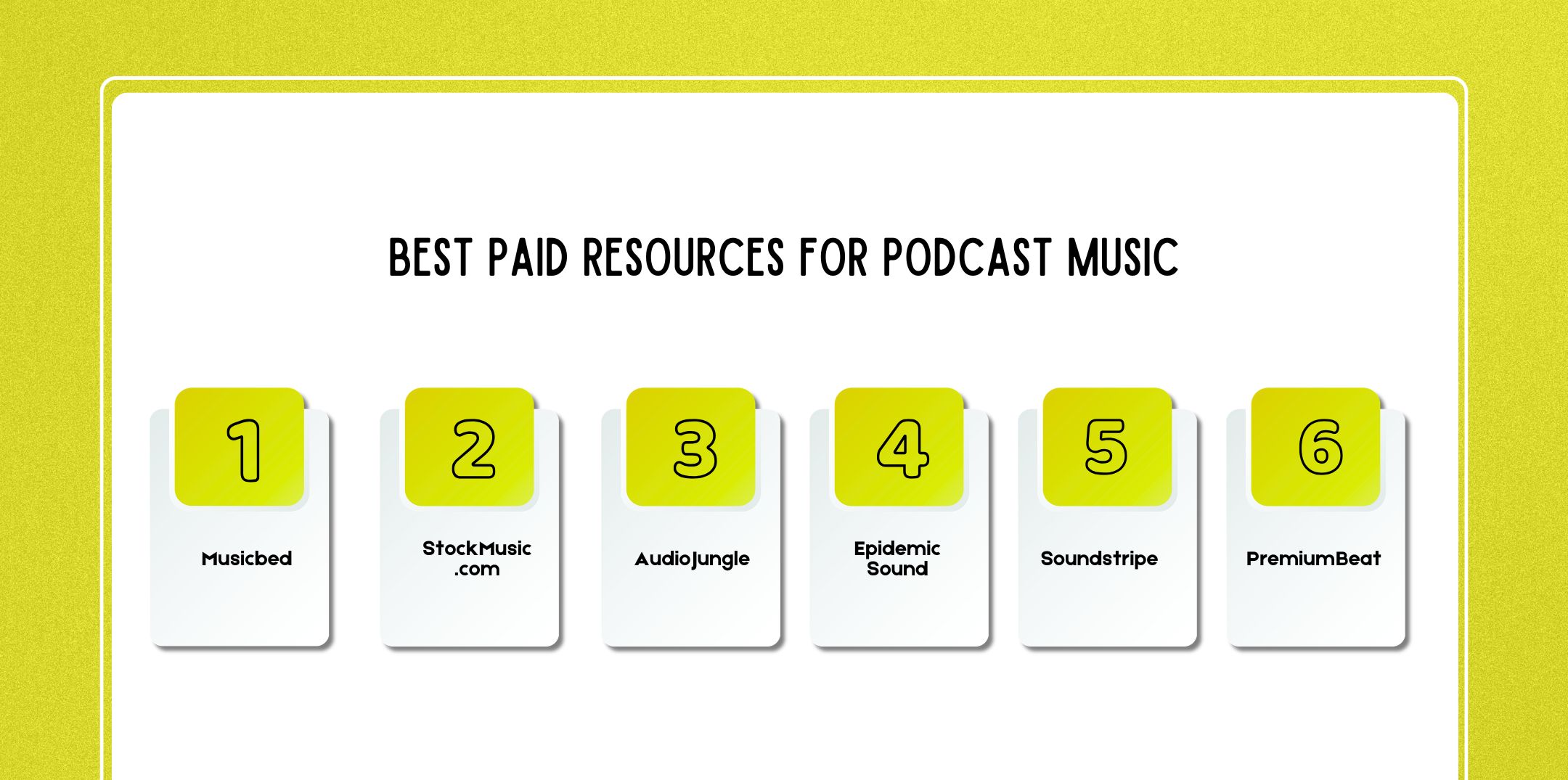
Below is a detailed breakdown of the best-paid resources podcasters use in 2026.
Best for: Cinematic, emotional, storytelling-driven podcasts
Musicbed is known for high-end, film-quality tracks. Many documentary creators, filmmakers, and premium storytellers use it.
Musicbed is on the premium end. You can:
If your show aims for a cinematic feel similar to streaming documentaries, this is a strong choice.
Best for: Large selection with one-time licensing flexibility
StockMusic.com offers a vast catalog across genres, from corporate background music to dramatic orchestral tracks.
If you don’t want recurring fees and prefer buying a track once and using it for years, this platform is practical and cost-effective.
Best for: Affordable pay-per-track licensing
AudioJungle is part of the Envato marketplace ecosystem and is widely used by creators who need budget-friendly music.
Because it’s an open marketplace:
Best for: Subscription-based unlimited access
Epidemic Sound is extremely popular among YouTubers and podcasters due to its subscription model.
You don’t have to worry about individual track licensing complexity. For this reason, the subscription covers use as long as you maintain your account.
Best for: Unlimited downloads with simple licensing
Soundstripe offers subscription-based unlimited downloads similar to Epidemic Sound, however with a slightly different catalog style.
Many podcasters appreciate its:
Best for: Curated, high-quality tracks
PremiumBeat (owned by Shutterstock) is known for its clean, professional, polished music.
AI music is rapidly transforming podcast production.
Instead of browsing thousands of tracks, you can generate custom music tailored to your intro length and mood.
Popular platforms include:
Nevertheless, always verify commercial rights and distribution permissions.
Best for: Custom mood-based podcast music
Beatoven.ai lets you generate tracks by selecting:
It’s ideal if you want a custom intro theme without hiring a composer.
Best for: Endless AI-generated soundscapes
Mubert generates continuous, evolving music streams.
If you need non-repetitive background audio, this is powerful.
Best for: Royalty-free AI-generated tracks with structure
Soundful focuses on generating structured, loop-ready music.
It’s especially useful for podcasters who want simple but professional theme music without editing complexity.
| Free Music | Paid Music |
| Limited uniqueness | Strong brand identity |
| Higher reuse risk | More exclusive feel |
| Licensing confusion | Clear commercial rights |
| Basic production | Studio-quality mastering |
If you’re pitching sponsors, joining networks, or building authority in podcasting, paid music is a strategic investment.
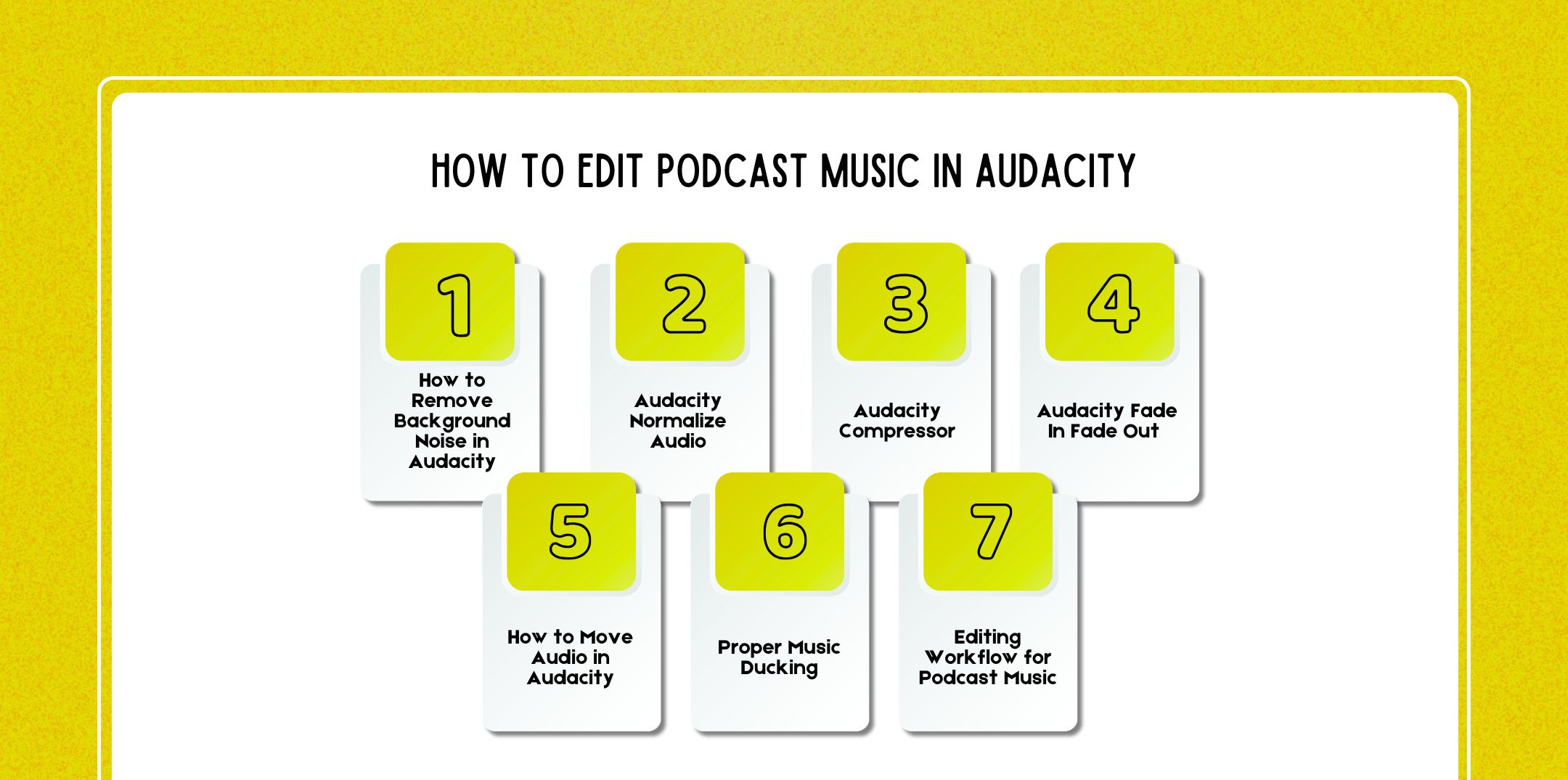
If you’re producing your own show, learning how to remove background noise in Audacity and properly mix music with voice is essential.
Clean, balanced audio is one of the biggest differences between amateur and professional podcasts.
Whether you’re launching your first episode, taking a podcast course, or exploring how to get a job in podcasting, mastering basic editing workflows in Audacity is foundational.
Below is a detailed guide to editing podcast music professionally.
Even if you’re only editing music, background hiss, hum, or room tone can ruin the final mix, especially during quiet intro moments.
Import Your Audio
a. File → Import → Audio
b. Select your music or voice track.
Select a Noise Profile
a. Highlight a section with only background noise (no speech or music peaks).
b. Go to Effect → Noise Reduction.
c. Click Get Noise Profile.
Apply Noise Reduction
a. Select the entire track (Ctrl + A).
b. Go back to Effect → Noise Reduction.
C. Adjust:
d. Click OK.
All in all, don’t overdo noise reduction. However, excessive processing causes robotic or underwater artifacts. While clean audio makes music transitions sound professional and polished.
Podcast music should never overpower your voice. However, using audacity normalize audio ensures consistent volume levels.
Normalize voice and music separately before mixing them together.
While this ensures:
Professional podcasters often normalize voice to around -16 LUFS for stereo podcasts (after compression).
The audacity compressor reduces the difference between the loud and quiet parts of audio.
This is crucial for:
Without compression:
Compression makes your podcast easier to listen to, especially in cars or noisy environments.
1. Select your voice track.
2. Go to Effect → Compressor.
3. Adjust:
For beginners:
Compress the voice before adding background music. This keeps narration consistent and prevents music from overpowering speech.
Abrupt music starts and stops feel unprofessional.
Using audacity fade in fade out creates smooth transitions between segments.
For more control:
Smooth fades signal professionalism, something sponsors and podcast networks notice.
Aligning voice and music properly is critical.
Learning how to move audio in Audacity ensures your intro music doesn’t clash with your narration.
Reduce music track volume to around:
The goal is a subtle atmosphere, not competition with speech.
Audacity also allows auto-ducking.
This reduces music volume automatically when the voice begins.
1. Place the voice track above the music track.
2. Select a music track.
3. Go to Effect → Auto Duck.
4. Adjust:
Therefore, this creates a broadcast-style sound.
For best results, follow this sequence:
Consistency across episodes builds brand identity.
If you’re:
These technical skills are expected.
Audio clarity directly affects:
Many employers test editing skills during hiring.
Consistency builds trust.
If your show grows, consider working with best podcast editing and production companies.
Professionals handle:
However, understanding Audacity basics makes you a stronger collaborator and a more informed creator.
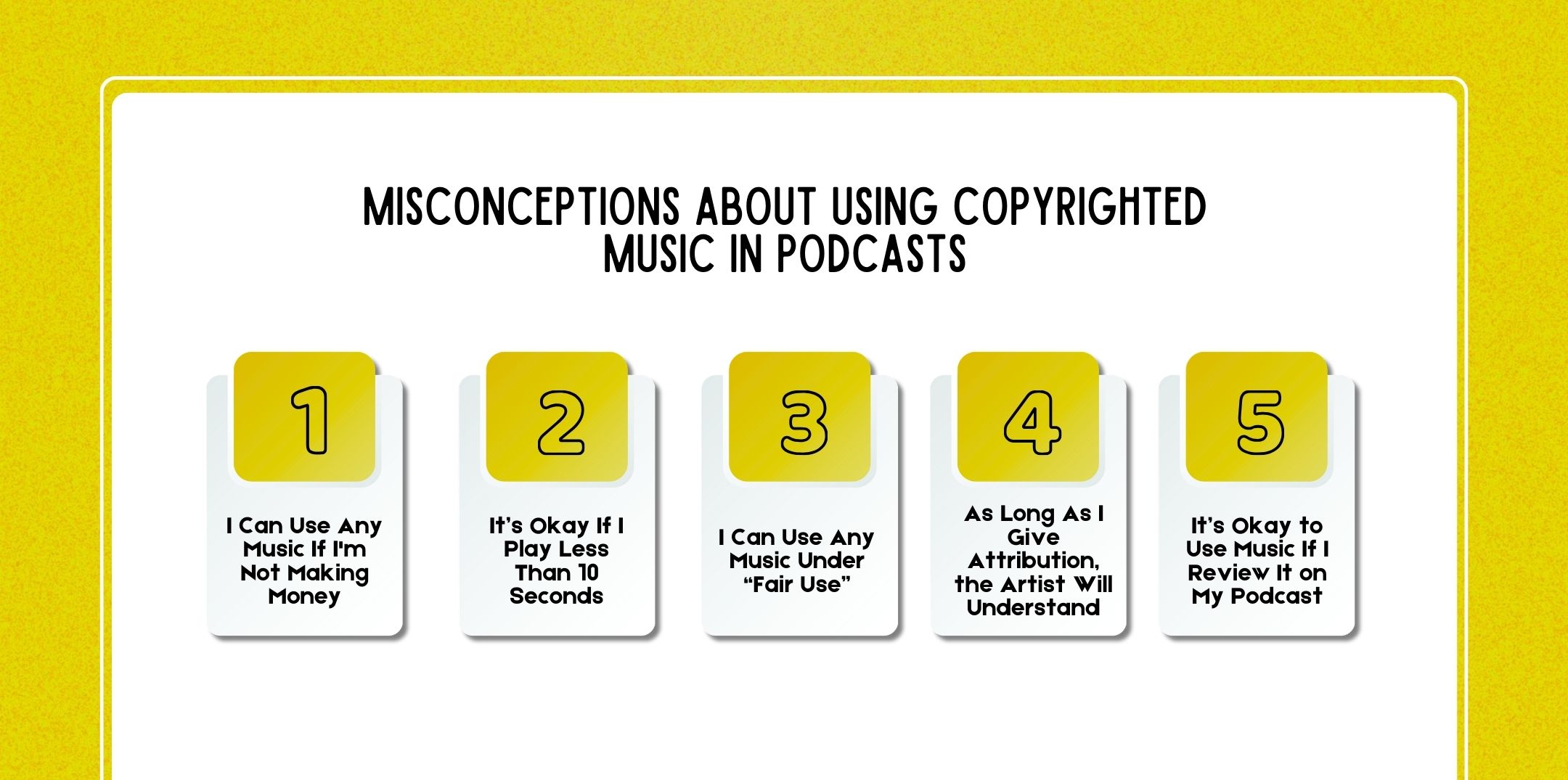
Copyright law is one of the most misunderstood areas in podcasting. Many creators unintentionally violate music licensing rules because they rely on myths, outdated advice, or social media rumors.
If you’re building a serious show, whether you’re planning podcast sponsorship deals, joining podcast networks, launching a private feed, or even learning how to get a job in podcasting, understanding music rights is non-negotiable.
Let’s break down the most common misconceptions in detail.
False. Copyright applies regardless of monetization.
One of the biggest misunderstandings is that “non-commercial use” equals “legal use.”
Copyright law protects the creator’s work automatically from the moment it is created. It does not depend on whether you:
Even if your podcast is:
You are still publicly distributing copyrighted content.
When you publish a podcast episode containing copyrighted music, you are:
These actions require permission regardless of profit.
Even if your show makes zero dollars, using copyrighted music without a license can lead to:
The law protects ownership not revenue status.
False. There is no universal “10-second rule.”
This myth likely originated from misunderstandings about “fair use” and sampling culture.
There is no official:
Using even one recognizable second of a copyrighted song without permission can constitute infringement.
Copyright protection applies to:
If the clip is identifiable, it may still infringe.
Courts evaluate copyright cases based on:
Not duration alone.
Even brief clips can:
There is no “magic time limit” that makes unauthorized use legal.
Fair use is complex and rarely applies to podcast intro music.
However, with fair use is one of the most misunderstood legal concepts in content creation.
Fair use considers four primary factors:
Using music as:
Therefore, almost never qualifies as fair use.
Fair use is more likely to apply when:
Even then, the amount used must be limited and justified. However, using a full chorus as your intro theme does not qualify.
Fair use is:
Meanwhile, it’s risky to rely on fair use as your primary strategy.
Giving credit does NOT replace licensing.
Attribution is not permission.
However, if a song is fully copyrighted and not licensed under Creative Commons or another open license, simply saying:
Therefore, that’s not how copyright works.
Attribution is necessary when:
However, attribution alone does not grant usage rights unless the license allows usage in the first place.
Without a proper license, credit does not protect you from:
Therefore, permission must come first. Credit comes second.
Context matters: background theme music ≠ review usage.
There’s a difference between:
If your podcast episode is specifically about analyzing a track, fair use may apply in limited circumstances.
For example:
However:
Goes beyond commentary and becomes redistribution.
Courts look at whether the use is:
Therefore, using music to enhance mood or branding is not commentary. Using a clip strictly to analyze it may be. The difference is substantial.
While the five myths above are the most common, there are other risky assumptions podcasters make.
Just because other creators use copyrighted music doesn’t mean they are compliant.
Many:
Therefore, visibility does not equal legality.
Availability does not equal permission. However, just because a track is uploaded publicly does not mean it is free to use.
You must verify:
Therefore, never assume public access equals legal access.
Enforcement is increasingly automated. Content detection systems scan audio:
However, even small shows can receive:
Finally, hosting warnings
Therefore, growth can also retroactively expose past violations.
Podcasting has become highly competitive.
If you’re:
While legal compliance is part of professionalism. However, brands and networks perform due diligence.
However, copyright violations can:
Therefore, protecting your show legally protects your long-term growth.
Instead of risking violations:
Always:
Treat music like any other business asset.
High-quality music supports:
If you’re planning:
Your music must be legally safe and professionally mixed.
Here are a few questions and queries on the topic of royalty-free music for podcasts that others have asked, and you might find helpful at the same time.
No, you cannot legally use music from Spotify in your podcast unless you have obtained a proper synchronization and distribution license directly from the copyright holders.
Yes, provided that you follow the license terms exactly.
Creative Commons (CC) music can be safe and cost-effective, especially for independent podcasters. However, not all CC licenses are the same.
Technically, no. You can launch a podcast without music. However, strategically, music is highly recommended.
If you’re serious about podcasting in 2026, yes. A quality podcast course does more than teach recording basics.
Yes, however, only if the platform grants commercial rights clearly and transparently.
No. Attribution only protects you if the license requires and permits usage. Although giving credit does not override copyright law.
No universal “10-second rule” exists. Short clips can still infringe copyright.
However, only licensed, Creative Commons (with correct permissions), or public domain music should be used.
Music defines your podcast’s emotional identity. Free platforms like Pixabay, YouTube Audio Library, and Incompetech are excellent starting points.
However, as your show grows, especially if you’re pursuing podcast sponsorship, joining podcast networks, or learning how to get a job in podcasting, upgrading to premium or AI-generated custom tracks can elevate your brand.
Always:
Great podcasts don’t just sound good, they sound intentional.

Nabamita Sinha loves to write about lifestyle and pop-culture. In her free time, she loves to watch movies and TV series and experiment with food. Her favorite niche topics are fashion, lifestyle, travel, and gossip content. Her style of writing is creative and quirky.

Barsha Bhattacharya, 2 weeks ago

Barsha Bhattacharya, 1 month ago