How Long Can A Reel Be On Instagram In 2026? What 10 Years On This Platform Has Taught Me?
sibashree bhattacharya, 4 days ago
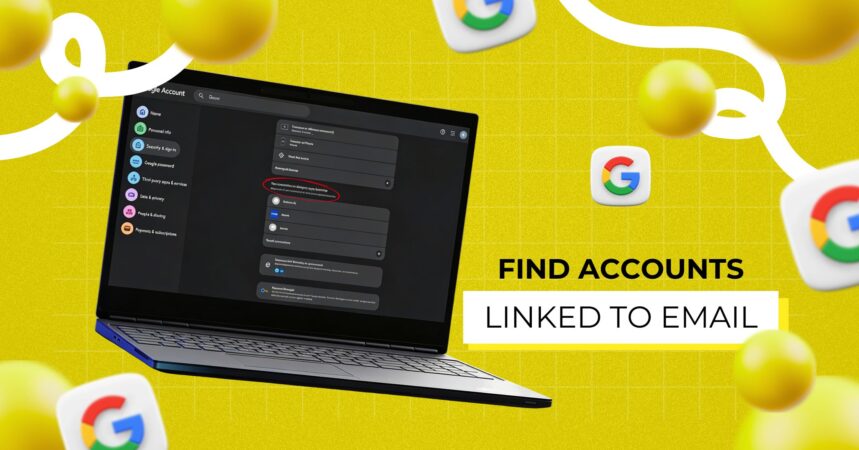
In today’s hyper-connected digital world, your email address is more than just a communication tool; it’s the central key to your online identity.
From social media and shopping platforms to banking apps and newsletters, almost every service is tied to your email.
However, over time, it becomes incredibly easy to lose track of where you’ve signed up. As a result, many users unknowingly leave behind dozens, even hundreds, of accounts linked to their email. Not only does this clutter your digital life, but it also increases security risks.
Therefore, if you’ve ever wondered “Find accounts linked to email?”, this comprehensive guide will walk you through everything you need to know step by step, method by method.
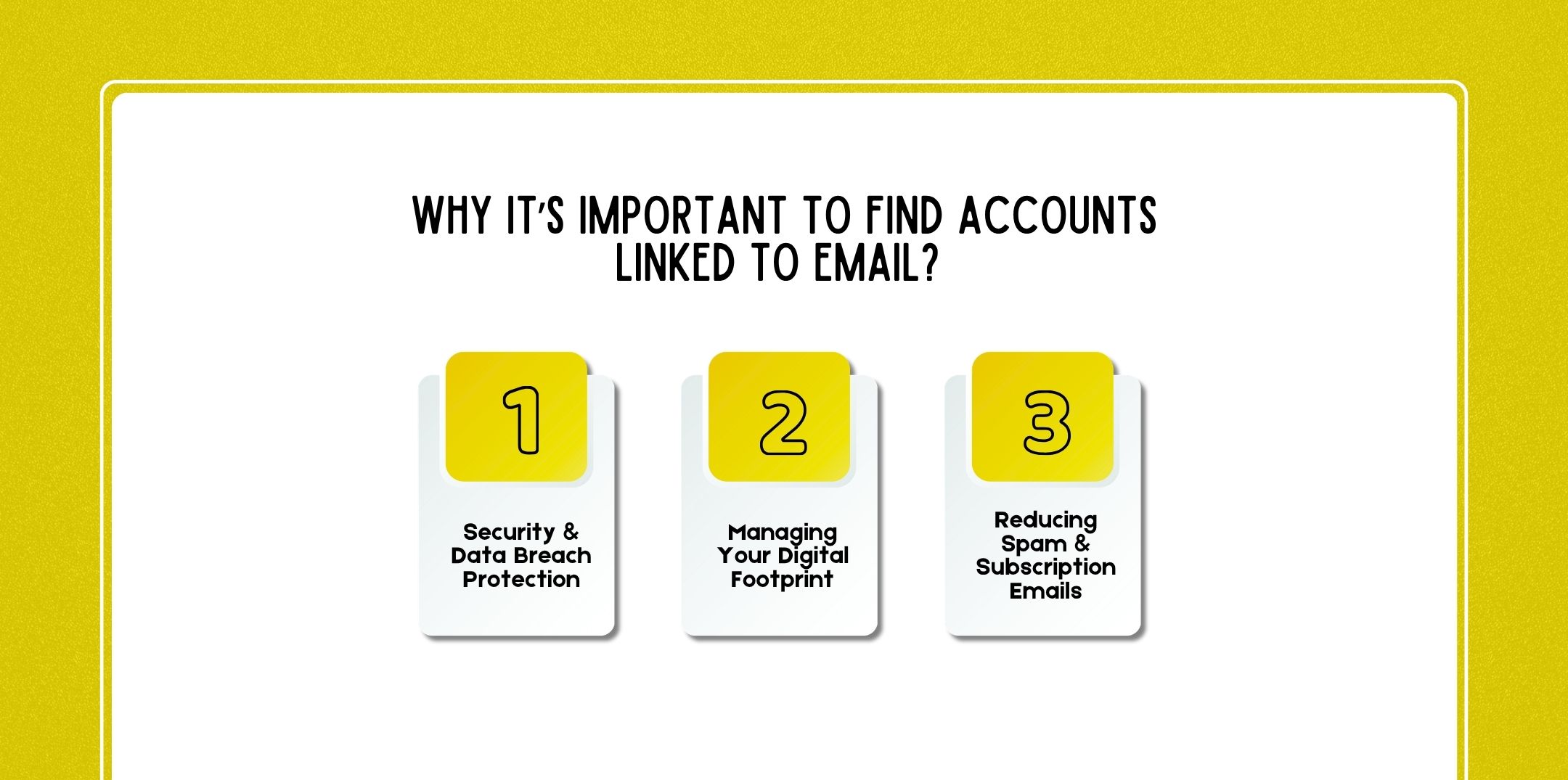
Before diving into the methods, it’s essential to understand why this matters. After all, managing your digital footprint isn’t just about organization; it’s about security, privacy, and control.
First and foremost, every account linked to your email is a potential entry point for hackers. If even one platform suffers a breach, your credentials could be exposed.
Tools like Have I Been Pwned help identify compromised accounts. Consequently, find accounts linked to email:
Your online presence is built over years. Therefore, every account contributes to your digital footprint.
By identifying linked accounts, you can:
If your inbox feels overwhelming, hidden accounts may be the reason. Many services send:
Thus, by tracking and removing unnecessary accounts, you can significantly reduce spam.
Related: How To Delete Your Digital Footprint (Complete Step-by-Step Guide For 2026)?
Here’s a quick comparison of the most effective methods:
| Method | Difficulty | Accuracy |
| Search email inbox | Easy | High |
| Google account permissions | Easy | High |
| Password manager records | Easy | Medium |
| Data breach databases | Easy | Medium |
| Username search | Medium | Medium |
| Social login dashboards | Easy | High |
| Browser saved logins | Easy | High |
| Email lookup tools | Medium | Medium |
| Search engines | Easy | Low |
| Manual account recovery | Medium | High |
As you can see, combining multiple methods gives the best results.
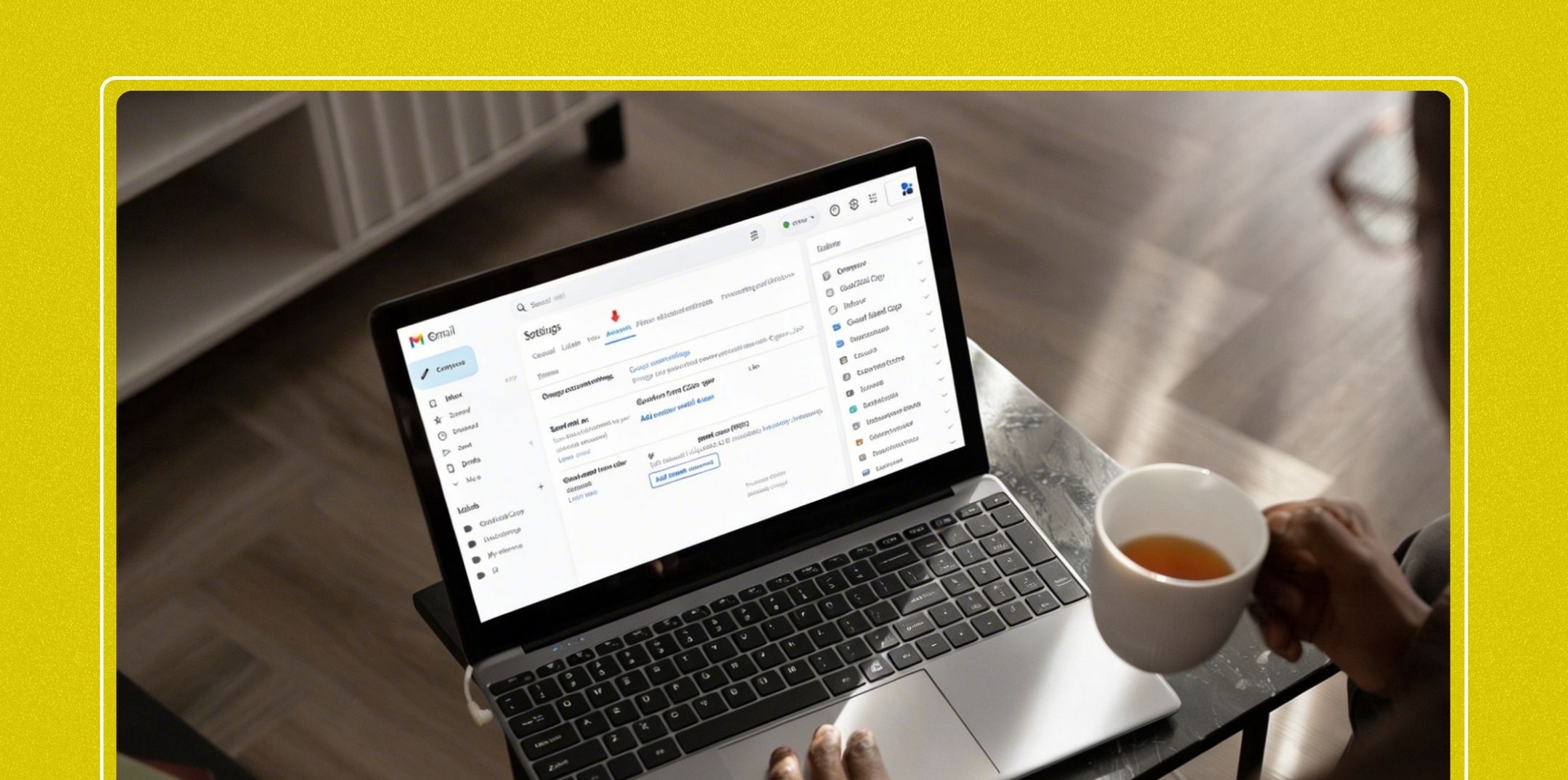
This is, without a doubt, the easiest and most effective starting point.
Search your inbox using keywords like:
Platforms like Gmail allow advanced search filters. For example:
Every account registration usually sends a confirmation email. Therefore, your inbox acts as a historical record of your digital activity.
Many apps and websites allow you to sign in using your primary accounts.
These dashboards show apps that:
Modern browsers store login credentials.
You’ll get a list of:

Data breach databases reveal where your email has been exposed.
Although it doesn’t list all accounts, it highlights high-risk ones.
These tools scan the internet for accounts linked to your email.
| Tool | Platforms Covered | Best For |
| Epieos | 200+ | Social accounts |
| Spokeo | 120+ | Public records |
| Been Verified | 55+ | Profile search |
They analyze:
Accuracy varies, so use results as guidance not absolute truth.
Sometimes, your email appears in public records or forums.
Search on Google Search:
You may discover:
If you’ve used “Continue with Google” or “Login with Facebook,” your accounts are linked.
Quickly identify:
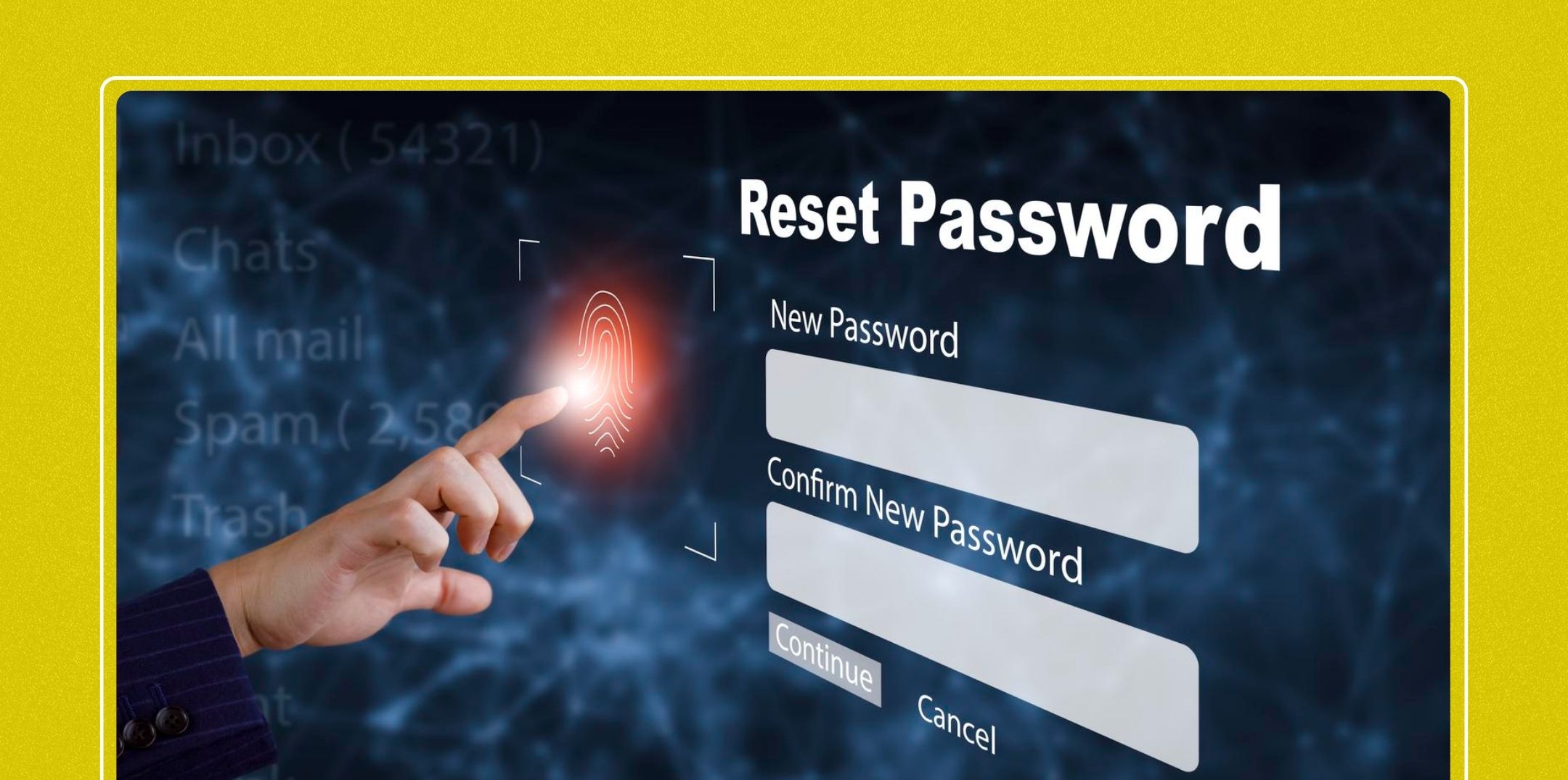
This is a clever yet effective method.
If you receive a reset email, you likely have an account there.
Subscriptions are often linked to accounts.
Recurring payments indicate active accounts.
These tools analyze your online presence.
Examples include:
They scan:
Here are a few questions and queries on the topic of finding accounts linked to the email you that others have asked, and it might be helpful for you as well.
Use a combination of:
• Firstly, email searches
• Secondly, account dashboards
• Thirdly, password managers
No single tool is perfect. However, tools like Have I Been Pwned and email lookup platforms help.
Yes, especially if your data is public or leaked. Therefore, securing accounts is essential.
Yes, most platforms allow account deletion through settings or support.
Not completely. However, using multiple methods gets you very close.
Limited information may be available publicly, but privacy laws restrict access.
Log in to accounts and delete them, or contact support.
You may have:
• Firstly, signed up long ago
• Secondly, used social login
• Thirdly, been added to mailing lists
Use password managers and regularly audit your accounts.
In conclusion, finding accounts linked to your email may seem overwhelming at first. However, with the right approach, it becomes a manageable and highly rewarding task.
By using a combination of:
You can regain full control over your digital presence.
Moreover, as online threats continue to grow, staying proactive is no longer optional; it’s essential. Therefore, make it a habit to review your accounts regularly, secure your data, and eliminate what you no longer need. Because ultimately, your email isn’t just an inbox, it’s the gateway to your entire digital life.
Additional Resources:

Nabamita Sinha loves to write about lifestyle and pop-culture. In her free time, she loves to watch movies and TV series and experiment with food. Her favorite niche topics are fashion, lifestyle, travel, and gossip content. Her style of writing is creative and quirky.

sibashree bhattacharya, 4 days ago

Subham Kamila, 4 days ago